Pastoral Care in Pushpay ChMS (CCB): What It Does Well, and What to Add
What CCB profile notes and process queues do for pastoral care, where care teams outgrow them, and how a two-way sync with Notebird gives care its own home.
By Thomas Griffin, Owner and CEO
Published
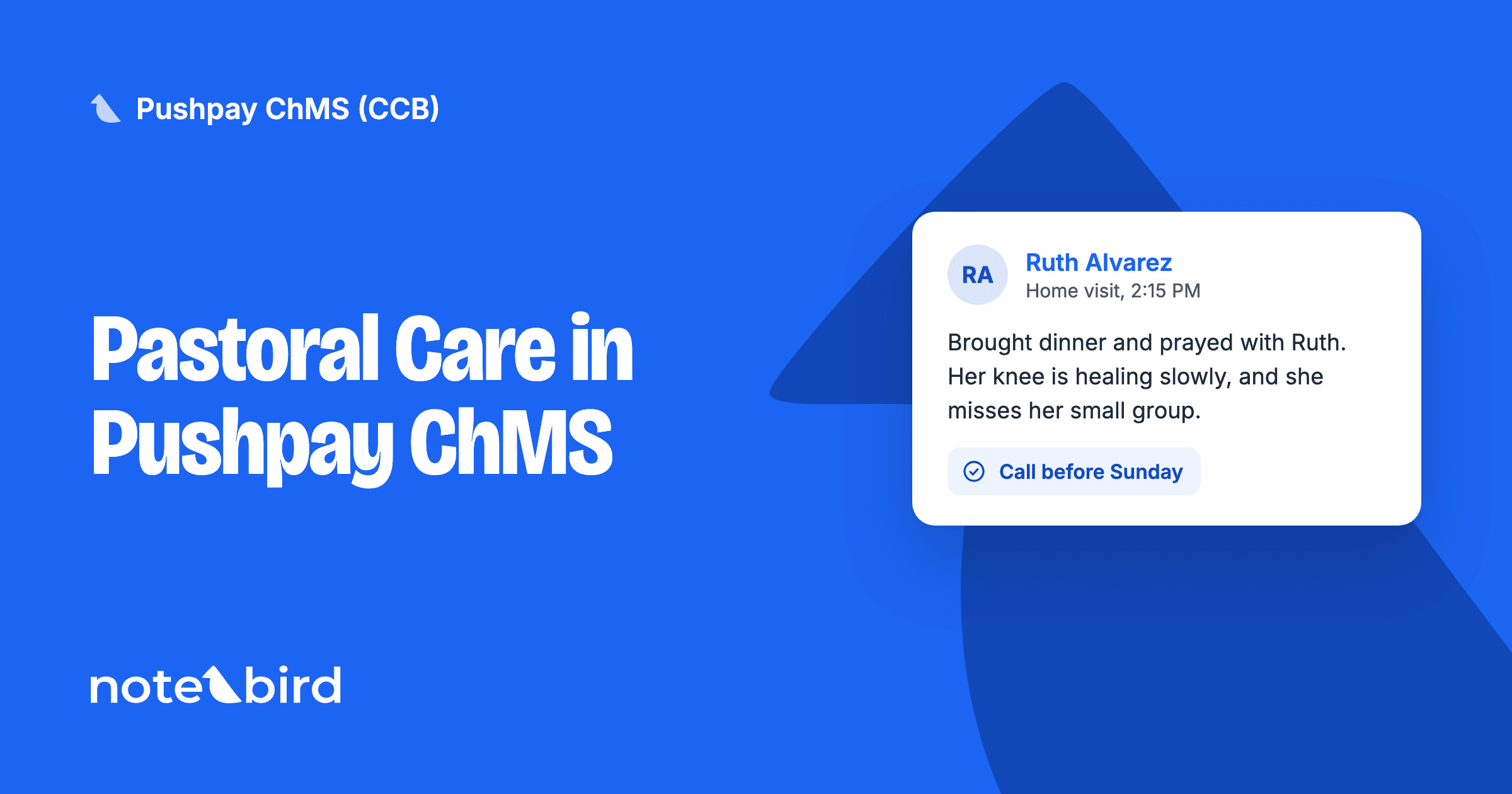
Pushpay ChMS (formerly Church Community Builder, or CCB) can handle the basics of pastoral care. Profile notes record a visit, and process queues move people through follow-up steps with due dates. Churches outgrow it when several people share the care. The common setup is CCB as the church database and a pastoral care app such as Notebird, connected with a two-way sync.
Pushpay bought Church Community Builder in 2019. Its website now calls the product ChMS, part of a suite it calls ChurchStaq. Most churches still say CCB, so this guide does too. CCB is a full church management system. It was not built to be a care system. This guide shows what it does well for care, where care teams get stuck, and how to give care its own home without leaving CCB.
What Pushpay ChMS Does Well for Pastoral Care
CCB has four features that help with care:
- Profile notes with visibility. You can add a note to a profile and show it to People Admin/Full Read users, to Appropriate Leaders, or to Only Me. Pushpay also has a help article on managing confidential notes for pastoral care.
- Process queues. A process is a set of steps called queues. Each queue has managers, a due date, email reminders, and notes. You can hide a queue, so only that process's managers see who is in it.
- The LEAD app. Leaders can open a profile on their phone, see a timeline for the person, leave notes, work their queues, and see upcoming birthdays and anniversaries for their group members. See Learning about the LEAD App.
- Notes reports. The Individual Notes Report and the Process Notes report list notes by date or by text, and you can export them to a spreadsheet.
Process queues are the strong part. For a set pipeline, such as guest follow-up, a membership class, or baptism prep, they work well. Each step has an owner, a date, and a reminder.
Where Care Gets Hard in CCB
Here is a common month. Dorothy's husband, Walt, falls and breaks his hip.
In CCB, the care team works like this:
- The pastor visits Walt and writes a profile note. The church has the Advanced package, so Only Me is not an option. The note goes to Appropriate Leaders.
- The office adds Dorothy to a hidden "Care Calls" queue. A deacon manages the queue, gets the email reminder, and calls her.
- A volunteer brings meals twice a week. The volunteer has no CCB login, so the update goes by text message to the pastor.
- Three weeks later, the associate pastor wants to know how Walt is doing. Part of the story is in a profile note, part is in the queue, and part is in a text thread.
- Walt comes home. The queue step is done, and nobody owns the next call.
None of these are mistakes. They happen because CCB splits care across profile notes and queues, and it gives the team no shared memory of the care. These are the limits care teams run into:
- Private notes depend on your package. Only Me needs the Complete package. Notes in a hidden queue are limited to that process, but the Master Admin and Process Admins can always see them.
- The note list on a profile cannot be searched. To find a word, you run the Individual Notes Report and filter by text.
- Ongoing care does not fit a pipeline. A widow who needs a call every month for a year is not a set of steps. The Core package also allows only 1 process and 10 queues.
- Dates beyond birthdays take work. The LEAD app shows upcoming birthdays and anniversaries. Reminders for a surgery date, a baptism, or the anniversary of a death are not documented.
- The phone app depends on your package. The LEAD app needs the Advanced or Complete package, and it is for staff and leaders with permissions.
- Leaders cannot see the team's care in one place. A team-wide feed of visits, calls, and meals is not documented.
What Notebird Adds to Pushpay ChMS
Notebird is pastoral care software built for this job. CCB stays your database. Notebird gives care its own home. Here is the same month with Dorothy and Walt in Notebird.
One Care History Per Person
The pastor logs the hospital visit as an update from a phone in the parking lot. The deacon's call and the volunteer's meals go on the same timeline. Anyone who serves Walt and Dorothy sees what happened and what comes next. Every update is searchable, so "hip" or "rehab" finds it a year later.
Restricted Notes That a Team Can Share
A sensitive update can be restricted. A restricted update shows only to people with restricted access, such as the owner, the organization admins, and care admins. The rest of the team still sees that a visit happened, without the private details. This is on every Notebird plan.
Follow-Ups With an Owner and a Due Date
"Call Dorothy after Walt comes home" becomes a task with a name on it and a due date. It stays on that person's list until it is done. Ongoing care is the next task, not a new queue.
Reminders for the Dates That Matter
Birthdays and anniversaries come in from CCB as milestones. Add the date of the fall as a milestone, check "Show annually," and the team sees it next year. The same works for baptisms, sobriety dates, and the anniversary of a death.
Volunteers See Only Their People
Put people in care groups such as Hospitalization or Homebound. Give a volunteer the Group Member role, and they see only the people in their groups. They log care from their phone. They never need a CCB login.
Each morning, the Early Bird Report shows each person their overdue tasks, the tasks due today, today's milestones, and yesterday's updates. Leaders see the whole team's care in the activity feed, and care reports show who received care and what is still open.
How the Two-Way Sync With CCB Works
You do not keep two directories. Notebird connects to Pushpay ChMS with an API user that a CCB Master Admin makes in about 5 minutes. The first sync starts at once and takes a few minutes, even for a large church.
From CCB to Notebird:
- Names, phone numbers, emails, and addresses.
- Birthdays and anniversaries, gender, and marital status.
- Membership type and membership date, and family relationships.
- Only the membership types you pick, or everyone. Your member types are picked to start. New people go to the Notebird location you pick.
When CCB changes come in: every night, and each time an admin clicks Sync now. CCB does not send webhooks, so changes are not instant. Click Sync now after you add people or change membership in CCB.
From Notebird to CCB:
- New people your team adds in Notebird.
- Edits to names, phone numbers, the first email, mailing address, birthday, anniversary, gender, and marital status.
Notebird never deletes, archives, or merges anyone in CCB, and it never clears a field in CCB.
Stays private in Notebird: care updates, tasks, milestones you add, and anything private. They never go into CCB. Notebird also does not bring in giving data, health data such as allergies, logins, privacy settings, photos, or user-defined fields.
When someone leaves CCB: people who are inactive or deceased in CCB are archived in Notebird, never deleted. They keep their care history. If a sync would suddenly archive many people, a safety stop pauses it and asks you first.
No duplicates: people already in Notebird, from a spreadsheet import or added by hand, are linked when the match is clear. Unsure matches go on a list. An admin checks each one ("Is this the same person?") and merges them or keeps both.
See more on our page about pastoral care for Pushpay ChMS churches, or read the full Notebird and Pushpay ChMS comparison.
Pushpay ChMS Alone, or Pushpay ChMS Plus Notebird?
| What you need | Pushpay ChMS alone | Pushpay ChMS + Notebird |
|---|---|---|
| Church database, giving, check-in | Yes | Yes (Pushpay ChMS) |
| Care notes | Profile notes and queue notes | Updates on one timeline |
| Search care notes | Notes report, filter by text | Yes |
| Private notes | Only Me on the Complete package | Restricted updates on every plan |
| Follow-up | Process queues | Tasks with an owner and due date |
| Ongoing care | A new queue step | The next task |
| Volunteers without database access | Need a CCB login | Yes, by care group |
| Reminders beyond birthdays | Not documented | Any milestone, every year |
| See the team's care at a glance | Not documented | Activity feed, Early Bird, reports |
If one pastor does all the care, CCB alone can work. Keep your process queues for guest follow-up and other set pipelines. Once two or more people share the care, most churches find a care app worth it. The same is true for Planning Center and Breeze churches.
How to Set It Up This Week
- Start a free Notebird trial. It is 14 days, and no credit card is needed. The CCB sync is on every plan, and Notebird starts at $12 per month for one user.
- Open the CCB setup. In Notebird, go to Settings, Integrations, and click "Sync with Pushpay ChMS (CCB)."
- Make the API user in CCB. Notebird shows the name, user name, and password to copy, and the services to check. A CCB Master Admin must do this step. If that is not you, click "Email the steps to your admin."
- Pick who comes in. Choose the membership types and the Notebird location for new people. Notebird checks the login, and the first sync starts at once.
- Check the unsure matches, one at a time, if Notebird lists any.
- Make two or three care groups, such as Hospitalization and Homebound, and invite your care team.
- Log the first visit from your phone. Then add the follow-up task before you leave the parking lot.
Keep Pushpay ChMS for giving, check-in, groups, and events. Let Notebird hold the care. Then the next time someone asks how Walt is doing, the answer is one search away.