Pastoral Care in Breeze ChMS: What It Does Well, and What to Add
What Breeze ChMS Notes and Follow Ups do for pastoral care, where care teams outgrow them, and how a two-way sync with Notebird gives care its own home.
By Thomas Griffin, Owner and CEO
Published
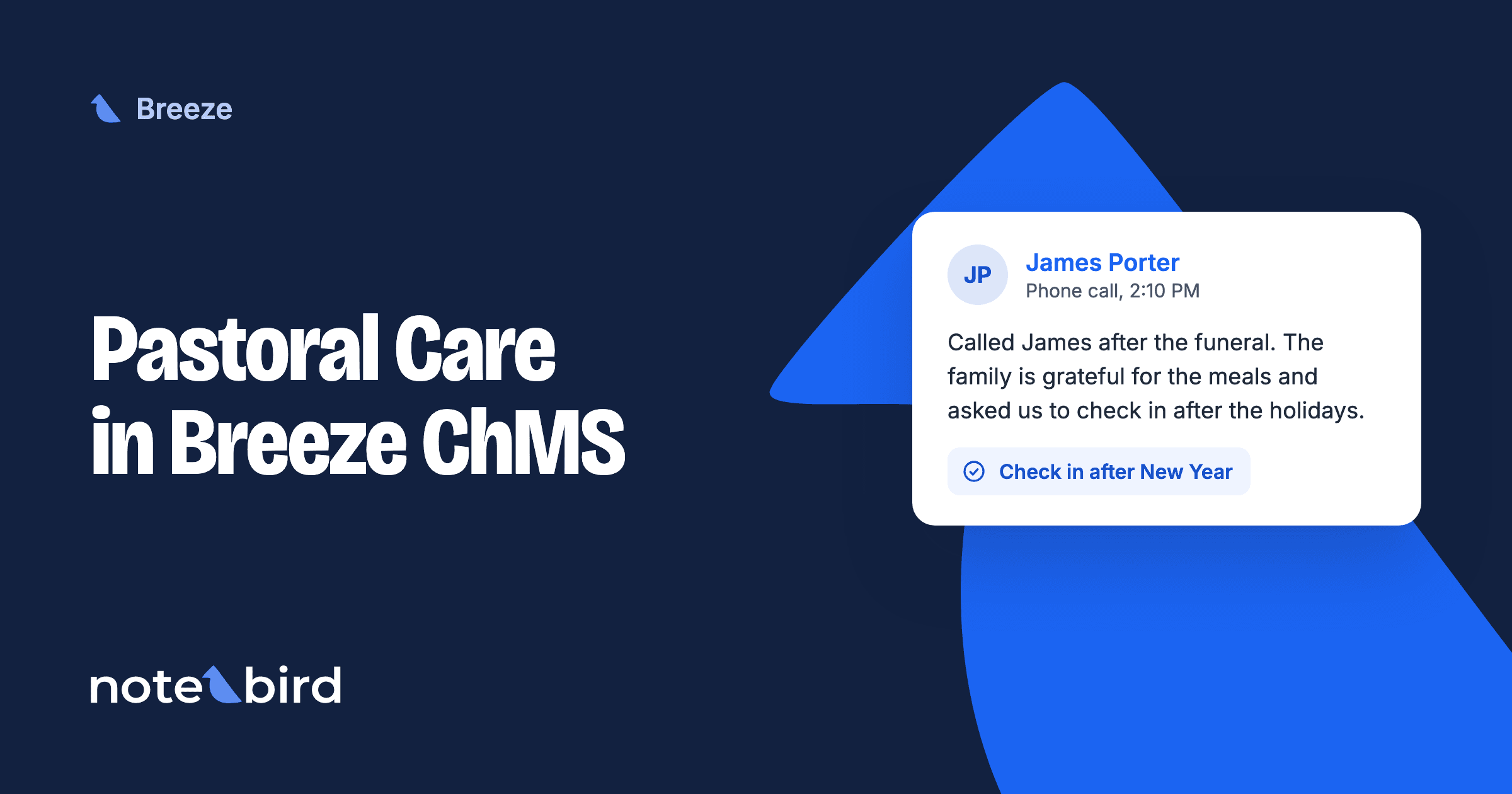
Breeze ChMS can handle the basics of pastoral care. Notes record a visit on a profile, and Follow Ups give someone a task with a due date. Churches outgrow it when several people share the care. The common setup is Breeze as the church database and a pastoral care app such as Notebird, connected with a two-way sync.
Breeze is now part of Tithely, and its website calls it Tithely Church Management. Most churches still call it Breeze, so this guide does too. It is a good, simple church database. It was not built to be a care system. This guide shows what Breeze does well for care, where care teams get stuck, and how to give care its own home without leaving Breeze.
What Breeze Does Well for Pastoral Care
Breeze has four features that help with care:
- Notes on each profile. The Breeze help center says that "if a pastor has made a care call or visit, he can write notes" in the Notes area of the profile. Each note is dated automatically. You can mark a note as private.
- Follow Ups. You set up follow-up types with a name, instructions, a default person, and the number of days to complete them. Then you assign a Follow Up from a profile, from the dashboard, or to everyone in a tag. The person who gets it can mark it complete from the email, with a note, and without a login.
- Notifications. Breeze can email each staff member a list of next month's birthdays and anniversaries, plus a weekly summary of Follow Ups, new people, and attendance.
- Automations. A Follow Up Progression starts the next follow-up when one is done, up to 365 days later. A birthday automation sends a "Happy Birthday" email every morning. Smart Tags keep lists such as "Members" current every hour. See the Automations overview.
For a pastor and one or two staff, that is often enough. Write a note after each visit, use a Follow Up for new guests, and turn on birthday emails.
Where Care Gets Hard in Breeze
Here is a common month. Ruth's husband, Frank, has a stroke and goes into rehab.
In Breeze, the care team works like this:
- The pastor visits Frank and writes a private note on his profile. Only the pastor can see it.
- The office assigns a Follow Up to a deacon to call Ruth. The deacon marks it complete from the email.
- A volunteer drives Ruth to rehab twice. The volunteer has no Breeze login, so the update goes by text message to the pastor.
- Three weeks later, the associate pastor wants to know how Frank is doing. The private note is hidden from her, and notes cannot be searched.
- Frank comes home. Nobody owns the next call.
None of these are mistakes. They happen because Breeze keeps care in notes and single tasks, and it gives a team no shared memory of the care. These are the limits care teams run into:
- Notes cannot be searched. The Breeze help center says notes "can't be searched or reported on." If you want to see every profile with a note, "there is not a way to do this." The workaround is to export all notes to Excel.
- Private means private to one person. "Mark as Private" hides a note from everyone except its author. A care team cannot share a private note. Breeze also warns that anyone with export access can still export private notes. For notes that some roles can see and others cannot, Breeze suggests that you build note fields as custom profile fields and set role permissions on them.
- Only the author can edit a note. If the pastor is away, nobody else can correct or add to the note.
- Follow Ups do not carry the story. When a Follow Up Progression starts the next step, Breeze "does not copy the notes from the previous task." The next person must open the old assignments to see what happened.
- Dates beyond birthdays need work. Breeze notifications list anniversaries only from a date field with "anniversary" in its name, and each user can have only one anniversary list. Wedding anniversaries, surgery dates, and the anniversary of a death each need a workaround.
- Leaders cannot see the team's care in one place. Breeze can email a weekly list of Follow Ups. There is no feed of the notes, visits, calls, and meals your team gave this week.
What Notebird Adds to Breeze
Notebird is pastoral care software built for this job. Breeze stays your database. Notebird gives care its own home. Here is the same month with Ruth and Frank in Notebird.
One Care History Per Person
The pastor logs the visit as an update from a phone in the rehab parking lot. The deacon's call and the volunteer's rides go on the same timeline. Anyone who serves Frank and Ruth sees what happened and what comes next. Every note is searchable, so "rehab" or "stroke" finds it a year later.
Restricted Notes That a Team Can Share
A sensitive update can be restricted. A restricted update shows only to people with restricted access, such as the owner, the organization admins, and care admins. The rest of the team still sees that a visit happened, without the private details.
Follow-Ups With an Owner and a Due Date
"Call Ruth after Frank comes home" becomes a task with a name on it and a due date. It stays on that person's list until it is done. Ongoing care is just the next task.
Reminders for the Dates That Matter
Birthdays, anniversaries, and join dates come in from Breeze as milestones. Add the date of the stroke as a milestone, check "Show annually," and the team sees it next year. The same works for the anniversary of a death. Read more in our guide to tracking member milestones.
Volunteers See Only Their People
Put people in care groups such as Hospitalization or Homebound. Give a volunteer the Group Member role, and they see only the people in their groups. They log care from their phone. They never need a Breeze login.
Each morning, the Early Bird Report shows each person their overdue tasks, the tasks due today, today's milestones, and yesterday's updates. It also suggests a few people who have not had care in a while. Leaders see the whole team's care in the activity feed.
How the Two-Way Sync With Breeze Works
You do not keep two directories. Notebird connects to Breeze with your Breeze subdomain and an API key. Breeze lists Notebird as an extension.
From Breeze to Notebird:
- Names, photos, mobile, home and work phones, one email, and one address.
- Birthdays, anniversaries, and join dates. Each one becomes a milestone in Notebird.
- Gender, marital status, and family connections such as spouse, parent, and child.
- Membership, from the Breeze Status field or another field you pick. You can bring in everyone, or only the membership types you care for.
- Campus, employer, and school, as lines in the person's profile notes.
When Breeze changes come in: at setup, and each time an admin clicks Refresh data in Notebird's integration settings. You can refresh once an hour. Breeze changes do not flow in on their own, so refresh after you add people or change membership in Breeze.
From Notebird to Breeze, right away:
- New people your team adds in Notebird.
- Edits to names, phones, email, birthday, anniversary, join date, gender, marital status, status, campus, employer, and school.
Stays private in Notebird: care updates, tasks, milestones you add, groups, and reports. They never go back into Breeze. Notebird adds one thing to each Breeze profile: an "Open in Notebird" button, so staff can jump from Breeze to the person's care history.
When someone leaves Breeze: on the next refresh, Notebird removes them. If they have care history, Notebird archives them instead, so you keep every note.
See more on our page about pastoral care for Breeze churches.
Breeze Alone, or Breeze Plus Notebird?
| What you need | Breeze alone | Breeze + Notebird |
|---|---|---|
| Church database, giving, check-in | Yes | Yes (Breeze) |
| Care notes | Notes on the profile | Updates on one timeline |
| Search care notes | No | Yes |
| Private notes a team can share | Custom profile fields + roles | Restricted updates |
| Follow-up | Follow Ups | Tasks with an owner and due date |
| Volunteers without database access | Need a Breeze role | Yes, by care group |
| Reminders beyond birthdays | One anniversary list per user | Any milestone, every year |
| See the team's care at a glance | No | Activity feed, Early Bird, reports |
If one pastor does all the care, Breeze alone can work. Once two or more people share the care, most churches find a care app worth it. The same is true for Planning Center churches. See pastoral care in Planning Center.
How to Set It Up This Week
- Start a free Notebird trial. No credit card is needed.
- Open the Breeze setup. In Notebird, go to Account settings, Integrations, and click "Sync with Breeze ChMS." Enter your Breeze subdomain.
- Add the Notebird field in Breeze. Add a Text profile field named "Notebird." This is where the "Open in Notebird" button goes.
- Paste your API key. Copy it from Breeze (Extensions, then API) and paste it in.
- Pick who comes in. Choose the field that holds membership, such as Status, and pick everyone or only some types. Click "Finish and sync."
- Make two or three care groups, such as Hospitalization and Homebound, and invite your care team.
- Log the first visit from your phone. Then add the follow-up task before you leave the parking lot.
Keep Breeze for giving, check-in, events, and email. Let Notebird hold the care. Then the next time someone asks how Frank is doing, the answer is one search away.