ShulCloud integration

ShulCloud + Notebird: congregational care for ShulCloud synagogues

ShulCloud runs membership, dues, and billing. Notebird runs the care. The free Notebird Synagogue Exporter brings your congregants, Hebrew names, birthdays, anniversaries, b’nai mitzvah dates, yahrzeits, and membership types from ShulCloud into Notebird. Your rabbi, cantor, and caring committee then keep every bikur cholim visit, shiva call, and chesed follow-up in one private, shared place, so the congregant home from surgery gets the call that was promised.
14-day risk-free trial
No credit card required
⭐️⭐️⭐️⭐️⭐️ 4.9/5 stars
Capterra rating badgeCapterra Best Ease of Use badgeSoftware Advice Best Customer Support badgeGetApp User Reviews badgeSoftware Advice Most Recommended badge

ShulCloud knows who belongs. Notebird knows who needs a call this week.

How it works

Run the exporter, and your congregants arrive in Notebird.

Install the free extension in Chrome, sign in to ShulCloud and Notebird, and run the export. The exporter reads your ShulCloud reports and sends the data to Notebird. It is one-way, from ShulCloud to Notebird, and it is not automatic: run it again when you want Notebird to pick up new changes.

What syncs

ShulCloud stays your system of record. Notebird gets the people and dates your caring community needs. Congregants marked deceased in ShulCloud are archived in Notebird, so their care history stays.

From ShulCloud to Notebird

  • Congregants, with family members on the same account linked
  • Phone numbers, emails, and addresses
  • Birthdays and anniversaries
  • Hebrew names, Hebrew birthdays, and parents’ Hebrew names
  • Membership types
  • B’nai mitzvah dates
  • Yahrzeits, on their next observance date (optional)

Stays in ShulCloud

  • Membership records
  • Dues and billing
  • Everything else ShulCloud does today
  • Nothing from Notebird is sent back to ShulCloud

Stays private in Notebird

  • Bikur cholim visits and shiva calls
  • Chesed follow-up tasks and who owns them
  • Restricted notes for clergy
  • Care reports and the team activity feed

Yahrzeits and lifecycle events

The right call on the right day

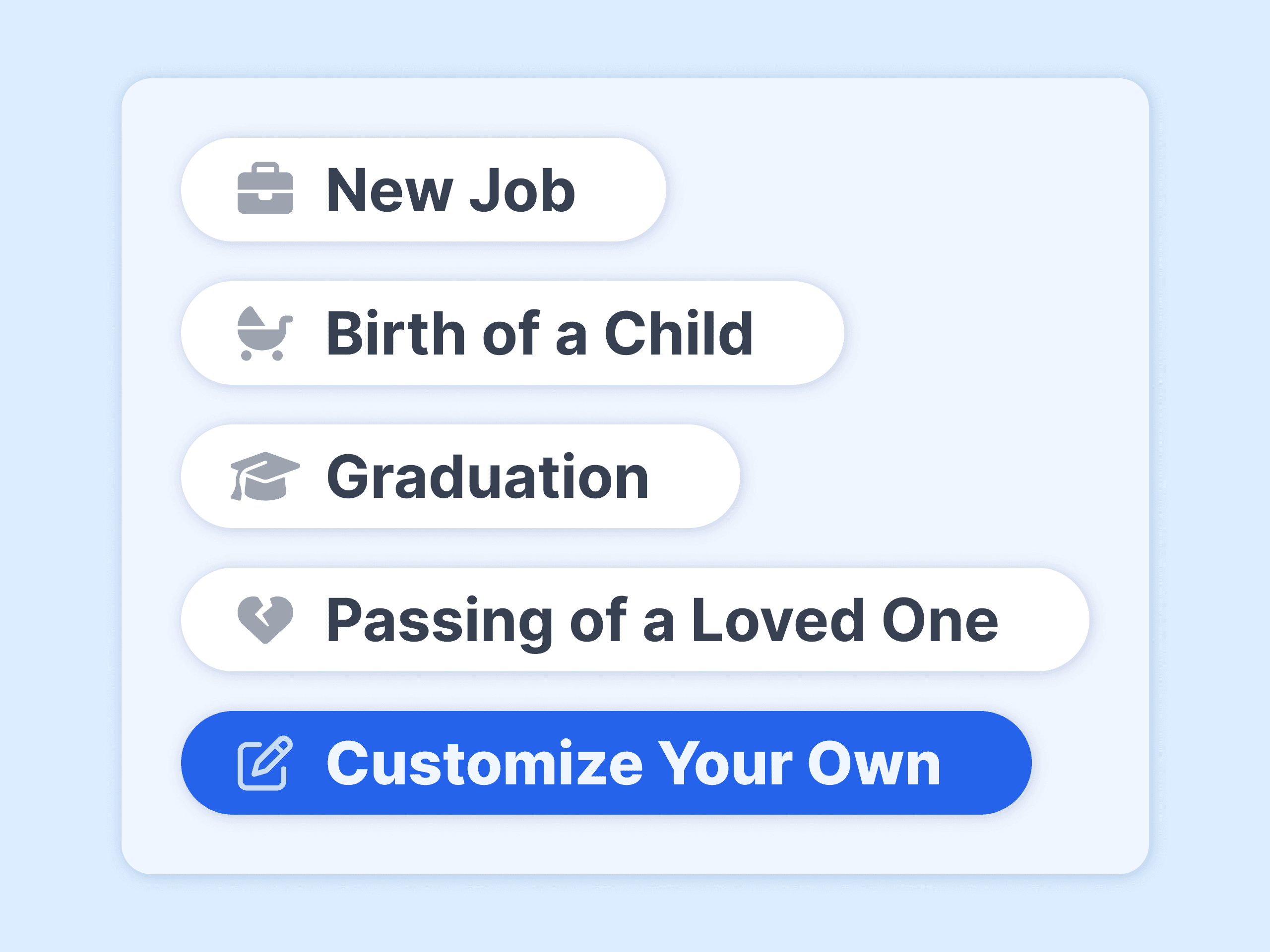
Yahrzeits and b’nai mitzvah dates from ShulCloud become milestones. Add weddings, births, or any custom lifecycle event. On the day, each one shows up in the Early Bird morning report, so the clergy team and the caring committee know who to call. A call on a parent’s yahrzeit tells a congregant that their community remembers too.

Caring committee

Bikur cholim and chesed, organized

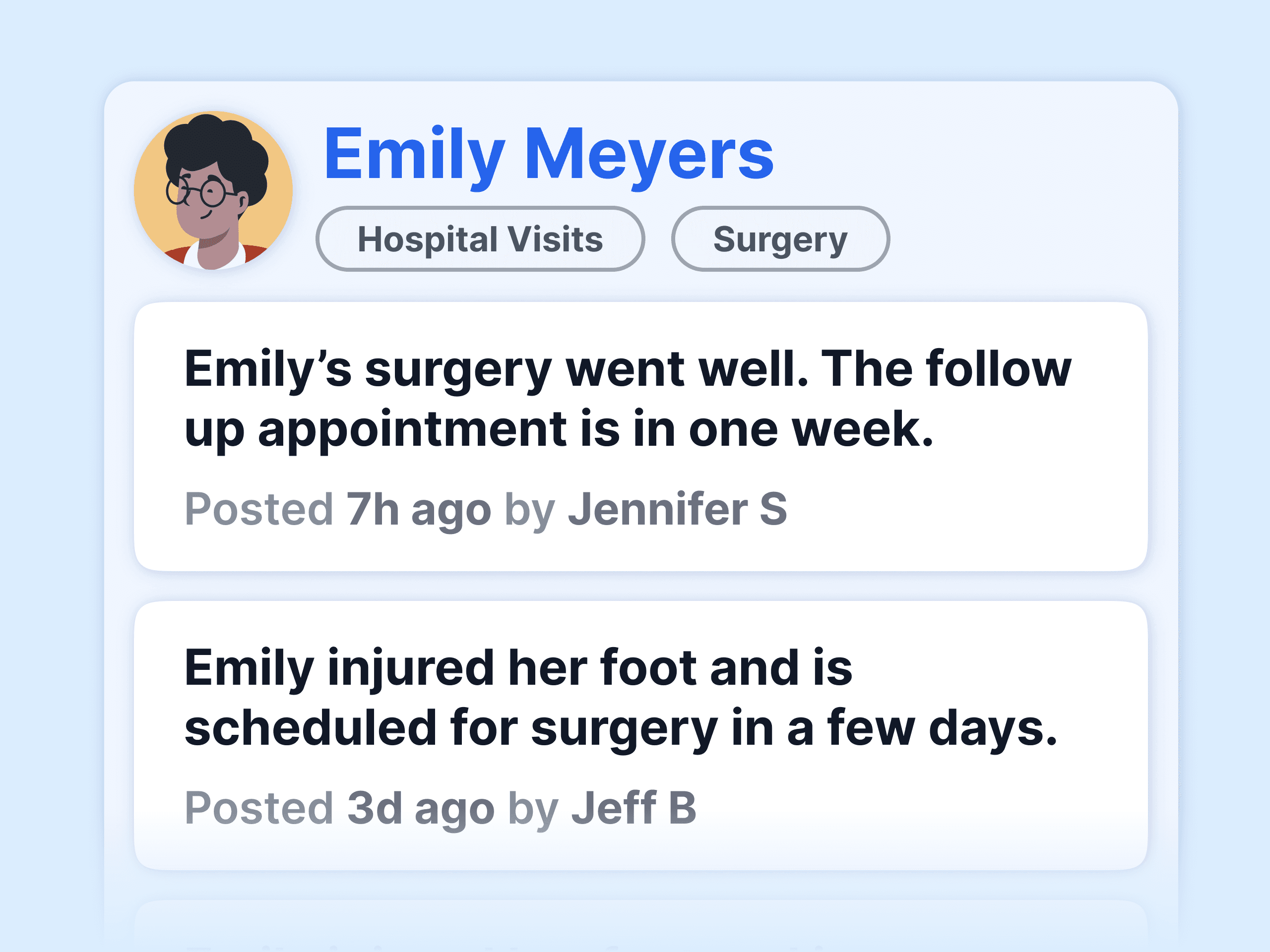
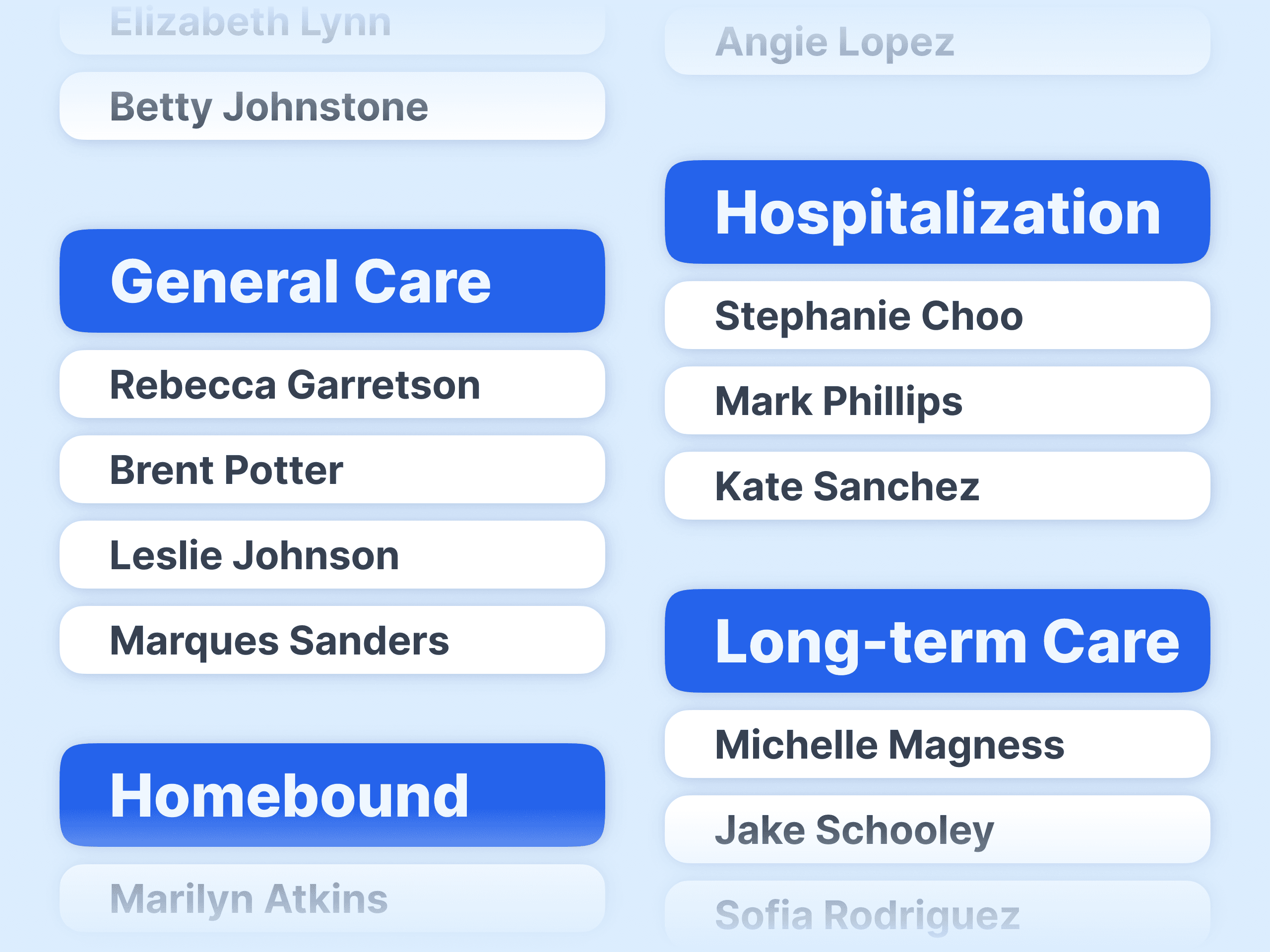
Log a hospital visit, a shiva call, or a talk after services. Assign the next check-in with a due date, so it does not depend on one volunteer’s memory. Give each caring committee volunteer a group of congregants, and they see only those people. Mark a sensitive note restricted so only clergy and care admins can read it.

ShulCloud + Notebird

What you get with both

Free exporter
A Chrome extension pulls from your ShulCloud reports.
Yahrzeit reminders
Each one shows up in the Early Bird Report on the day.
Care history per person
Every visit and call, in order, searchable.
Private by design
Care notes stay in Notebird and never go to ShulCloud.
Chesed follow-ups
Tasks with names and due dates, not a list nobody checks.
Run it any time
Run the exporter again to pick up ShulCloud changes.
14-day risk-free trial
No credit card required
⭐️⭐️⭐️⭐️⭐️ 4.9/5 stars
Capterra rating badgeCapterra Best Ease of Use badgeSoftware Advice Best Customer Support badgeGetApp User Reviews badgeSoftware Advice Most Recommended badge

Set up the ShulCloud exporter

  1. Start a free Notebird trial, or sign in to Notebird as an admin, in Chrome.
  2. Install the free Notebird Synagogue Exporter from the Chrome Web Store.
  3. Sign in to ShulCloud as an admin in the same browser.
  4. Open the extension, choose whether to include yahrzeits, and run the export.
  5. Run it again whenever you want ShulCloud changes in Notebird.

Full walkthrough with screenshots: ShulCloud setup guide. Wondering how the two tools divide the work? Read Notebird vs ShulCloud.

ShulCloud integration: common questions

Does Notebird integrate with ShulCloud?
Yes. The free Notebird Synagogue Exporter Chrome extension pulls people, Hebrew names, birthdays, anniversaries, b'nai mitzvah dates, yahrzeits, and membership types from your ShulCloud reports and sends them to Notebird. ShulCloud stays your system of record for membership, dues, and billing.
Is the ShulCloud sync automatic?
No. An admin runs the exporter from Chrome while signed in to ShulCloud and Notebird. Each run brings Notebird up to date with ShulCloud. Run it again whenever you want new members or changes from ShulCloud to show up in Notebird.
Is the ShulCloud sync two-way?
No. It is one-way, from ShulCloud to Notebird. Care notes, tasks, and milestones you add in Notebird stay in Notebird and never go to ShulCloud, so bikur cholim visits and other sensitive notes stay with the caring committee.
How do yahrzeits from ShulCloud work in Notebird?
If you include yahrzeits in the export, each one comes into Notebird as a milestone on its next observance date. On the day, it shows up in the Early Bird morning report, so the rabbi or the caring committee can call. The next export brings the date after that.
Can our caring committee volunteers see only the people they care for?
Yes. Put the people each volunteer cares for in a group and give that volunteer the Group Member role. They see only the people in their groups. Mark a sensitive update as restricted, and only the Organization Owner, Organization Admins, and Care Admins can read it.
What does the ShulCloud integration cost?
Nothing extra. The Synagogue Exporter is free, and the integration is included on every Notebird plan. Notebird is priced per user per month, with every feature included and a 14-day free trial that needs no credit card. You can try the exporter with your own ShulCloud data during the trial.

Also see: Notebird for synagogues, caring committee guide, bikur cholim committee guide.

Free trial. Immediate peace of mind.
Start for Free Now →

Try it with your own ShulCloud data. The exporter is free, and the 14-day trial needs no credit card.

Still have questions?
Contact UsSee All Features