For churches on Planning Center

Planning Center integration: PCO runs your church, Notebird runs the care.

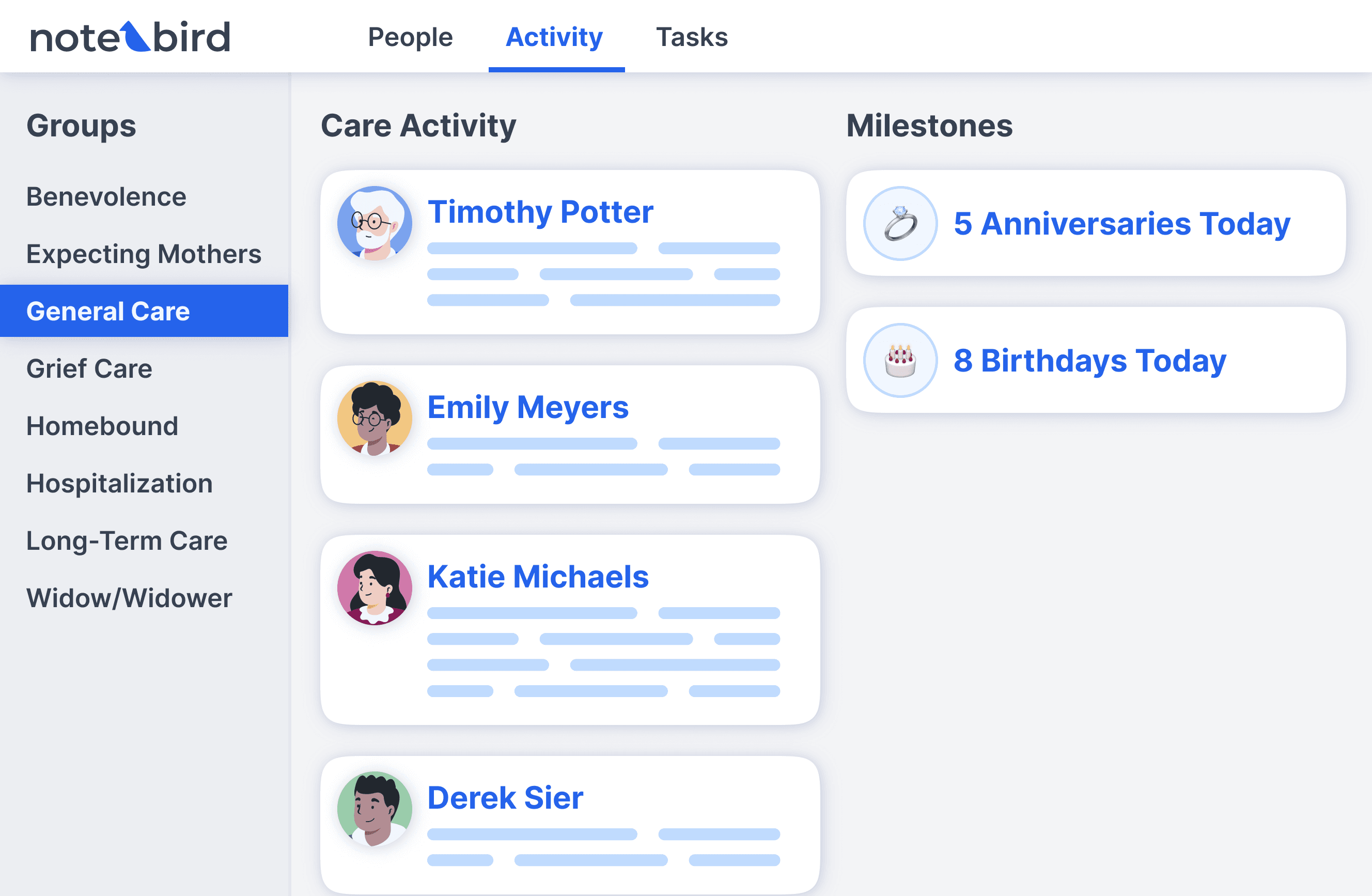
Notebird connects to Planning Center People in about a minute. Your people, photos, households, birthdays, and anniversaries sync automatically and stay current. Notebird adds what Planning Center does not have: private care notes, follow-up tasks with owners, milestone reminders, care reports, and a team activity feed.
14-day risk-free trial
No credit card required
⭐️⭐️⭐️⭐️⭐️ 4.9/5 stars
Capterra rating badgeCapterra Best Ease of Use badgeSoftware Advice Best Customer Support badgeGetApp User Reviews badgeSoftware Advice Most Recommended badge

Planning Center knows who came on Sunday. Notebird knows what they are walking through, and who is walking with them.

What syncs

Your people, always current, filtered the way you want

Choose which Planning Center membership types to include (members only, members and regular attenders, everyone). Notebird imports those people with photos and households and keeps them updated whenever something changes in Planning Center. No spreadsheets, no re-imports.

What Notebird adds

Care notes and follow-ups Planning Center was not built for

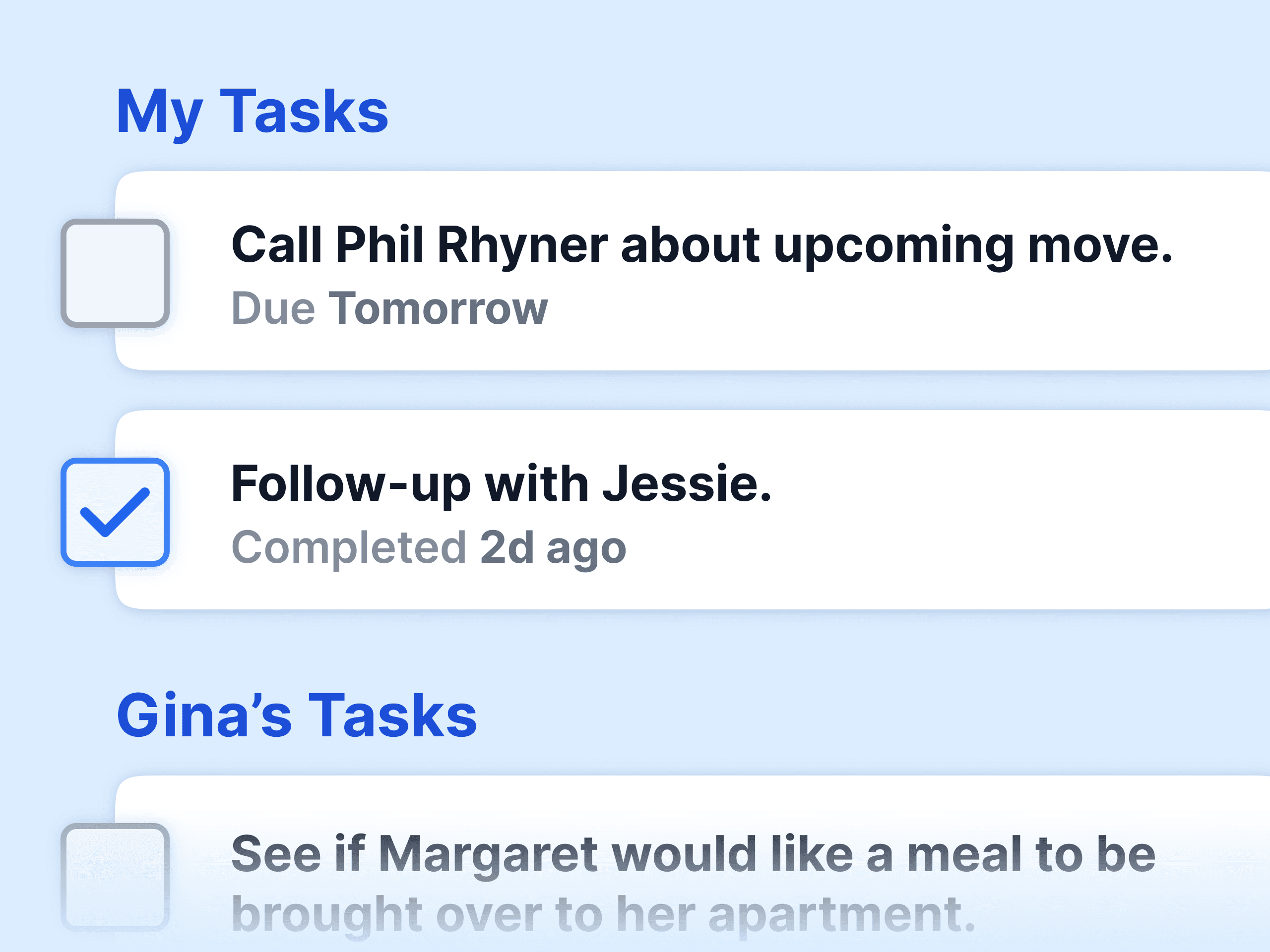
Log a hospital visit, a hard conversation, a prayer request. Restrict it to the right people. Assign the follow-up with a due date. See the whole team's care activity in one feed. Print a care history before the elders meeting. None of it appears in Planning Center, so sensitive notes stay where they belong.

Milestones

Birthdays and anniversaries from PCO become reminders

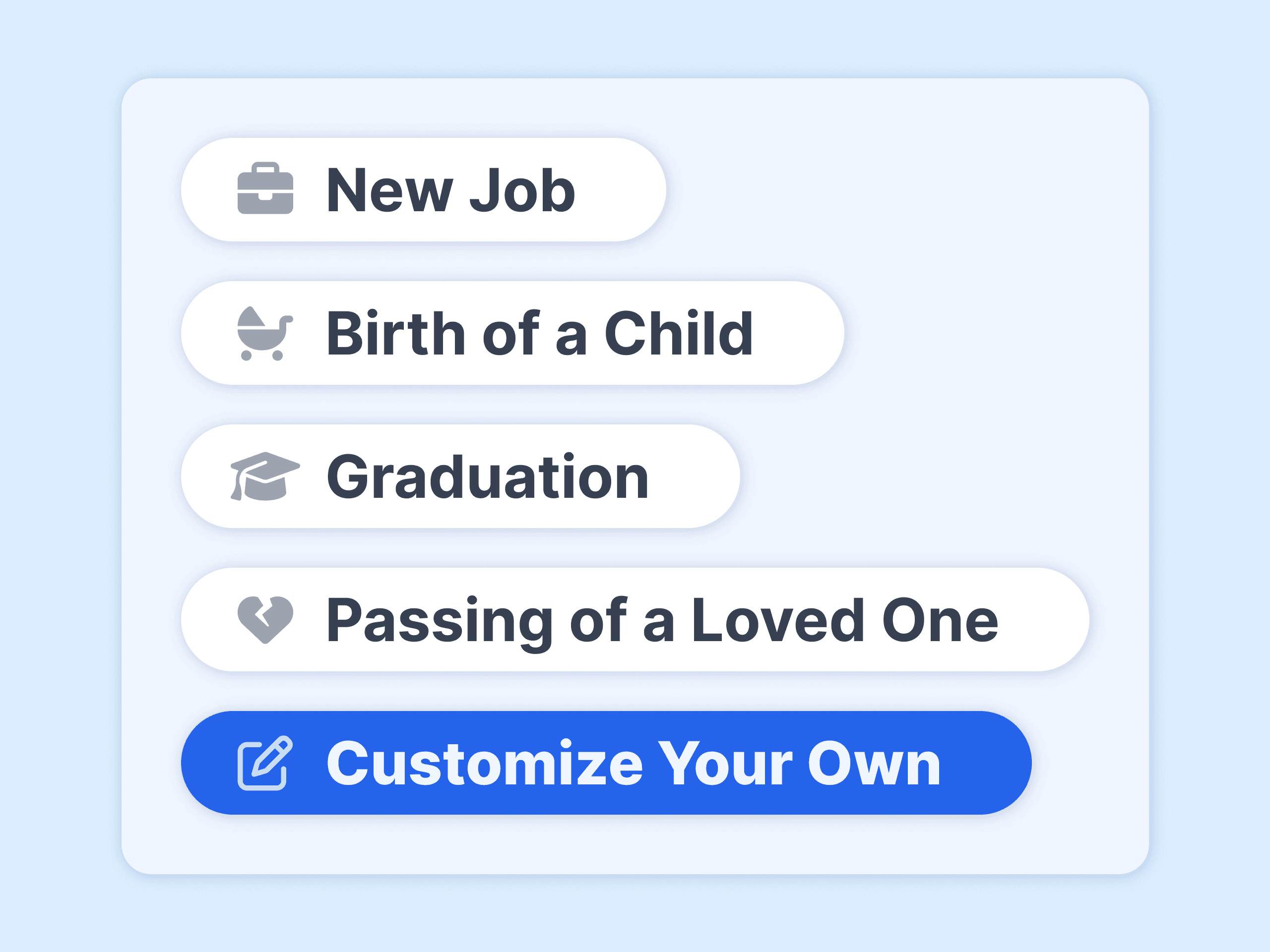
The dates already in Planning Center flow into Notebird milestones. Add baptisms, sobriety dates, surgery anniversaries, or anything custom, and Notebird reminds the team when a call or a card is due.

Planning Center + Notebird

What you get with both

One-minute setup
Sign in with Planning Center and pick your membership types.
Membership filter
Sync members only, or everyone. Change it any time.
Care history per person
Every conversation and visit, in order, searchable.
Private by design
Care notes stay in Notebird, restricted to the right people.
Follow-ups with owners
Tasks with names and due dates, not a queue nobody checks.
Care reports
Print who was cared for, by whom, and what is open.
14-day risk-free trial
No credit card required
⭐️⭐️⭐️⭐️⭐️ 4.9/5 stars
Capterra rating badgeCapterra Best Ease of Use badgeSoftware Advice Best Customer Support badgeGetApp User Reviews badgeSoftware Advice Most Recommended badge

Set up the integration

  1. Start a free Notebird trial (or sign in as an admin), then open Settings, Integrations.
  2. Choose Planning Center and sign in with your Planning Center account.
  3. Pick the membership types to sync and confirm.
  4. Notebird imports your people and keeps them updated from then on.

Full walkthrough with screenshots: Planning Center integration setup guide. Wondering how the two tools divide the work? Read Notebird vs Planning Center.

⭐️⭐️⭐️⭐️⭐️

No joke, we set up the integration with Planning Center in less than 30 seconds. It's so easy!

Irene Mendez
Verified Customer
Ministry on Mission

Planning Center integration: common questions

Does Planning Center have pastoral care features?
Planning Center People lets you add notes to a profile and build Workflows for follow-up. It does not have a private care history per person, milestone reminders, care reports, or a team feed of care activity. Churches that want those run Notebird next to Planning Center.
How does the Notebird and Planning Center integration work?
You sign in to Planning Center from Notebird's admin settings and choose which membership types to include. Notebird imports those people with photos, households, birthdays, and anniversaries, then keeps them updated automatically whenever they change in Planning Center. Setup takes about a minute.
Can you track spiritual milestones in Planning Center?
Planning Center stores dates on a profile but does not remind you when they come around. Notebird turns birthdays, anniversaries, baptisms, and custom milestones into reminders and follow-ups, using the dates already in Planning Center.
What data syncs from Planning Center to Notebird?
People (name, contact details, photo), households, birthdays, anniversaries, and the date they joined, filtered by the membership types you pick. Notebird's care updates, tasks, and milestones stay in Notebird, so sensitive care notes never appear in Planning Center.
Do I still need Planning Center if I use Notebird?
Yes. Planning Center stays your church management system for check-ins, giving, services, groups, and registrations. Notebird is the pastoral care layer on top of it.
Can I use Notebird instead of Planning Center Workflows for follow-up?
Many churches do. Workflows are good for defined processes like new-visitor steps. Notebird tasks are better for ongoing care: a hospital follow-up, a grief check-in, a monthly visit, each with an owner and a due date, plus the note about what happened.
What does the Planning Center integration cost?
Nothing extra. It is included on every Notebird plan. Notebird starts at $12 per month for one user, with a 14-day free trial and no credit card.

Also see: Breeze integration, Church Windows integration, Milestones.

Free trial. Immediate peace of mind.
Start for Free Now →

Still have questions?
Contact UsSee All Features