Pastoral care in Planning Center: what it does well, and what to add
What Planning Center People does for pastoral care, where care teams outgrow it, and how a two-way sync with Notebird gives care its own home.
Planning Center People can handle the basics of pastoral care: private note categories, prayer request forms, follow-up workflows, and birthday lists. Churches outgrow it when care becomes a team effort. The common setup is Planning Center as the church database and a pastoral care app such as Notebird for care, connected with a two-way sync.
Planning Center is a great church management system. It was not built to be a care system. This guide shows what it does well for care, where care teams get stuck, and how to give care its own home without leaving Planning Center.
What Planning Center does well for pastoral care
Planning Center People has four features that help with care:
- Profile notes in categories. You can record a visit or a prayer request on a person's profile, and a private note category limits who can read it.
- Forms. People can submit prayer requests through a public form, and each response is added to their profile.
- Workflows. A workflow moves a person through set steps, each with an assignee. Since September 2026, steps can also run actions automatically.
- Birthdays and anniversaries. Dashboard widgets and lists show who has a birthday or anniversary in the next 30 days.
For a pastor and one or two staff, that is often enough. Make one private category for care notes, keep a prayer request form, and use a workflow for new visitors.
Where care gets hard in Planning Center
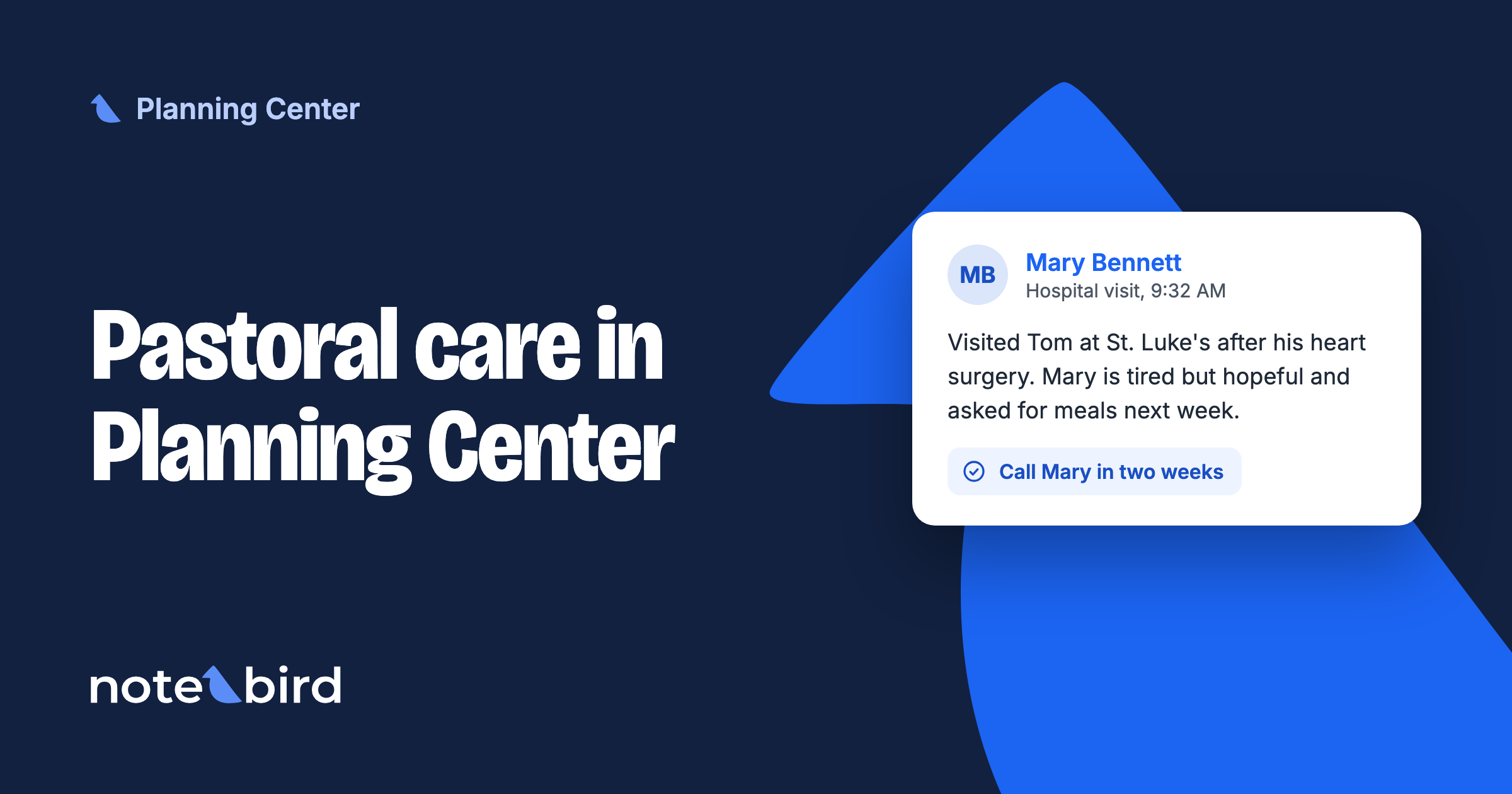
Here is a common week. Mary's husband, Tom, goes into the hospital for heart surgery.
In Planning Center, the care team works like this:
- The pastor writes a note in the private care category.
- Someone adds Mary to a follow-up workflow, so a deacon calls her.
- A volunteer brings a meal, but the volunteer does not have People access, so the note goes by text message to the office.
- Six weeks later, nobody remembers to check in. The workflow card was closed after the first call.
- Next year, the anniversary of the surgery comes and goes.
None of these are mistakes. They happen because Planning Center splits care across notes, workflow cards, and lists, and it gives care no memory of its own. These are the limits care teams run into:
- Volunteers need People access. Planning Center says team members "will need to be given permissions in People" to work follow-up workflows. Many churches do not want deacons and care volunteers inside the full church database.
- There is no single care history. Notes, workflow cards, and form responses live in different places.
- Ongoing care does not fit fixed steps. Workflows suit a set process like new-visitor follow-up. A widow who needs a call every month for a year is ongoing care.
- Hard dates take setup. Birthdays work out of the box. A surgery date, a sobriety date, or the anniversary of a death each needs its own custom field, list, and automation.
- Leaders cannot see the team's care. There is no one place that shows the care that happened this week and the people still waiting.
What Notebird adds to Planning Center
Notebird is pastoral care software built for this job. Planning Center stays your database. Notebird gives care its own home. Here is the same week with Mary and Tom in Notebird.
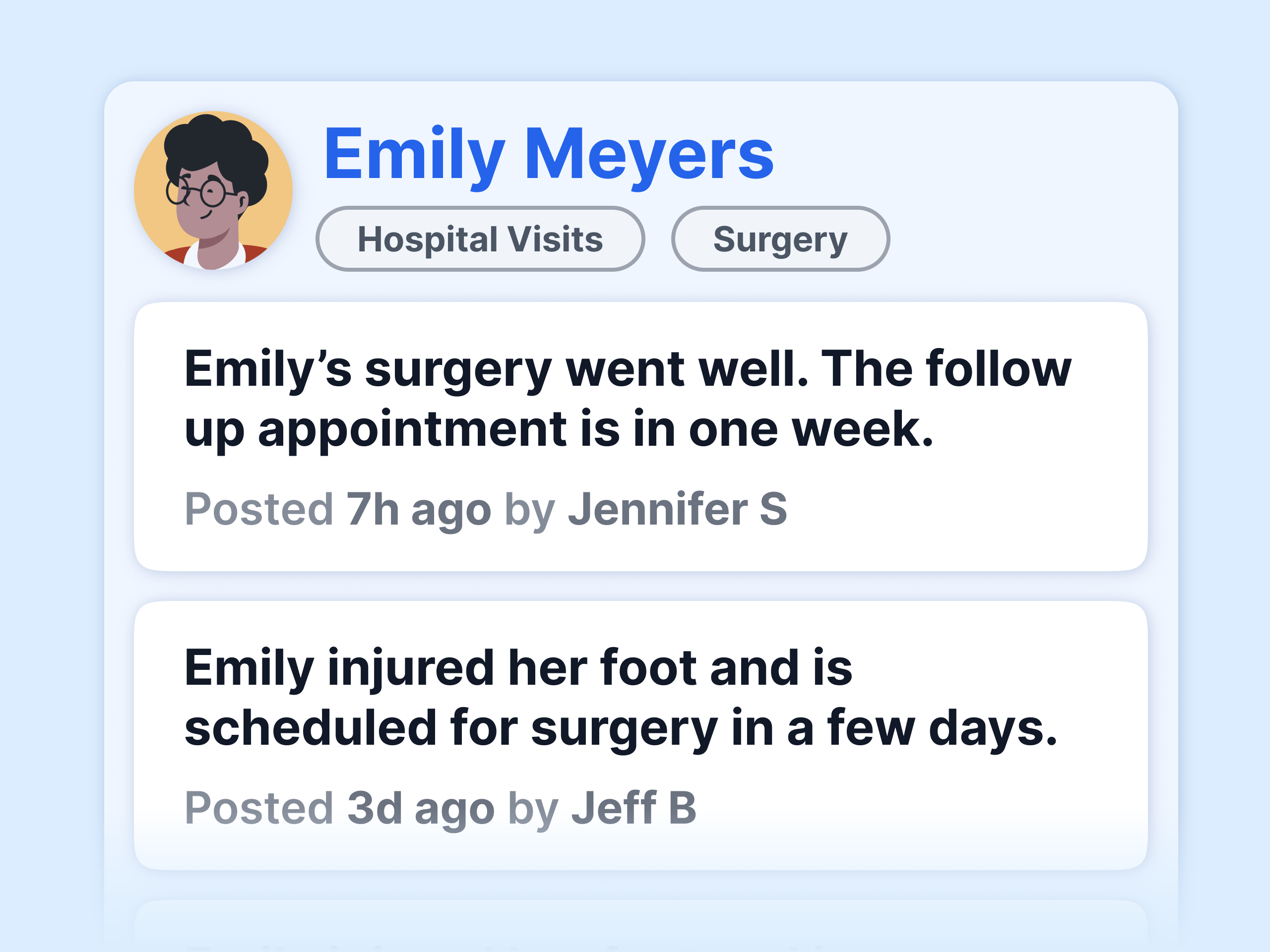
One care history per person
The pastor logs the hospital visit as an update from their phone. The deacon's call and the volunteer's meal go on the same timeline. Anyone who serves Mary sees what happened and what comes next. A sensitive update can be restricted to the people who should read it.
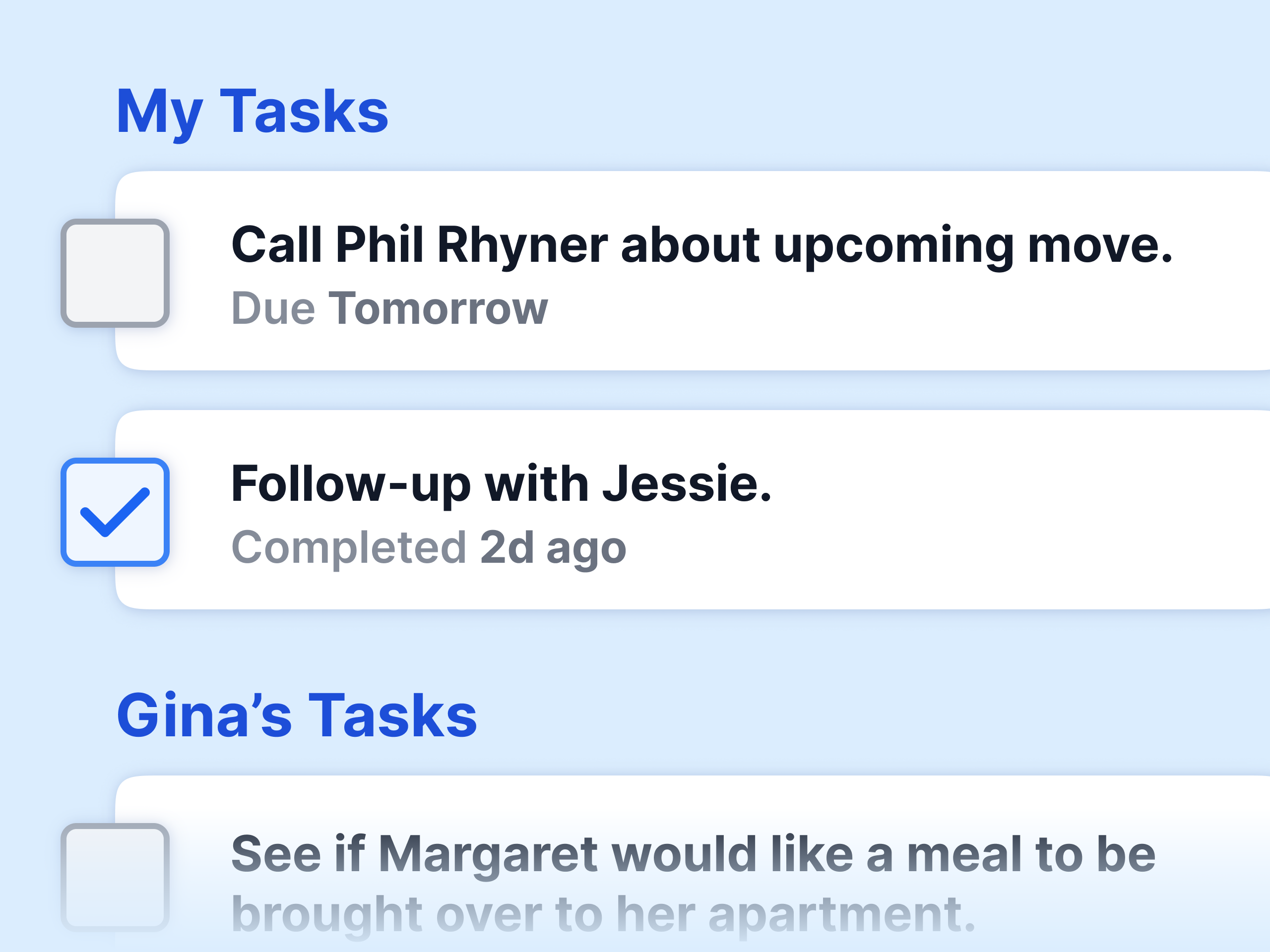
Follow-ups with an owner and a due date
"Call Mary in two weeks" becomes a task with a name on it and a due date. It shows up for that person until it is done. Ongoing care is just the next task, not a new workflow.
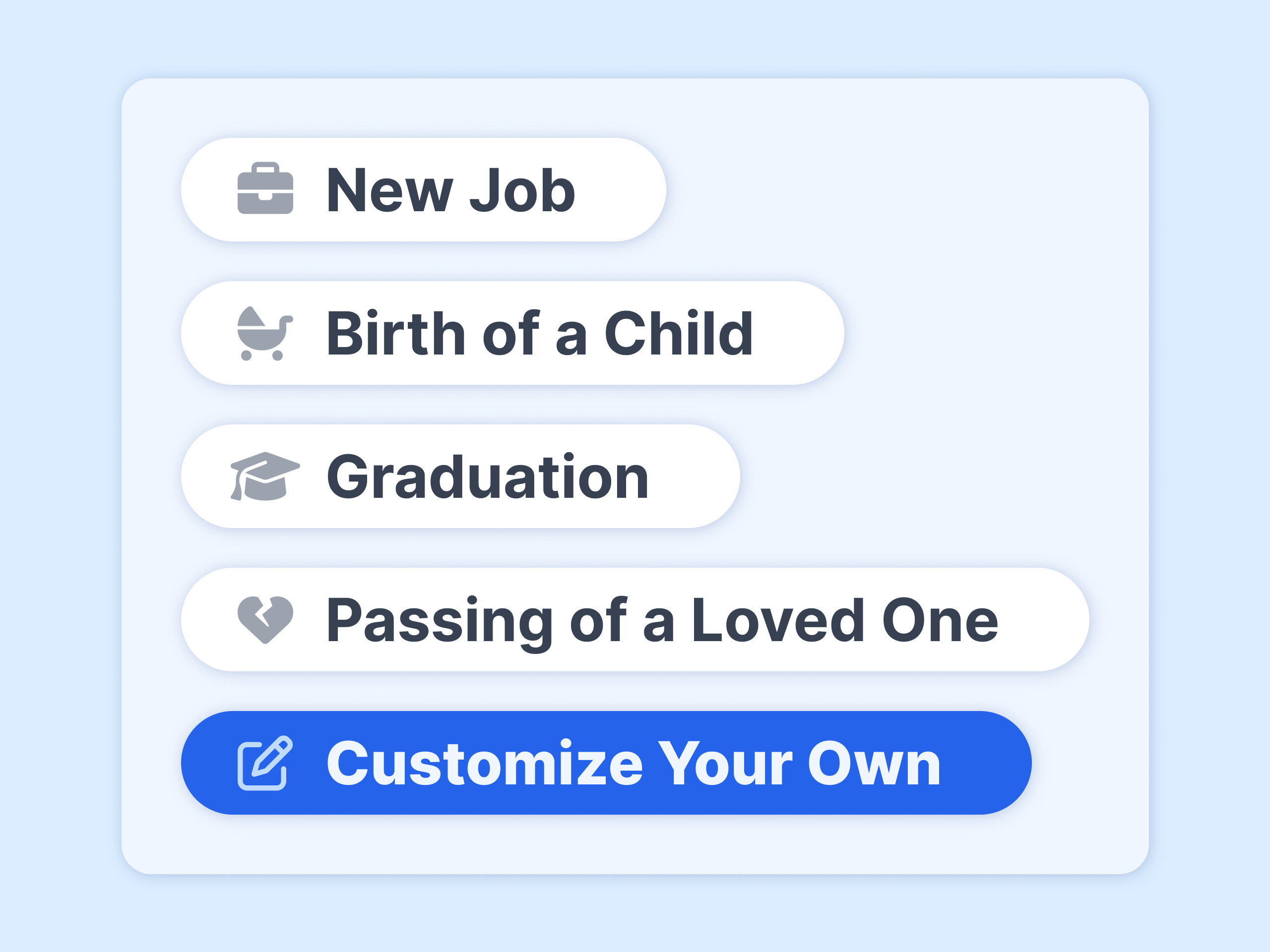
Reminders for the dates that matter
Birthdays and anniversaries come in from Planning Center. Add the surgery date as a milestone, and the team gets a reminder next year. The same works for baptisms, sobriety dates, and the anniversary of a death.
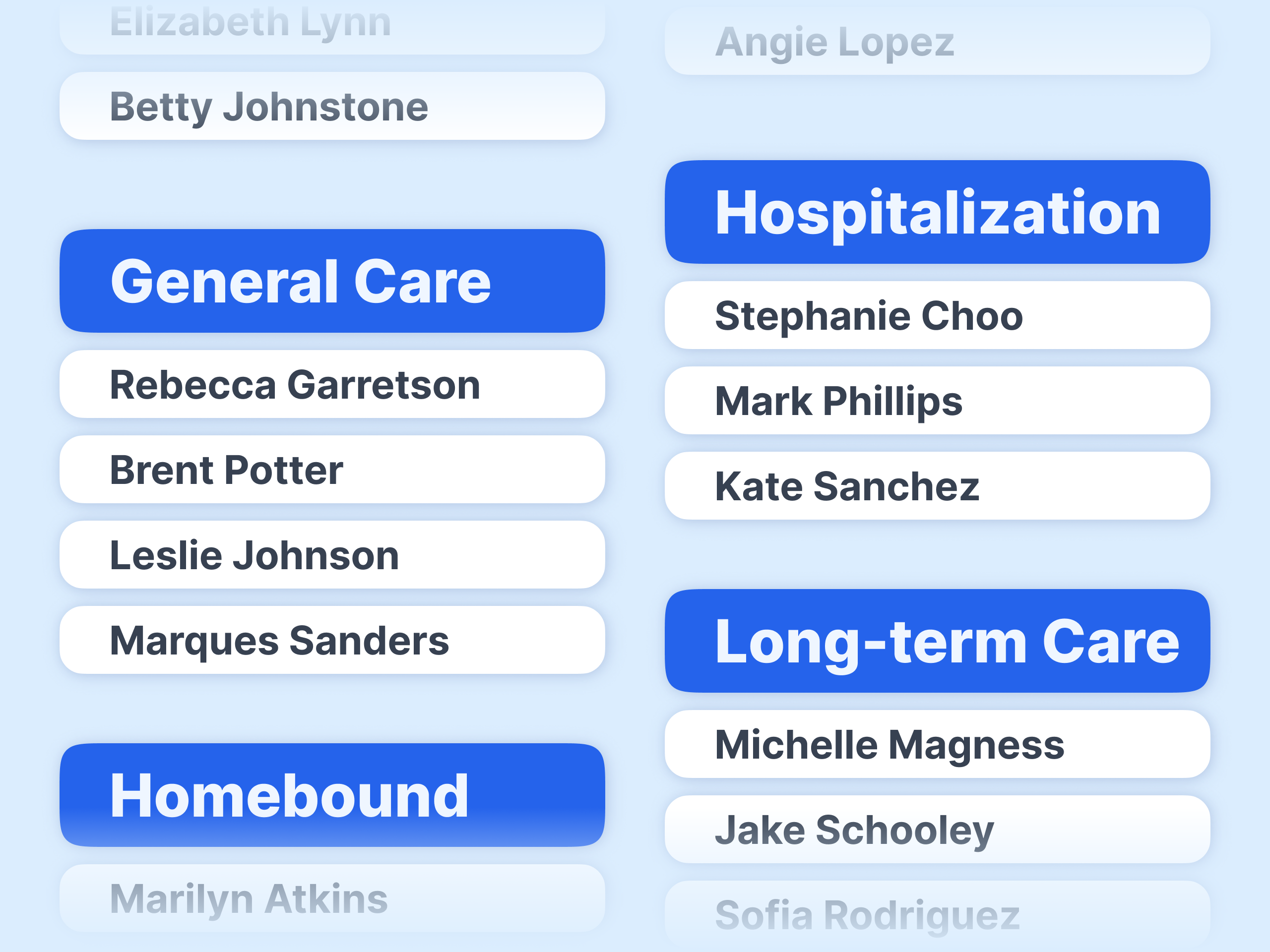
Volunteers see only their people
Put people in care groups like Hospitalization or Homebound, and give each volunteer access to the groups they serve. They log care from their phone. They never need a login to Planning Center.
Leaders see all of it in the activity feed, and care reports show who received care, from whom, and what is still open.
Try Notebird free for 14 days → No credit card. Connect Planning Center in about a minute.
How the two-way sync with Planning Center works
You do not keep two directories. Notebird connects to Planning Center People with a two-way sync:
- From Planning Center to Notebird: people in the membership types you pick, with photos, households, phone numbers, emails, addresses, birthdays, and anniversaries. Changes in Planning Center show up in Notebird automatically.
- From Notebird to Planning Center: new people your team adds in Notebird, and edits to names, phone numbers, emails, birthdays, anniversaries, gender, and membership type.
- Stays private in Notebird: care notes, tasks, milestones, and reports. They never go back into Planning Center.
See the full list on our page about pastoral care for Planning Center churches.
Planning Center alone, or Planning Center plus Notebird?
| What you need | Planning Center alone | Planning Center + Notebird |
|---|---|---|
| Church database, check-ins, giving | Yes | Yes (Planning Center) |
| Private care notes | Note categories | Restricted updates per note |
| Prayer requests | Forms and notes | Forms in Planning Center, care in Notebird |
| Follow-up | Workflow steps | Tasks with an owner and due date |
| One care history per person | Split across notes and cards | One timeline |
| Volunteers without database access | Needs People permissions | Yes, by care group |
| Reminders beyond birthdays | Custom field + list per date | Any milestone, yearly |
| See the team's care at a glance | No | Activity feed and reports |
If one pastor does all the care, Planning Center alone can work. Once two or more people share the care, most churches find a care app worth it.
How to set it up this week
- Start a free Notebird trial. No credit card is needed.
- Connect Planning Center. In Settings, Integrations, sign in with Planning Center and pick the membership types to sync. Your people come in with photos and households.
- Make two or three care groups, such as Hospitalization and Homebound.
- Invite your care team and give each person the groups they serve.
- Log the first visit from your phone. Then add the follow-up task before you leave the parking lot.
Keep Planning Center for check-ins, giving, services, and registrations. Let Notebird hold the care. That way nobody falls through the cracks between the two.