Notebird on Mobile

Care happens everywhere. Notebird goes with you.

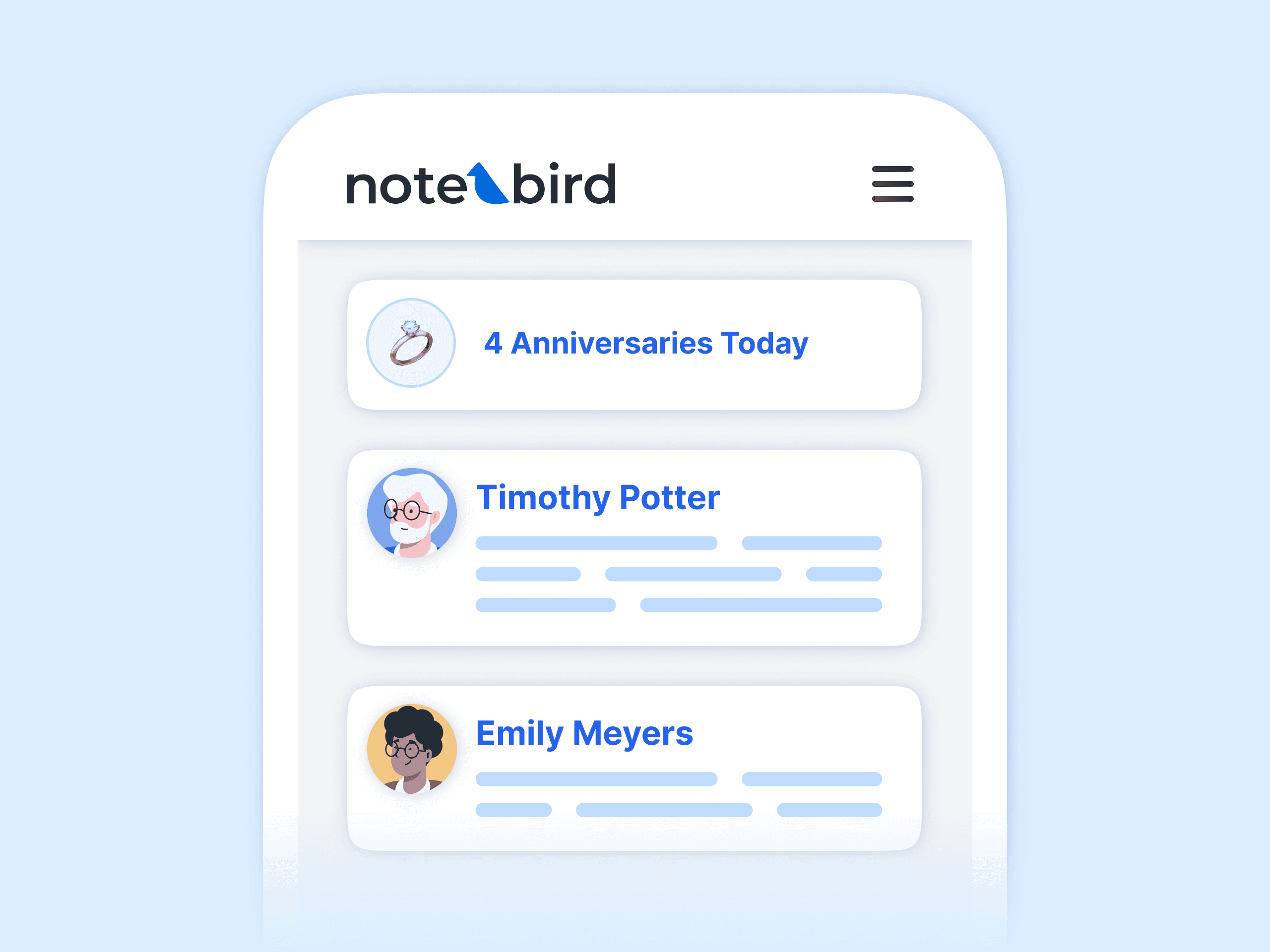
Log an update from the hospital parking lot. Check a birthday on the way to lunch. Notebird works on any phone or tablet, so the details of your people are with you when you need them.
14-day risk-free trial
No credit card required
⭐️⭐️⭐️⭐️⭐️ 4.9/5 stars
Capterra rating badgeCapterra Best Ease of Use badgeSoftware Advice Best Customer Support badgeGetApp User Reviews badgeSoftware Advice Most Recommended badge

Because care doesn’t only happen in your office.

Nothing to install

Add it to your home screen. It works like an app.

Open Notebird in your phone’s browser and add it to your home screen. From then on it looks and works like an app you installed: an icon on your phone, a full-screen view, and everything Notebird does. No App Store, no Play Store, no updates to manage. Your least tech-savvy volunteer is set up in about a minute.

Log it while it is fresh

Two sentences in the car beat a paragraph you never write

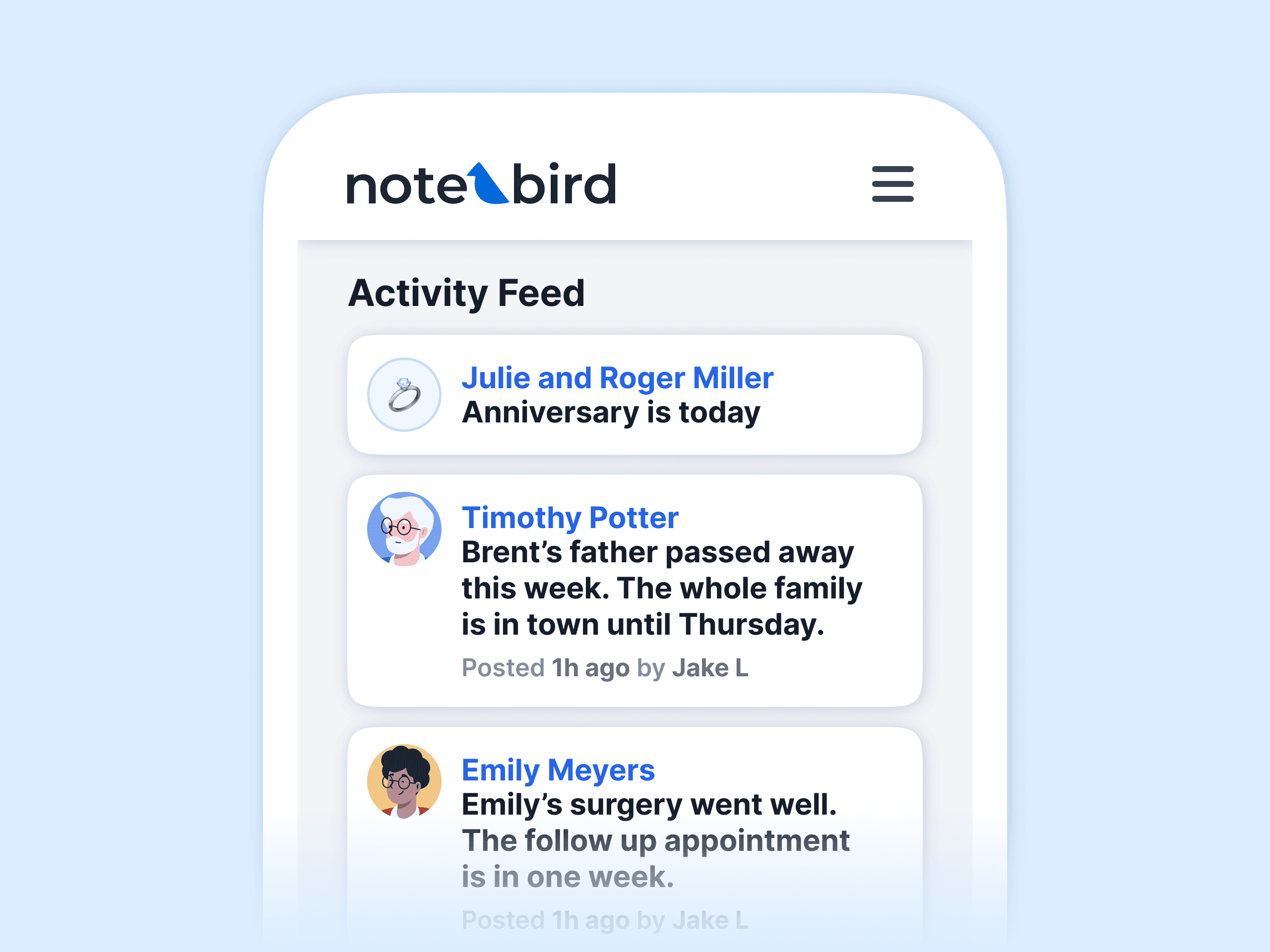
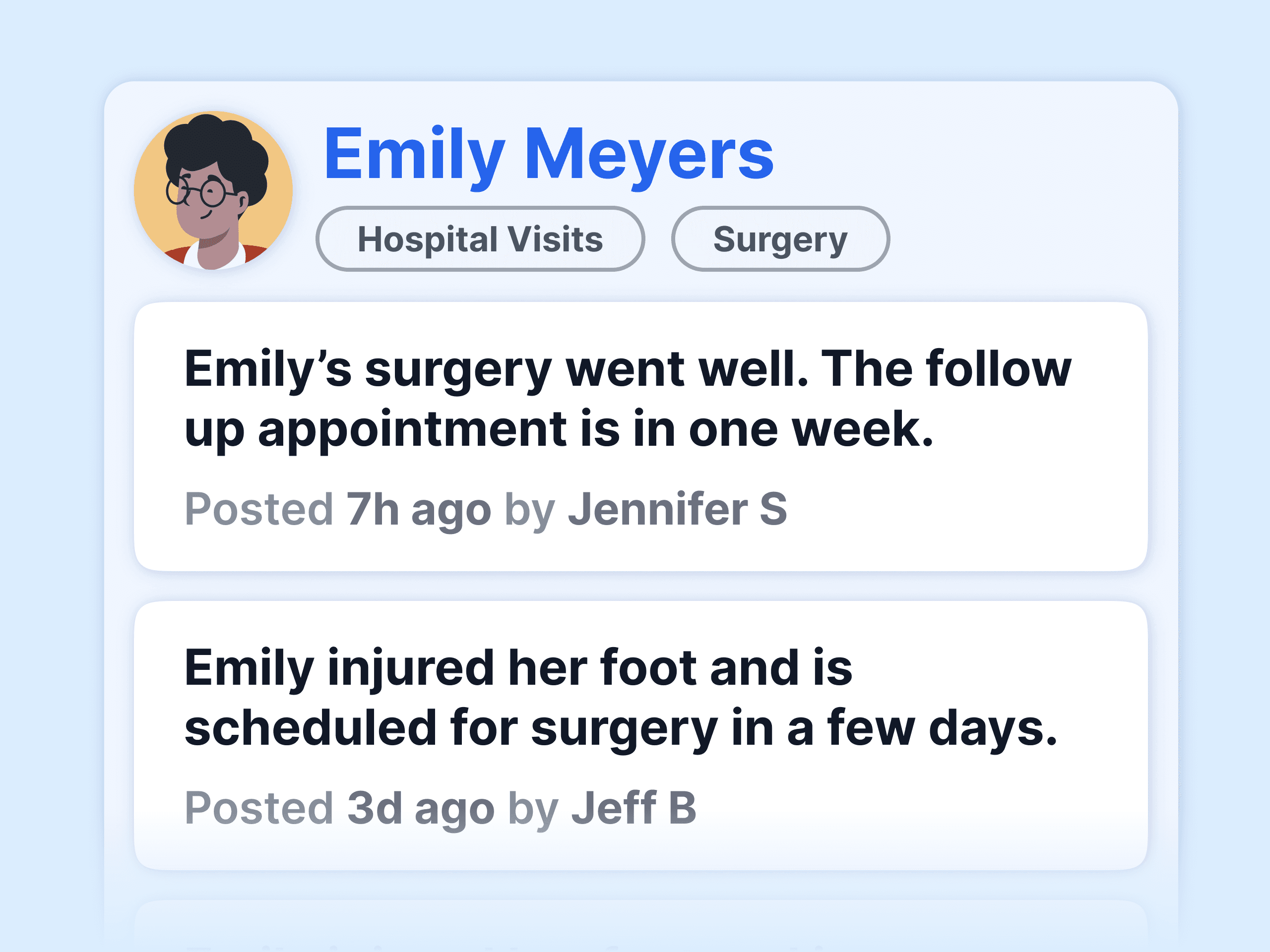
Add an update right after a visit or call, while the details are still clear. Your whole team sees it the moment it happens, so nobody repeats a call that was already made, and nothing waits for you to get back to a desk.

Walk in prepared

Read the whole story before you knock

On the way to a hospital room or a front porch, pull up the person and see it all: the last visit, open follow-ups, prayer requests, family details, and upcoming dates. You walk in knowing exactly where you left off.

Notebird in your pocket

Everything Notebird does, on every device

Works on any device
Phone, tablet, or laptop. The layout adjusts to your screen.
Log care in seconds
Add an update right after the visit, before it fades.
Tasks in your pocket
See what is due today and check off follow-ups on the go.
Find anyone instantly
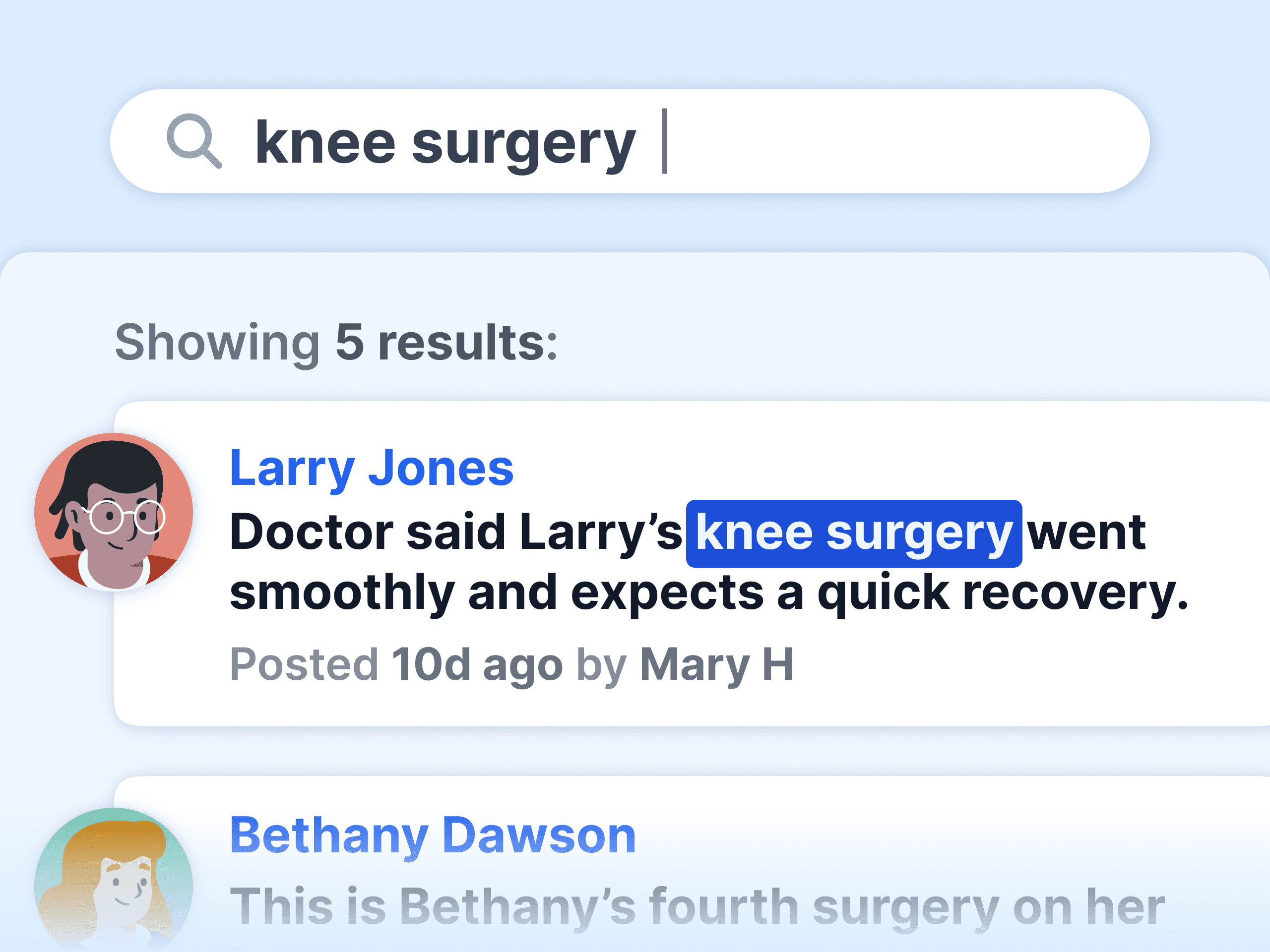
Search every person, note, and detail from your phone.
Private stays private
Permissions and restricted notes work the same everywhere.
Always current
Every device shows the latest, the moment it happens.
14-day risk-free trial
No credit card required
⭐️⭐️⭐️⭐️⭐️ 4.9/5 stars
Capterra rating badgeCapterra Best Ease of Use badgeSoftware Advice Best Customer Support badgeGetApp User Reviews badgeSoftware Advice Most Recommended badge
⭐️⭐️⭐️⭐️⭐️

The design and layout of Notebird is phenomenal. The simplicity is so well thought out. My team loves it!

Eric W.
Verified Customer
Director of Technology

Notebird on mobile: common questions

Is there a Notebird app for iPhone or Android?
Notebird is a mobile web app. Open it in your phone's browser, add it to your home screen, and it looks and works like an app you installed. There is nothing to download from the App Store or Play Store, and nothing to update.
How do I put Notebird on my phone?
Open my.notebird.app in your phone's browser, then choose "Add to Home Screen." That places the Notebird icon next to your other apps. It takes about a minute, and our setup guide walks you through it.
Does Notebird work on tablets?
Yes. Notebird works in any modern browser on phones, tablets, and computers, and the layout adjusts to the screen you are on.
Can my volunteers use Notebird on their phones?
Yes. Volunteers log visits and check details right from their phones, and permissions make sure each person only sees the people and groups assigned to them.
Can I add photos from my phone?
Yes. Attach photos and files to an update right from your phone, so the whole story stays with the person's care history.
Does mobile access cost extra?
No. Every feature is on every plan, on every device. Notebird starts at $12 per month for one user, with a 14-day free trial and no credit card.

Also see: Updates, Early Bird Report, and the mobile setup guide.

Start your 14-day free trial and have your care notes at your fingertips.

Still have questions?
Contact UsSee All Features