Step 1
Share the Notebird demo
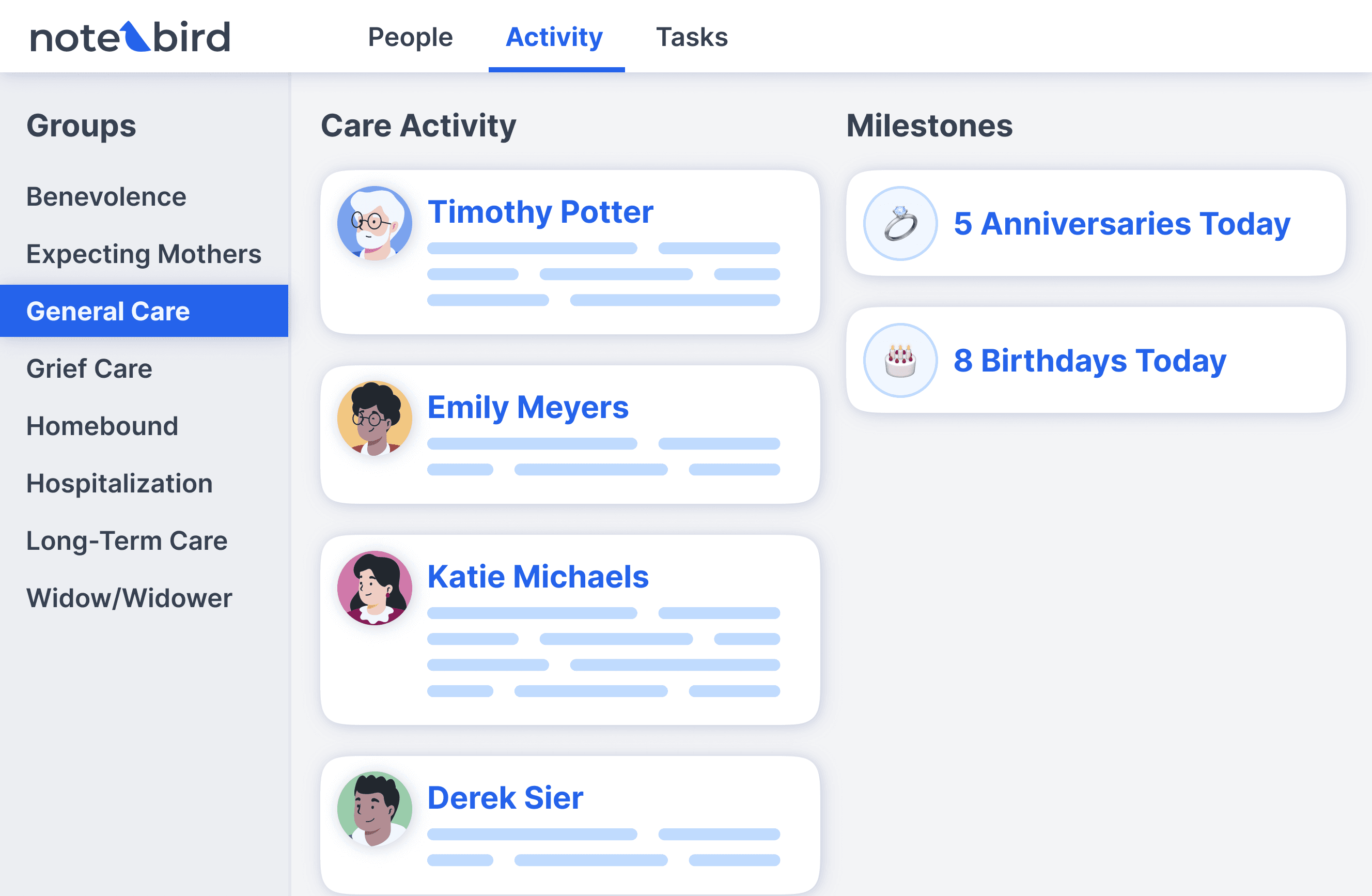
Send the Notebird demo to your team, or watch it together at your next staff meeting. It shows exactly what Notebird does, so your team can decide if it is the right fit.
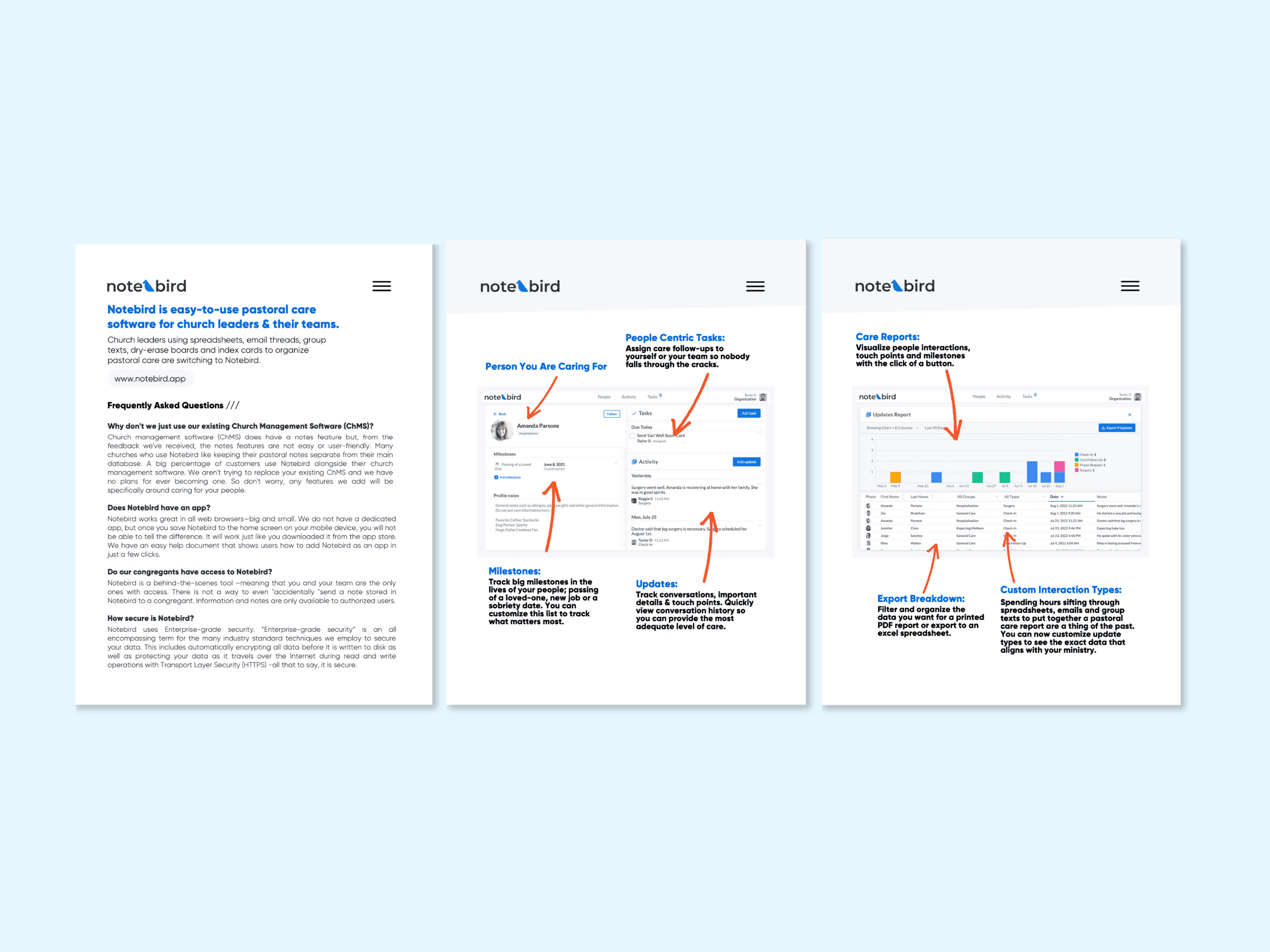
You found the tool. We built the pitch. A demo, a ready-to-send email, a meeting guide, and a follow-up PDF, so all you have to do is start the conversation.
Step 1
Good morning team,
First, I think we do an amazing job caring for our congregants. Second, like we try to improve other areas of our ministry, I want to continue to improve how we care for our people. Let's dedicate an hour on [Insert Date] to think through our current pastoral care processes: things we like and things we want to improve.
I found a tool called Notebird which is software helping churches manage and organize pastoral care. I will show you a demo at our meeting and we can decide if it is something we want to test out as a team.
Thanks,

Step 2
Step 3
⭐️⭐️⭐️⭐️⭐️I am in my 17th year and I confess that until I discovered Notebird, my organization skills were seriously lacking. Now we have a pastoral care team, we are simply organized, and we love Notebird!