Feature  //   Tasks

Never let a follow-up slip through the cracks.

Notebird Tasks turn “I should check on them” into a clear, assignable follow-up with a due date, so the care you intend to give actually happens, whether you’re caring on your own or sharing the load with a team.
14-day risk-free trial
No credit card required
⭐️⭐️⭐️⭐️⭐️ 4.9/5 stars
Capterra rating badgeCapterra Best Ease of Use badgeSoftware Advice Best Customer Support badgeGetApp User Reviews badgeSoftware Advice Most Recommended badge

The hardest part of care isn’t the caring. It’s remembering to follow through. Tasks make sure you do.

Every follow-up, captured before it’s forgotten

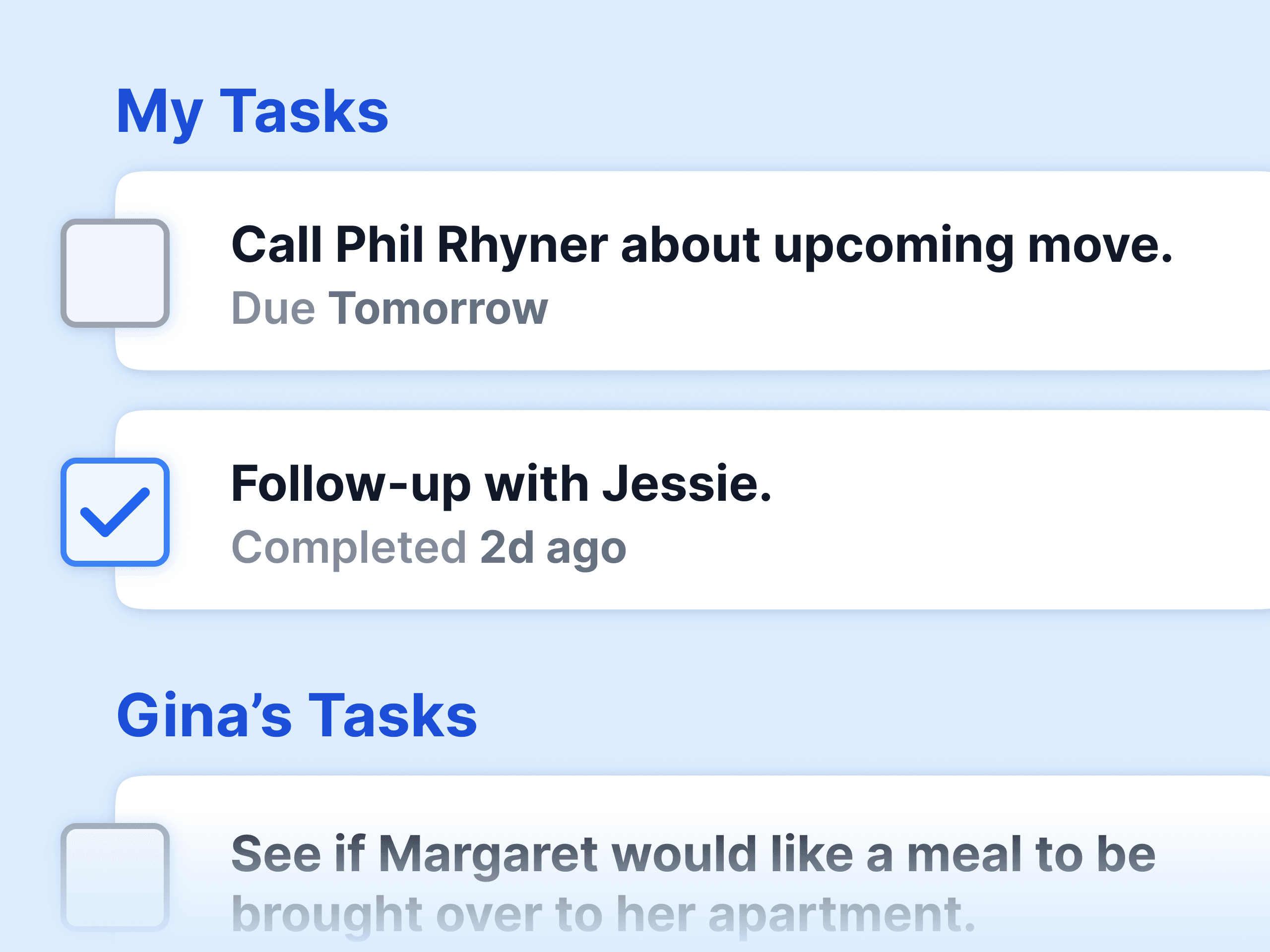
A hospital visit needs a follow-up call. A grieving family needs a meal next week. A new visitor needs a warm welcome. Tasks hold every one of these, each tied to a person and a due date, and let you check them off as you go. Nothing lives on a sticky note or in the back of your mind, so nothing gets missed.

Good intentions, done

Turn “I should” into “I did”

Assign to anyone
Give a follow-up to yourself or a teammate, so someone clearly owns it.
Set a due date
Schedule the follow-up for exactly when it needs to happen.
Custom task types
Calls, visits, meals, welcomes: define the actions your care takes.
Surfaced when due
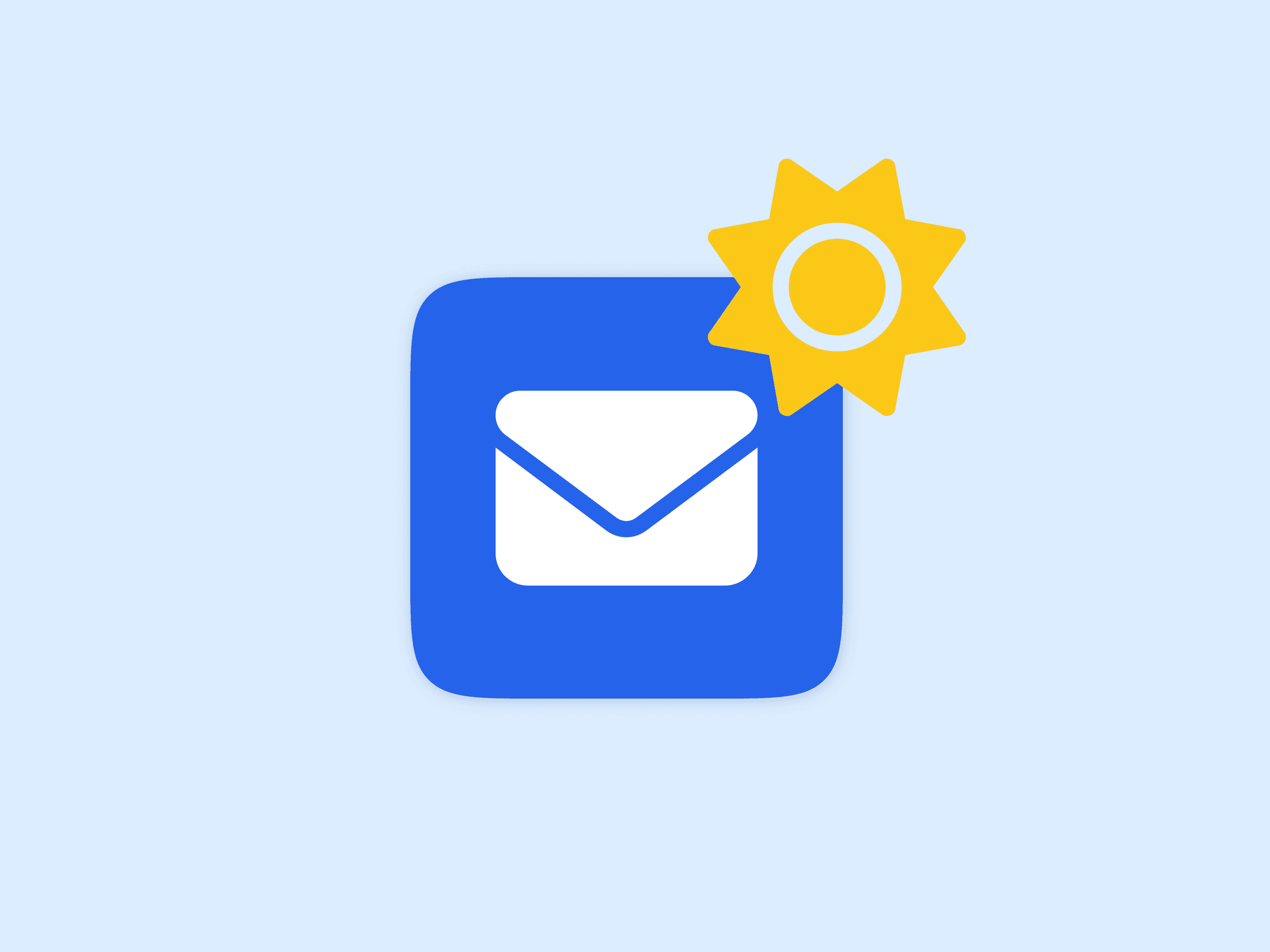
Today’s tasks arrive in your Early Bird Report each morning.
Check it off
Mark a task done and your team sees instantly that it’s handled.
Shared across your team
No two people chase the same follow-up, and none get dropped.
14-day risk-free trial
No credit card required
⭐️⭐️⭐️⭐️⭐️ 4.9/5 stars
Capterra rating badgeCapterra Best Ease of Use badgeSoftware Advice Best Customer Support badgeGetApp User Reviews badgeSoftware Advice Most Recommended badge

Right on time

Tasks that come find you

A to-do list only helps if you actually look at it. Notebird brings your due tasks to you each morning in the Early Bird Report, so the right follow-up lands in front of the right person at the right time, without anyone having to go hunting for it.

One task, everything you need

Everything you can put in a task

  • What needs to happen
  • The person it’s for
  • Who’s responsible for it
  • When it’s due
  • The kind of follow-up
  • Whether it’s been done
14-day risk-free trial
No credit card required
⭐️⭐️⭐️⭐️⭐️ 4.9/5 stars
Capterra rating badgeCapterra Best Ease of Use badgeSoftware Advice Best Customer Support badgeGetApp User Reviews badgeSoftware Advice Most Recommended badge

Better together

Tasks close the loop on the rest of Notebird

Updates

Log how the visit or call went once the task is done.

Learn more
Milestones

Turn an upcoming date into a follow-up you won’t forget.

Learn more
Early Bird Report

See the day’s tasks waiting in your inbox each morning.

Learn more
Activity Feed

Spot what needs a follow-up as care happens in real time.

Learn more
⭐️⭐️⭐️⭐️⭐️

I’m going to be honest with you. Notebird is awesome! Our pastoral staff decided it best that we form a pastoral care team. I was assigned to create spreadsheets for the team and I didn’t know how or where to begin. So I started Googling and found Notebird and I love it!

Rev. Scott Simpson
Verified Customer
First Presbyterian Church of San Antonio

Frequently asked questions

Can I assign tasks to other people?
Yes. Assign a follow-up to yourself or any teammate, so the right person clearly owns it.
Can I set a due date?
Yes. Every task can have a due date, and the day’s tasks arrive in your Early Bird Report each morning.
Can I create my own task types?
Yes. Customize task types like calls, visits, meals, or welcomes so tasks fit the way you actually care.
How do I know what’s due?
Today’s tasks are delivered to your inbox each morning in the Early Bird Report, so nothing waits to be noticed.
Can my team see each other’s tasks?
Yes. Tasks are shared, so no two people chase the same follow-up and nothing quietly gets dropped.
Can I use tasks on my own?
Absolutely. On your own, tasks are the gentle reminders that turn your good intentions into real, timely care.

Start your 14-day free trial and check in when it matters most.

Still have questions?
Contact UsSee All Features