Pushpay ChMS (CCB) integration

Pastoral care for Pushpay ChMS churches

Pushpay ChMS (formerly Church Community Builder) runs your church. Notebird runs the care. Connect the two with a two-way sync: your people, families, contact details, birthdays, and anniversaries come in from CCB, and the people your team adds in Notebird go back. Notebird adds what a ChMS was not built for: private care notes, follow-up tasks with owners, milestone reminders, care reports, and a team activity feed.
14-day risk-free trial
No credit card required
⭐️⭐️⭐️⭐️⭐️ 4.9/5 stars
Capterra rating badgeCapterra Best Ease of Use badgeSoftware Advice Best Customer Support badgeGetApp User Reviews badgeSoftware Advice Most Recommended badge

CCB knows who is in which group. Notebird knows what they are walking through, and who is walking with them.

What syncs

Your people, current every day, filtered the way you want

Choose who comes in: everyone, or only the membership types you pick (Notebird starts with your member types picked). The first sync brings your people in at once, a few minutes even for a large church. After that, Notebird syncs every night, and an admin can click Sync now any time. No spreadsheets, no re-imports.

What syncs, both ways

Notebird and Pushpay ChMS keep the same list of people, so nobody keeps two directories. CCB stays your system of record for giving, check-in, groups, and events. Care stays in Notebird.

From Pushpay ChMS to Notebird

  • People in the membership types you pick, or everyone
  • Families and relationships
  • Phone numbers, emails, and addresses
  • Birthdays and anniversaries
  • Gender, marital status, membership type, and membership date
  • Changes every night, and any time you click Sync now

From Notebird to Pushpay ChMS

  • New people your team adds in Notebird
  • Name changes
  • Phone numbers, email, and mailing address
  • Birthdays and anniversaries
  • Gender and marital status

Stays private in Notebird

  • Care notes and visit updates
  • Follow-up tasks and who owns them
  • Milestones like baptisms and surgery dates
  • Care reports and the team activity feed

Notebird never deletes, archives, or merges anyone in CCB, and never clears a field there. Giving and other money data, allergies and health details, logins, and user-defined fields stay in CCB.

No duplicates

People already in Notebird stay one person

Added people by hand, or imported a spreadsheet before? Notebird links them to their CCB profile when the match is clear, and keeps their care history. When it is not sure, it shows you the two people side by side, one pair at a time, so you can merge them or keep both in a few seconds.

What Notebird adds

Care notes and follow-ups CCB was not built for

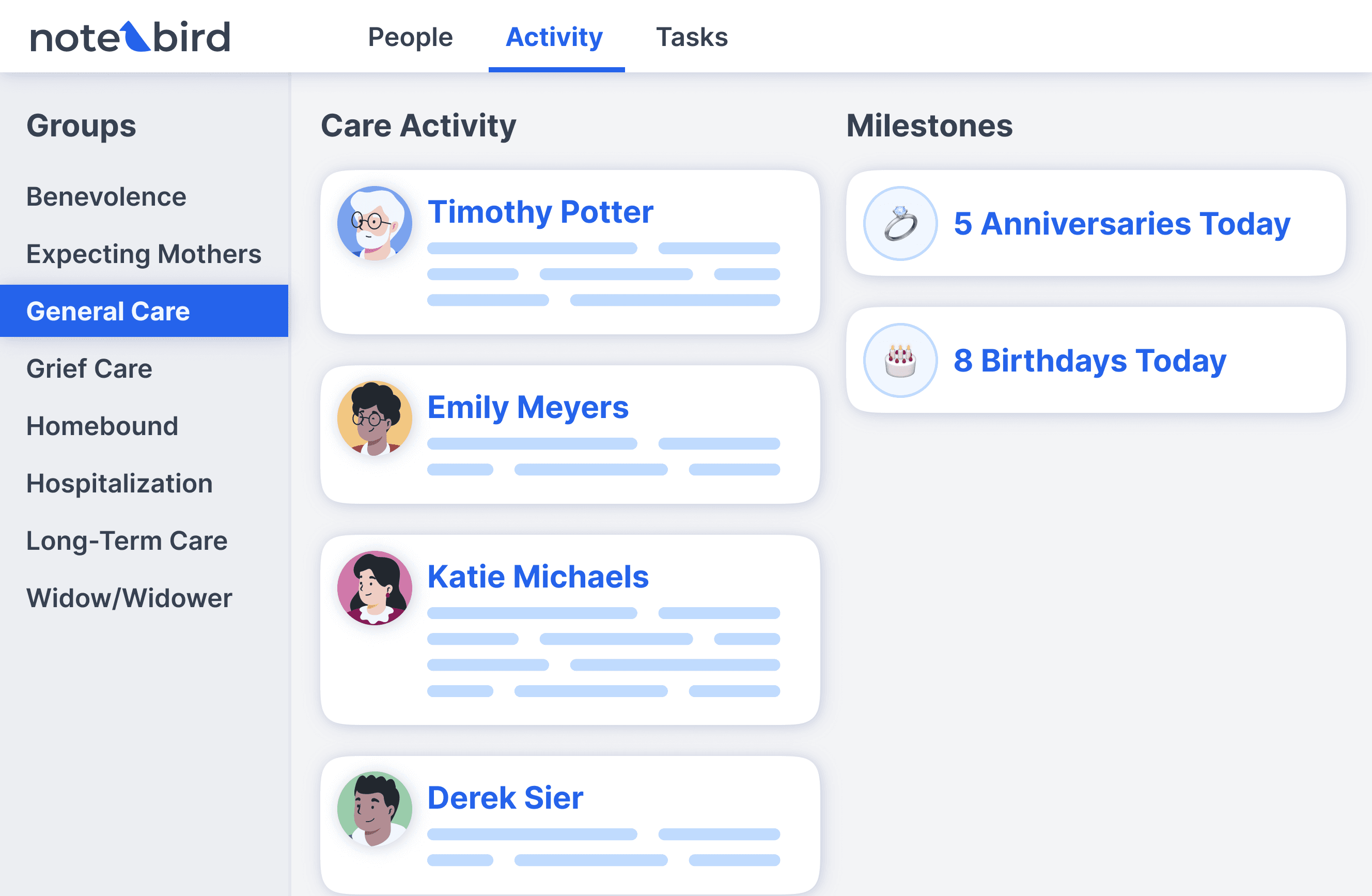
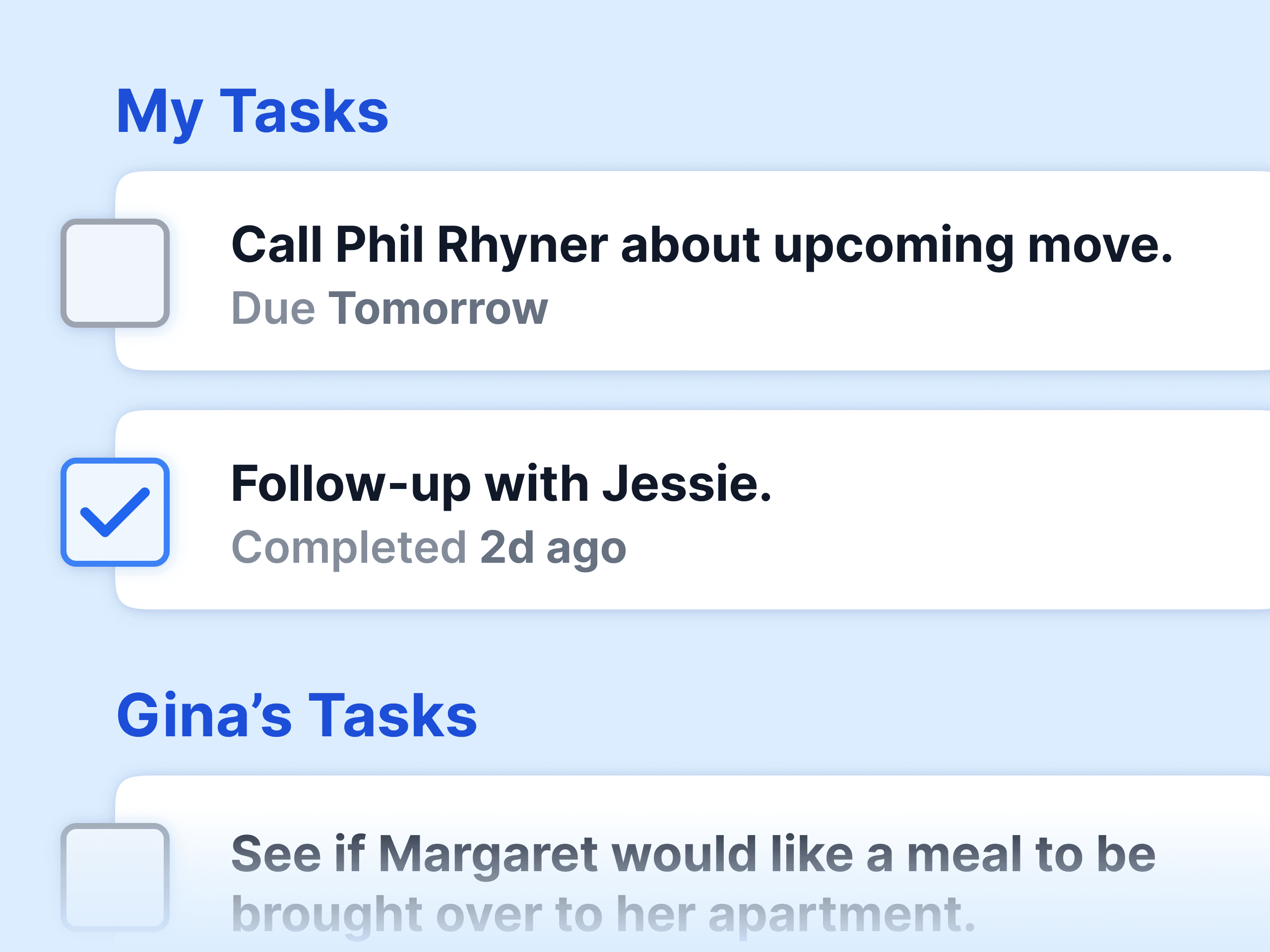
Log a hospital visit, a hard conversation, a prayer request. Restrict it to the right people. Assign the follow-up with a due date. See the whole team's care activity in one feed. Print a care history before the elders meeting. None of it goes to CCB, so sensitive notes stay where they belong.

Milestones

Birthdays and anniversaries from CCB become reminders

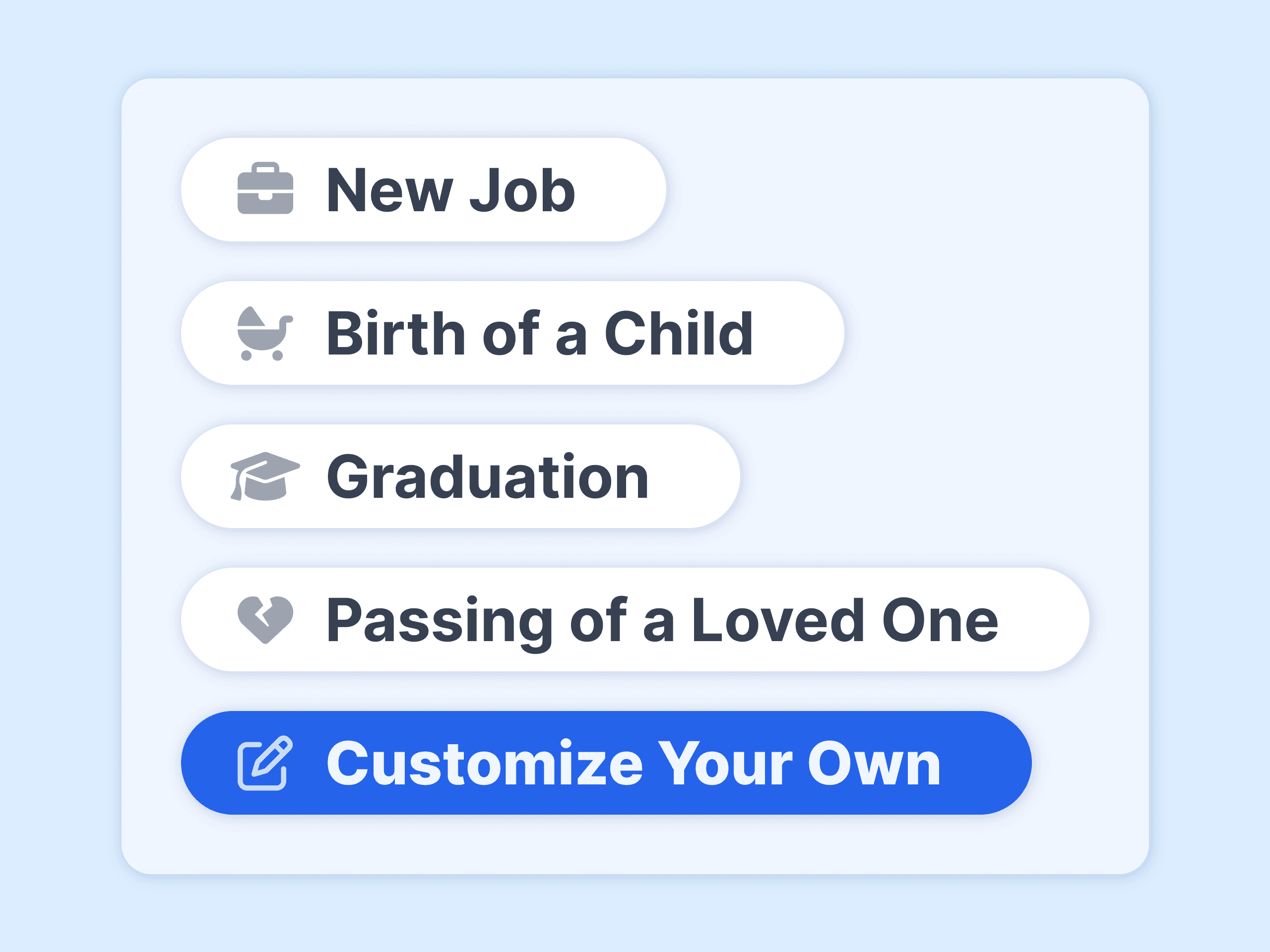
The dates already in Pushpay ChMS flow into Notebird milestones. Add baptisms, sobriety dates, surgery anniversaries, or anything custom, and Notebird reminds the team when a call or a card is due.

Pushpay ChMS + Notebird

What you get with both

Two-way sync
People flow both ways, so CCB stays your source of truth.
Membership filter
Sync your members only, or everyone. Change it any time.
No duplicates
People already in Notebird are linked, not added twice.
Safe for CCB
Notebird never deletes anyone in CCB, and asks before a large archive.
Private by design
Care notes stay in Notebird, restricted to the right people.
Care reports
Print who was cared for, by whom, and what is open.
14-day risk-free trial
No credit card required
⭐️⭐️⭐️⭐️⭐️ 4.9/5 stars
Capterra rating badgeCapterra Best Ease of Use badgeSoftware Advice Best Customer Support badgeGetApp User Reviews badgeSoftware Advice Most Recommended badge

Set up the integration

  1. Start a free Notebird trial (or sign in as an admin), then open Settings, Integrations.
  2. Choose Pushpay ChMS (CCB) and type your CCB address.
  3. A CCB Master Admin makes an API user. Notebird shows the name, user name, and password to copy and the services to check. Not a Master Admin? Notebird emails the steps to yours.
  4. Notebird checks the login. Pick who comes in and where new people go.
  5. The first sync starts at once. After that, Notebird syncs every night.

Full walkthrough with screenshots: Pushpay ChMS (CCB) integration setup guide. Wondering how the two tools divide the work? Read Notebird vs Pushpay ChMS.

Pushpay ChMS (CCB) integration: common questions

Does Notebird integrate with Church Community Builder?
Yes. Notebird has a two-way sync with Pushpay ChMS, which used to be called Church Community Builder (CCB). Your people come in from CCB with their contact details, families, birthdays, and anniversaries, and the people your team adds in Notebird go back to CCB. Care notes, tasks, and milestones stay private in Notebird.
How do I connect Notebird to Pushpay ChMS (CCB)?
Open Settings, Integrations in Notebird and choose Pushpay ChMS (CCB). A CCB Master Admin makes an API user for Notebird: Notebird shows the name, user name, and password to copy and the services to check, and it can email the steps to your CCB admin. Notebird checks the login, you pick who comes in, and the first sync starts at once. It takes about five minutes.
Is the sync with Pushpay ChMS real time?
No. Pushpay ChMS does not send change notices to other apps, so Notebird syncs every night, and an admin can click Sync now any time. Changes your team makes in Notebird go to CCB within a minute.
What about people who are already in Notebird?
Notebird links them to their CCB profile when the match is clear, so nobody is in Notebird twice. If Notebird is not sure, it lists the pair, and an admin checks each one ("Is this the same person?") and merges them or keeps both. Their care history stays.
What happens when someone becomes inactive in CCB?
Notebird archives them, and never deletes them. Their care history stays, and you can unarchive anyone. If a sync would suddenly archive many people, Notebird stops and asks an admin first.
Does Notebird ever delete anyone in Pushpay ChMS?
No. Notebird only adds people and updates their details in CCB. It never deletes, archives, or merges anyone in CCB, and it never clears a field there. Deleting or archiving someone in Notebird does not change CCB.
What data does Notebird not bring in from CCB?
Giving and other money data, allergies and health details, logins, privacy settings, photos, and user-defined fields stay in Pushpay ChMS. Notebird brings in people, families, contact details, dates, and membership information.
What does the Pushpay ChMS integration cost?
Nothing extra. It is included on every Notebird plan. Notebird starts at $12 per month for one user, with a 14-day free trial and no credit card.

Also see: Planning Center integration, Breeze integration, Milestones, Pastoral Care in Pushpay ChMS (CCB): What It Does Well, and What to Add.

Free trial. Immediate peace of mind.
Start for Free Now →

Still have questions?
Contact UsSee All Features