Pastoral Care in Church Windows: What It Does and What to Add
What Church Windows Visits and Visit Reports do for pastoral care, where care teams outgrow them, and how an hourly sync with Notebird adds care on any phone.
By Thomas Griffin, Owner and CEO
Published
Church Windows can track the basics of pastoral care. Its Visits area records who was visited and when, with details and a follow-up date, and Visit Reports show who has not had a visit. Churches outgrow it when care moves out of the office. The common setup is Church Windows as the database and Notebird for care, with an hourly sync.
Church Windows is church management software from Computer Helper Publishing. It runs membership, donations, accounting, payroll, and scheduling for churches. It was not built to be a care system for a team. This guide shows what Church Windows does well for care, where a care team gets stuck, and how to give care its own home without leaving Church Windows.
What Does Church Windows Do Well for Pastoral Care?
Church Windows does the office side of care well. It keeps visit records, notes on each person and household, a follow-up date, and reports of who was visited and who was not. For a church where one pastor and one office person do the care, that is often enough.
These are the four parts that help:
- Visits. In the Visits area, you select a person, "enter the date and duration of the visit," and add details and attachments. You can set a follow-up date, add that follow-up to the Scheduler as an event, and copy the visit to other members of the household.
- Visit Reports. Visit Reports can be printed or exported. You can group and sort them, and you can "run a report for those who do not have visits." That last one is a strong tool: it shows who nobody has seen.
- Comments. Each person and family record has a Comments area. The family Comments tab "allows you to take notes about the household."
- Dates and custom fields. The Membership module can "report birthdays, anniversaries, group, skills, and interests fields," and you can customize fields for your own data.
A good weekly habit with Church Windows alone: enter each visit the day it happens, set a follow-up date, and run a "no visits" report once a month. Our guide to finding who hasn't been visited shows what to do with that list.
Where Does Care Get Hard in Church Windows?
Care gets hard when the people who give it are not in the office. Church Windows keeps its records on the office computer or in a remote desktop session. Deacons, volunteers, and a pastor at a hospital bed usually have only a phone. Notes then come back by text message, or not at all.
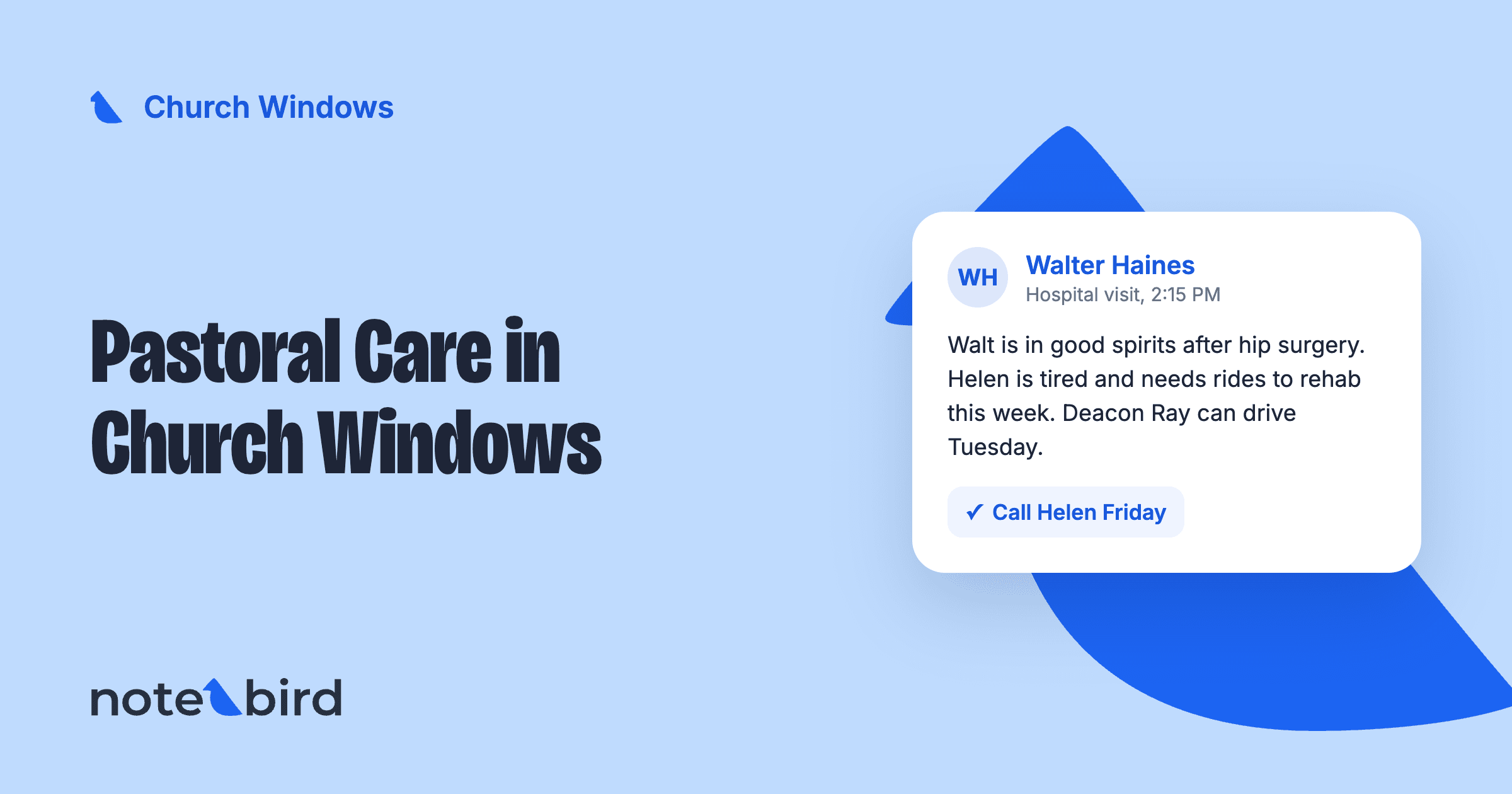
Here is a common month. Helen's husband, Walt, falls and breaks his hip.
- The pastor visits Walt in the hospital. The visit record waits until Monday, when the pastor is back at the office computer.
- A deacon drives Helen to the rehab center twice. The deacon has no Church Windows login, so the update goes by text message to the office.
- The follow-up date for "call Helen" goes on the Scheduler. On that day, nobody is sure whose call it is.
- Walt comes home. The deacon's notes are still in a text thread.
- Next year, the date of the fall comes and goes.
None of these are mistakes. They happen because Church Windows is built for the office, and care happens everywhere else. These are the limits care teams run into:
- It lives at the office. Church Windows Desktop "is installed locally on your Microsoft Windows computer and/or server." To use it from home, Church Windows points to third-party remote login services such as GoToMyPC or TeamViewer, and says it cannot support them. Church Windows Web is reached "via remote desktop" in a browser. Neither is built for a quick note from a phone in a hospital parking lot.
- A follow-up is a date, not an owner. A visit carries a follow-up date, and you can put it on the Scheduler. The Visits help page does not describe a way to give that follow-up to a named deacon and see it on their own list.
- Privacy is not described per note. The help pages for Visits and Comments do not describe a way to hide one sensitive note from other Church Windows users. The one field on the person record that the help page ties to a permission is the Last Giving Date.
- Dates come as reports. Birthdays and anniversaries are reports you run. A surgery date or the anniversary of a death needs its own custom field, and somebody has to remember to look.
- Leaders cannot see the team's care. Visit Reports show visits that were entered. They do not show the calls, meals, and rides that never made it back to the office.
What Does Notebird Add to Church Windows?
Notebird adds care that works from any phone. Church Windows stays your database. Notebird gives your pastor, deacons, and volunteers one shared place to log visits, own follow-ups, and get reminders for hard dates, and your people come in from Church Windows every hour. Here is the same month with Helen and Walt in Notebird.
One Care History Per Person
The pastor logs the hospital visit as an update from a phone before leaving the parking lot. The deacon's rides and the meal from the women's group go on the same timeline. Anyone who serves Helen and Walt sees what happened and what comes next. Every note is searchable, so "hip" or "rehab" finds it a year later.
Follow-Ups With an Owner and a Due Date
"Call Helen after Walt comes home" becomes a task with a name on it and a due date. It stays on that person's list until it is done, and it shows in their Early Bird Report each morning. Ongoing care is just the next task.
Can Deacons Log Visits Without Seeing Counseling Notes?
Yes, in Notebird. Give each deacon the Group Member role for the care group they serve. They see only the people in their groups and log visits from their phone. Mark a counseling note as restricted, and only the Organization Owner, Organization Admins, and Care Admins can read it.
A volunteer cannot mark their own note as restricted. If a deacon hears something sensitive, the deacon tells the pastor, and the pastor writes the restricted update. Our security page lists what each role can see.
Reminders for the Dates That Matter
Birthdays and wedding anniversaries come in from Church Windows. Add the date of Walt's fall, a baptism, a sobriety date, or the death of a loved one as a milestone, and set it to show every year. On the day, it shows in the Early Bird Report, so somebody calls.
Each morning, the Early Bird Report shows each person their overdue tasks, the tasks due today, today's milestones, and yesterday's updates. On Mondays it also suggests a few people who have not had care in a while. Leaders see the whole team's care in the activity feed, and care reports print a care history for the elders meeting.
Try Notebird free for 14 days No credit card. Connect Church Windows in a few minutes.
How Does the Church Windows Sync Work?
The sync goes one way, from Church Windows to Notebird, every hour. Church Windows stays your master membership list. Notebird gets the people your care team needs, and care notes never go back. Church Windows lists Notebird on its partners page as a way to "access your church membership data from anywhere."
From Church Windows to Notebird:
- Names, home, mobile, work, and other phone numbers, emails, and home addresses.
- Birthdays and wedding anniversaries.
- Gender, marital status, membership type, and households, with spouse, parent, and child links.
- The member-since date and the Comments from the person and family records, as lines in the person's profile notes.
When changes come in: every hour. The Church Windows help page for Notebird says that "congregant information from Church Windows will refresh every hour ensuring your information is up to date."
When someone leaves or dies: a person marked inactive or deceased in Church Windows is archived in Notebird, so you keep their care history.
Stays private in Notebird: updates, tasks, milestones you add, groups, and reports. Nothing goes from Notebird back to Church Windows.
See more on our page about pastoral care for Church Windows churches.
Church Windows Alone, or Church Windows Plus Notebird?
| What you need | Church Windows alone | Church Windows + Notebird |
|---|---|---|
| Membership, donations, accounting, payroll | Yes | Yes (Church Windows) |
| Visit records | Visits area, with follow-up date | Updates on one timeline per person |
| Who has had no visit | Visit Report option | Visit Report, plus a Monday "Reach out" list |
| Log care from a phone | Remote desktop or a third-party service | Yes, any phone |
| Follow-up | A date, or a Scheduler event | Tasks with an owner and due date |
| Private notes for sensitive care | Not described per note | Restricted updates |
| Volunteers log care without a Church Windows login | No | Yes, by care group |
| Reminders beyond birthdays | Reports and custom fields | Any milestone, every year |
If one pastor does all the care from the office, Church Windows alone can work. Once deacons or volunteers share the care, most churches find a care app worth it. The same is true for Planning Center churches and Breeze churches.
How to Set It Up This Week
- Start a free Notebird trial. No credit card is needed.
- Copy your Integration ID. In Notebird, go to Settings, Integrations, and copy the ID from the "Sync with Church Windows" button.
- Connect from Church Windows. In the Membership module, open Special Functions, then Setup Notebird. Paste the Integration ID.
- Match the fields and upload. Match each field from the drop-down menus, leave a field blank if it has no match, and click Upload Data Now. Your people come in, and they refresh every hour after that.
- Make two or three care groups, such as Hospital and Homebound, and invite your care team.
- Log the first visit from your phone. Then add the follow-up task before you leave the parking lot.
Keep Church Windows for membership, giving, accounting, and the calendar. Let Notebird hold the care. Then the call that was promised to Helen has a name on it, and next year the team remembers the date too.