Tracking Pastoral Care in a Spreadsheet: Why It Breaks and What to Use
A pastoral care spreadsheet works for one person. See where it breaks for a team, how a calendar and a ChMS compare, and when to move to care software.
By Thomas Griffin, Owner and CEO
Published · Updated
A pastoral care spreadsheet works well when one person tracks care for a small church. It breaks when a team shares it. Nobody gets a reminder to follow up, everyone with the file can read private notes, and the history leaves with the person who kept it. Care software fixes those gaps. A calendar or church database fixes only some.
Spreadsheets are the most common care tool we see. Many churches come to Notebird after years in a spreadsheet, or with no system at all.
A spreadsheet is not a bad choice. It is free, familiar, and flexible. This guide shows how to make a care sheet work, where it breaks, and how it compares with a calendar, a church management system, and care software.
How to Track Pastoral Care in a Spreadsheet
If you start with a sheet, build it well. Use one row per contact, not one row per person. A row per person turns into one long cell of notes that nobody can sort.
Use these columns:
- Date of the visit, call, or message.
- Person cared for. Use the same spelling every time.
- Type of care, from a dropdown: visit, phone call, hospital visit, prayer request, card sent, and so on.
- Given by: the pastor or volunteer who made the contact.
- Note: two or three sentences. What happened, and what the person needs.
- Follow-up needed: yes or no.
- Follow-up owner: one name, not "the team".
- Due date for the follow-up.
- Status: open or done.
Freeze the header row. Add a filter on Status so open follow-ups come to the top. Review the open rows once a week, in a staff meeting or on Monday morning.
Keep a second tab for dates to remember: birthdays, wedding anniversaries, and the date of each death in the church family. And keep any private pastoral notes in a separate file that only pastors can open.
If you use Google Sheets instead of Excel, the same layout works. We compare both tools in more detail on our Notebird vs spreadsheets and Notebird vs Google Sheets pages.
Where a Pastoral Care Spreadsheet Breaks
Most care sheets work for the first year. Then the team grows, the sheet grows, and small gaps turn into missed people. Here is where it usually breaks.
Stories Get Lost in Cells
Pastoral care is about people, and people have stories. A sheet is built for numbers. When one person has 40 rows across three years, the story is still there, but it is in pieces. Before a hospital visit, nobody scrolls through 40 rows to learn that this is the third surgery this year, or that her husband died last spring. Spreadsheets are for numbers, not for people.
Nobody Gets a Reminder
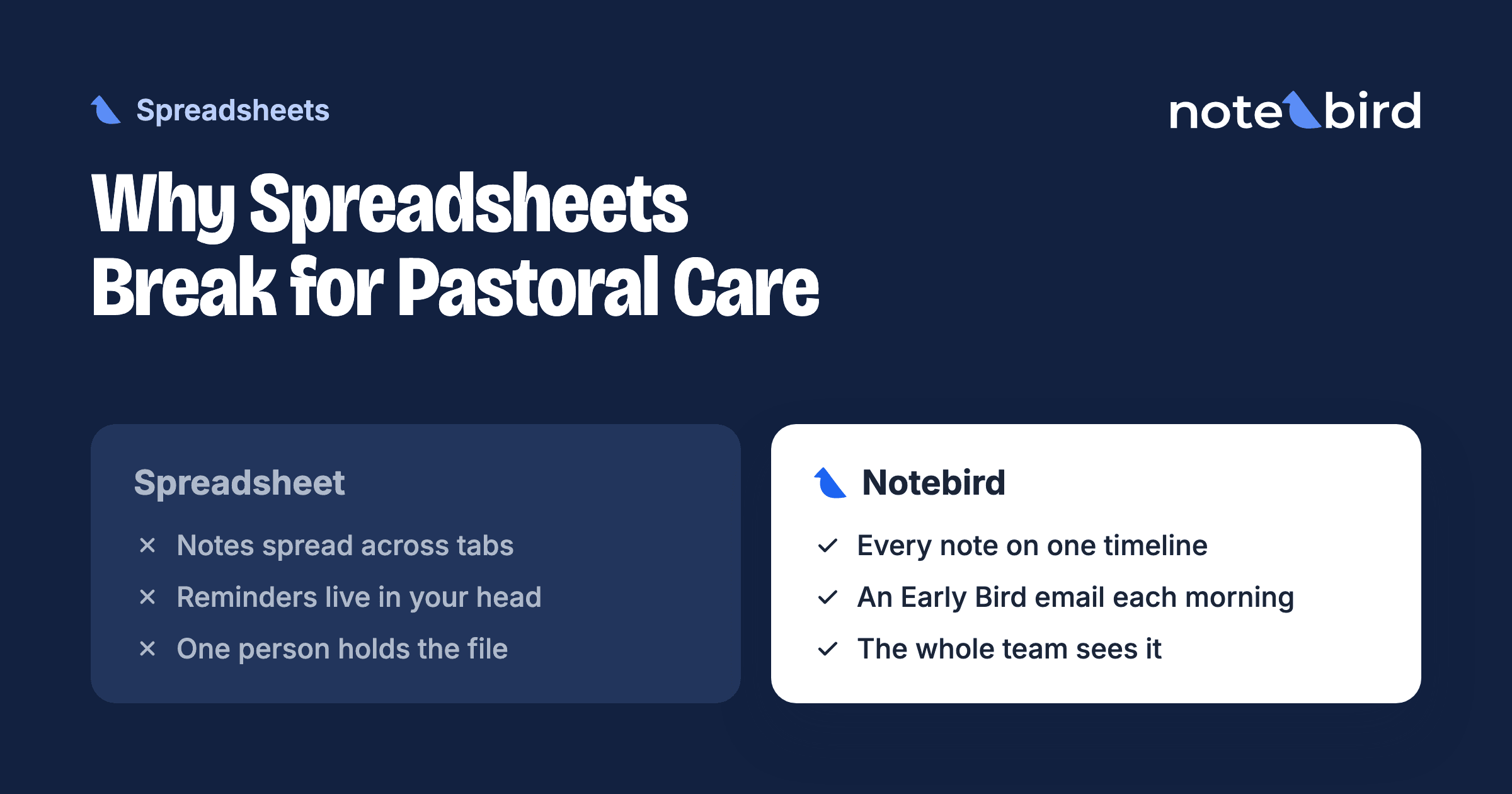
A due-date column does not send an email. The sheet waits for someone to open it and filter it. When the week gets busy, nobody opens it, and the follow-up date passes without a sound. This is the most common reason care slips through the cracks.
Everyone Sees Everything
Care notes are some of the most private words a church writes. In a sheet, access is all or nothing. Microsoft says plainly that worksheet protection "is not intended as a security feature". It only stops people from editing locked cells. Google gives the same warning for protected ranges, and adds that "people can print, copy, paste, and import and export copies of a protected spreadsheet".
So you cannot let a volunteer see the visit schedule but not the counseling note. Your choice is one file that everyone can read, or many files that nobody keeps in sync.
The Team Cannot See What Happened
A shared sheet shows the latest values in each cell. It does not show a clear stream of who cared for whom this week. Two volunteers call the same widow on the same day, and nobody visits the man who just came home from rehab.
Nobody Can Answer "How Are We Doing?"
You can build pivot tables, but few care teams do. So the simple questions go unanswered. Who has not had a visit in three months? How many hospital visits did we make this year? Which members of the care team carry most of the load?
The History Leaves With the Keeper
A sheet often lives in one person's drive. When that pastor or coordinator leaves, the file goes with them or gets lost in an old account. The next person starts from zero. We wrote a full guide on what to hand over when a pastor leaves.
Why a Calendar Is Not a Care System
After memory fails, many pastors turn to the calendar. Google Calendar and Outlook are already open all day, so it feels natural to add a yearly event: "Anniversary of Bob Smith's death. Call Mary."
Grief care shows the limits. In the days after a death, the pastor remembers everyone. There are visits, meals, and the funeral. The weeks and months after the funeral are the hard part. That is when people fall through the cracks. Grief does not end after the service. MedlinePlus, from the U.S. National Library of Medicine, notes that "it may take a year or longer to overcome strong feelings of grief". One calendar event a year does not cover that year.
Here is where a calendar falls short:
- The whole team cannot see it. You can invite others to a calendar, but each invite takes upkeep. It also gets hard to track who can see private details.
- You cannot get the data back out. A calendar full of dates holds a lot of knowledge about your church. But you cannot easily pull a list of every widow, or every person who had surgery this year.
- The pastor takes the calendar with them. When a pastor leaves, the calendar often walks out the door too. Many of those dates are never recovered, and people feel forgotten.
- There is no care history. Most people do not write the details of a loss in a calendar event. The record says "Ms. Jones passed away" and nothing more. The next caregiver has no context.
A calendar is a good place for dates. It is not a good place for care. For a full plan of what to do in the year after a death, see our grief care calendar for churches.
What About Your Church Management System?
A church management system (ChMS) such as Planning Center, Breeze, or Church Windows is the right home for member records, giving, groups, and attendance. Many have a notes field, and some have simple care tools. If one or two staff members log care and nobody else needs to see it, that can be enough.
It gets harder when a team does the care. Volunteers may need to see some people and not others. Private notes need to stay with pastors. Follow-ups need an owner and a reminder. A ChMS is built around the member record and the database, not around the care conversation. Many churches keep their ChMS as the source of truth for people and add a care tool that syncs with it. See our guides on pastoral care in Planning Center and pastoral care in Breeze.
Spreadsheet vs Calendar vs Church Management System vs Care Software
Each tool does some things well. Here is a fair comparison.
| Tool | What it does well | Where it breaks | Best fit |
|---|---|---|---|
| Spreadsheet (Excel, Google Sheets) | Free and familiar. You control every column. Easy to start today. | No reminders. Everyone with the file sees every note. History for one person is spread across many rows. Lives in one person's account. | One person tracks care for a small church. |
| Calendar (Google, Outlook) | Good at reminding one person that a date is coming. Already open all day. | No story behind the date. Hard to share with a team. Cannot list or report. Often leaves with the pastor. | Reminders for a solo pastor. Not a care record. |
| Church management system (Planning Center, Breeze, and others) | The source of truth for member records, giving, groups, and attendance. Often has a notes field. | Care tools are often basic. Private notes and per-volunteer access can be limited. Not built around the care conversation. | Churches where one or two staff log care. |
| Care software (Notebird and others) | Shared care history per person, private notes, follow-ups with owners and due dates, milestone reminders, reports. | One more tool and one more login. Costs money. The team must agree to use it. | Care teams where more than one person gives care. |
When to Move Off the Spreadsheet
A spreadsheet is a fair place to start. Look for these signs that your church has outgrown it:
- More than one person adds rows, and you are not sure which version is current.
- Someone asks, "Did anyone follow up with her?" and nobody knows.
- Some notes must stay private from volunteers, so you keep a second file.
- Care happens in texts and hallway talks, and the sheet is weeks behind.
- A new staff member asks for the history, and it lives in someone else's drive.
- You missed the anniversary of a death because the date was in a different file.
If two or three of these are true, the sheet now costs more time than it saves.
What Care Software Adds
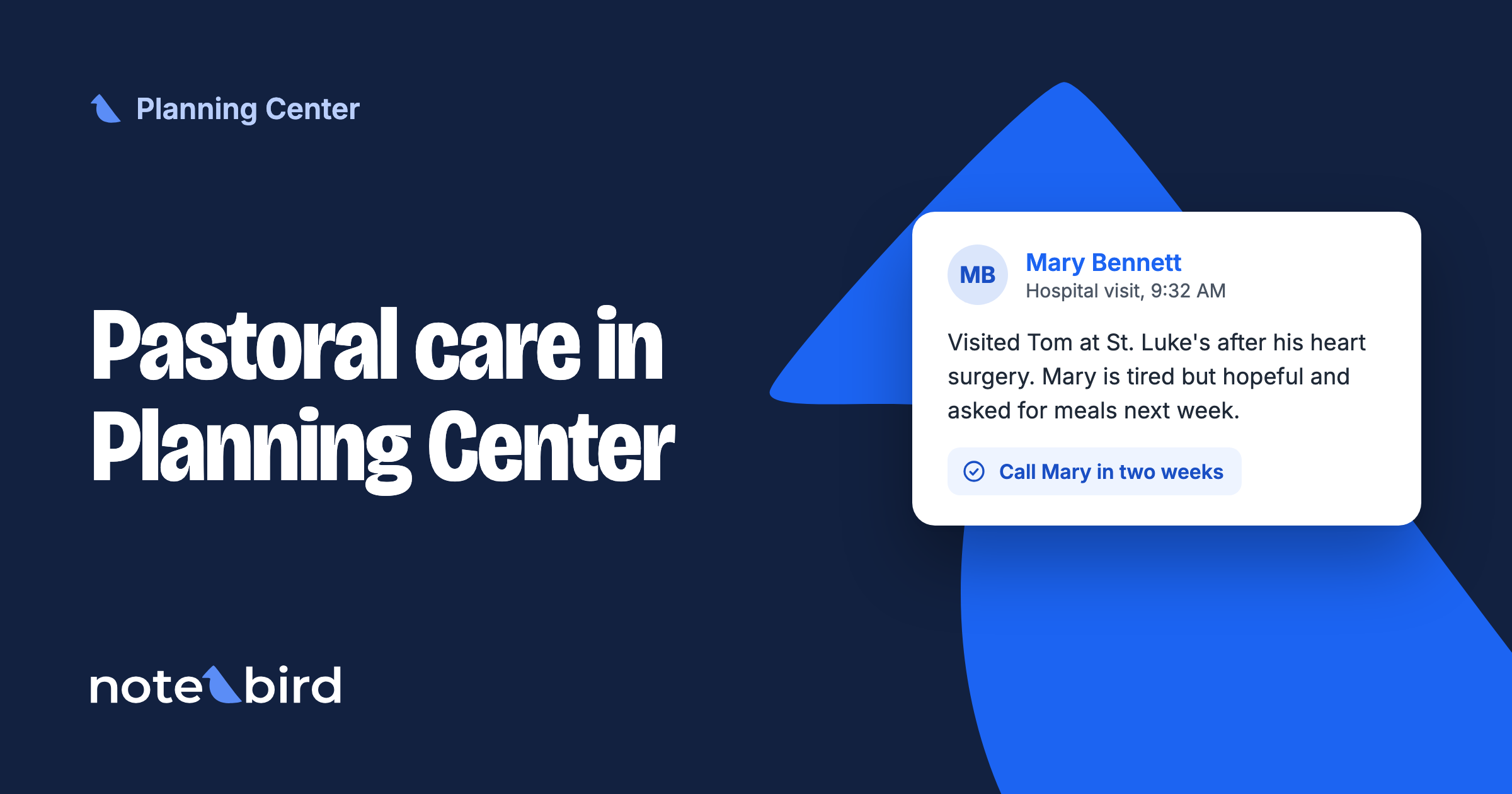
Care software is built for the work that a sheet makes hard. In Notebird, each person has one shared profile with every visit, call, and prayer request in order. You can mark a note as private so only the right people see it. Follow-ups become tasks with an owner and a due date. Birthdays, anniversaries, and the passing of a loved one become milestones that come back each year. And care reports answer "how are we doing?" without a pivot table.
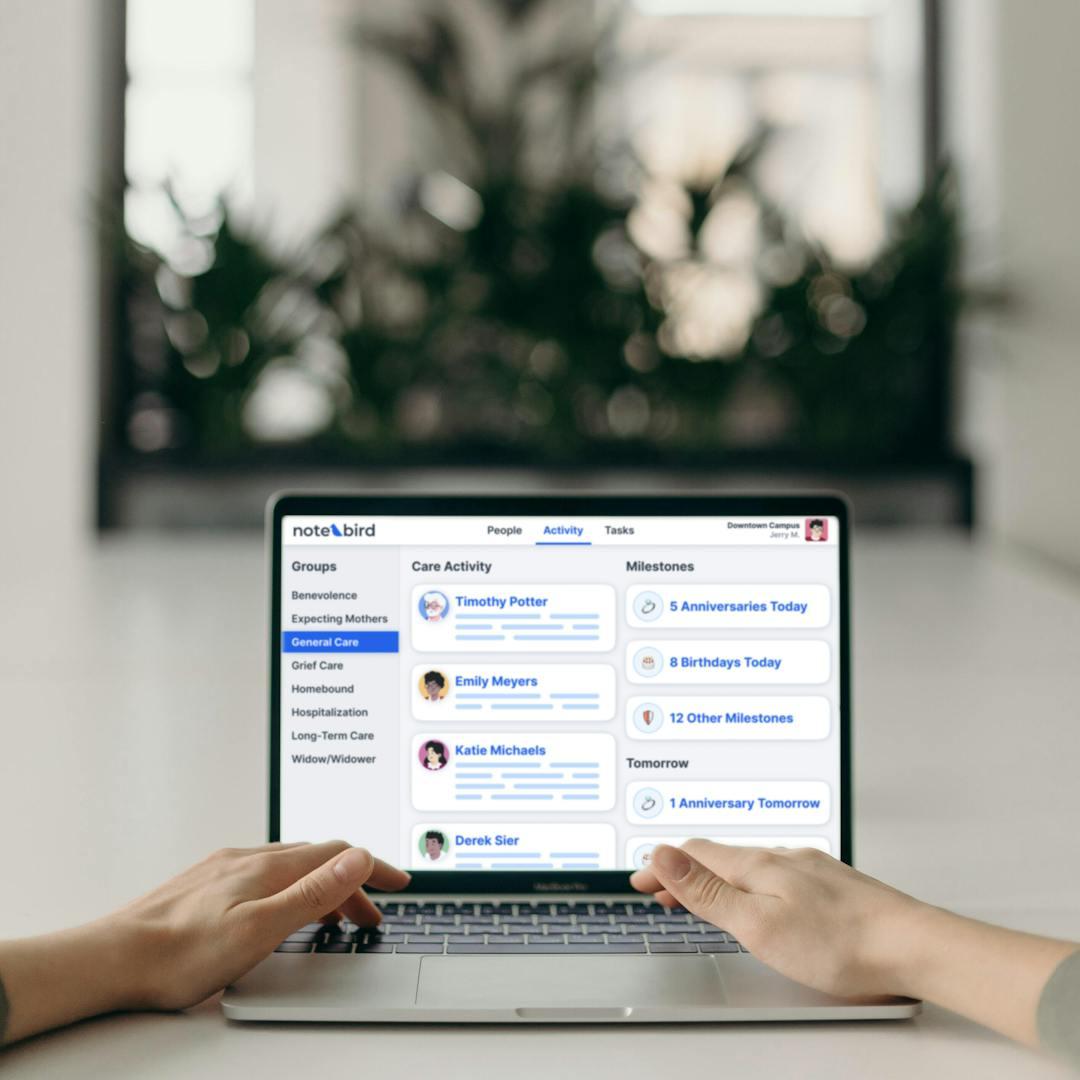
Care software is not the only good answer. Compare options in our guide to tools for pastors and care teams, and pick the one your team will really use.
How to Move From a Spreadsheet Without Losing Anything
- Save a copy of the sheet as it is today. Make it read-only and keep it as your archive.
- Import your people list. Most care tools import people from a CSV file. Notebird does this for free, or syncs with Planning Center, Breeze, or Church Windows.
- Add the important dates. Copy birthdays, anniversaries, and death dates from your "dates to remember" tab.
- Move the open follow-ups. Make a task for every open row, with one owner and a due date.
- Write a short summary for each person in active care. You do not need to move every old row. A few sentences of history is enough to start.
- Pick a start date. From that day, all new care goes in the new tool, not the sheet.
Whatever tool you choose, the goal is the same. Every person in your church should be known, remembered, and cared for, even when the team changes.