Stephen Ministry Care Records: Software, Privacy and What to Log
How a Stephen Ministry or lay care team can log care, keep sensitive notes with the leader, and what church software can and cannot hide from staff.
By Thomas Griffin, Owner and CEO
Published
A Stephen Ministry or lay care team needs records that show each caregiver only their own care receiver and keep sensitive details with the leader. In Notebird, a Stephen Minister with the Group Member role sees only the people in their group, and the Stephen Leader writes restricted notes. Notebird cannot hide a volunteer's own notes from senior staff.
That last sentence matters, so this guide starts with it. Many care leaders search for a tool that keeps lay caregivers' notes away from the rest of the church staff. Some of that is possible. Some of it is not. Below you will find what your Stephen Ministry already does to protect people, what is worth writing down, what to leave out, and how to set up software so it fits your process instead of changing it.
A note on names: Stephen Ministry and Stephen Minister are registered marks of Stephen Ministries St. Louis. Notebird is not connected with Stephen Ministries. This guide does not replace their training, their materials, or your Stephen Leaders' judgment. The same advice works for any lay care team: care partners, a deacon care team, or a congregational care team.
How Stephen Ministry Already Protects Care Receivers
Before you choose software, look at what your ministry already does well. Stephen Ministry has its own process, and most of it is about trust.
According to Stephen Ministries, a Stephen Minister "typically has one care receiver at a time and meets with that person once a week for about an hour." A pastor or Stephen Leader meets the care receiver first and makes the match.
Stephen Ministers do not work alone. Supervision Group Facilitators oversee small groups "of 5-7 Stephen Ministers during twice-monthly supervision sessions." Stephen Ministries' own media fact sheet adds that even in supervision, the names of care receivers and specific details are not discussed.
And the identity of the care receiver is guarded closely. In the words of Stephen Ministries: "no one knows the identity of a care receiver except for their Stephen Minister and the pastor or Stephen Leader who paired them together."
Hold that sentence up against any software you look at. It is the test. If a tool would let a dozen staff members see who is receiving care, it changes your ministry, even if every note is short and kind.
Many Stephen Ministries Keep Few Records on Purpose
Some care leaders feel guilty that their Stephen Ministry has almost no written records. Often, that is by design. The care happens in a weekly hour of listening. The accountability happens in supervision. The less that is written down, the less can be read by the wrong person.
So start with this question: what does your church need to keep? For most ministries the list is short:
- Who is matched with whom, and when it started. The Stephen Leaders need this to support the Stephen Minister and to plan.
- Whether the weekly meetings are happening. A short yes or no, so a leader notices when a care relationship has gone quiet.
- When a concern goes to the pastor. The date and the next step, not the story.
- When the care relationship ends. The date, so the leader can make a new match.
Use the forms and the process from your own Stephen Ministry materials for this. If your leaders keep the match list on paper in a locked drawer, that may be the right tool for you. Software helps when the list grows, when more than one leader needs to see it, or when a care receiver is also known to the pastor and care team for other reasons, such as a hospital stay or a death in the family.
What Should a Stephen Minister Write Down?
Write as little as your process asks for. A good test: would you be at peace if the care receiver read this note? If not, do not write it.
A Stephen Minister's note, if your ministry uses one, can be this short:
- "Met Tuesday, one hour."
- "Missed this week. She was at her daughter's. Meeting again Thursday."
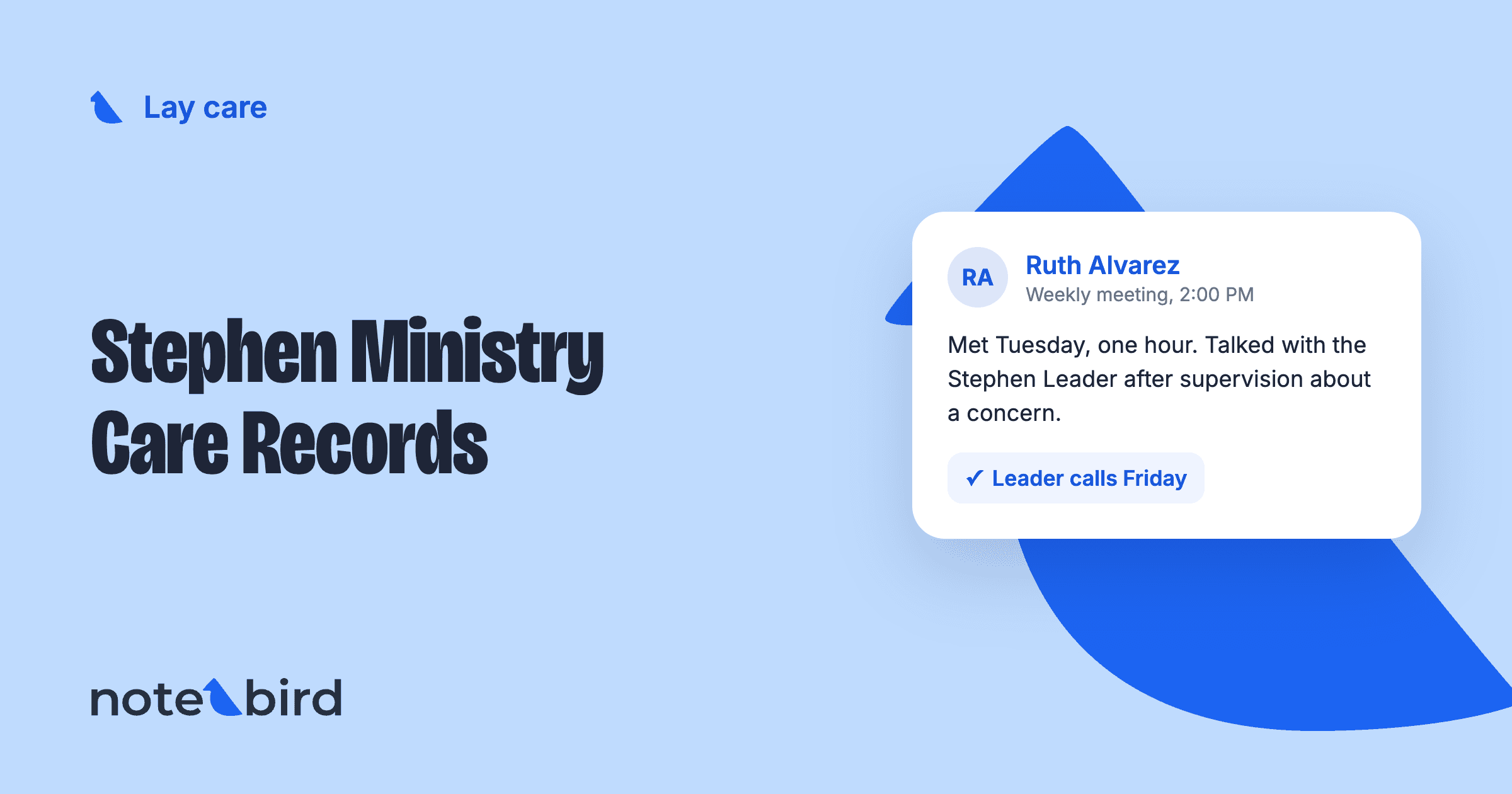
- "Talked with the Stephen Leader after supervision about a concern."
Leave these out:
- What the care receiver said. That stays between the two of them.
- Medical details. Diagnoses, medicines, test results. If health care matters to the care, a pastor or nurse holds it, not the care log.
- Opinions and guesses. "I think the marriage is in trouble" does harm on paper and helps no one.
- Names of other people in the story. A sister, an ex-husband, a coworker.
When a Stephen Minister hears something serious, the next step is a conversation, not a note. They call their Stephen Leader or the pastor that day. If someone is in danger or talks about suicide, they get help at once. In the United States, call or text 988, the Suicide and Crisis Lifeline.
Records Over the Life of a Care Relationship
Here is one way to map records to the stages of a Stephen Ministry care relationship. Change it to fit your own process.
| When | What to record | Who records it | Who can see it |
|---|---|---|---|
| Referral | A name and that a referral came in. No reason, or a one-line reason. | Pastor or Stephen Leader | Leaders only |
| First meeting with a leader | That the person agreed to receive care, and the date. | Stephen Leader | Leaders only |
| Match | The Stephen Minister's name and the start date. | Stephen Leader | Leaders and the matched Stephen Minister |
| Each week | Met or did not meet. Nothing more. | Stephen Minister or Stephen Leader | The Stephen Minister and leaders |
| Supervision, twice a month | Usually nothing about the care receiver. Names and details are not discussed. | No one | No one |
| A concern for the pastor | The date the concern went to the pastor, and the next step. | Stephen Leader or pastor | Pastor and leaders with private access |
| Closure | The end date and whether the person would like a follow-up call later. | Stephen Leader | Leaders only |
Notice the last column. Every row has a short list. That is what you want software to protect.
Who Can See Care Notes in Church Software?
Before you pick any tool, ask these six questions. Get the answers in writing, or test them in a free trial with a fake care receiver.
- Can a volunteer see only the people they serve? Or can every user browse the whole church?
- Who on staff can read a volunteer's notes? Ask for the list of roles, by name.
- Is there a private note level? Who can read it, and who can write it?
- Can a note be hidden from everyone except its author?
- Is there a record of who opened each note?
- Can a volunteer's access be turned off the day they step down?
Here are Notebird's answers, so you can compare.
| Question | Notebird's answer |
|---|---|
| Can a volunteer see only their own people? | Yes. A Group Member sees only the people in the groups you assign. They cannot see anyone else. |
| Who can read a volunteer's notes? | Others in the same group, and staff whose role covers everyone: the Organization Owner, Organization Admins, Organization Managers, Care Admins, and Care Managers. |
| Is there a private note level? | Yes, restricted updates. Only the Organization Owner, Organization Admins, and Care Admins can read or write them. Their files and comments follow the same rule. |
| Can a volunteer write a private note? | No. A volunteer cannot mark a note as restricted. |
| Can a note be hidden from everyone but its author? | No. Restricted is the one privacy level. |
| Is there a log of who opened a note? | No. |
You can read more on the Notebird security page.
Notebird Cannot Hide a Volunteer's Notes From Senior Staff
This is the limit to plan around. If a Stephen Minister writes a note in Notebird, people in the same group can read it, and so can every staff member whose role covers the whole church. A volunteer cannot make their own note private.
That is a choice in how Notebird is built: a pastor who carries responsibility for the church can see the care the church gives. For many lay care teams, that is what they want. For a Stephen Ministry that keeps care receivers' identities to the Stephen Minister and the leader who matched them, it may not be.
So choose one of the two setups below on purpose, with your Stephen Leaders, before anyone writes a first note.
How to Set Up a Stephen Ministry in Notebird
Setup 1: Stephen Leaders Keep the Records
This setup is closest to the minimal-record model, and it is the one we suggest for most Stephen Ministries.
- Give each Stephen Leader the Care Admin role. A Care Admin can read and write restricted updates and cannot change church settings.
- Do not give Stephen Ministers a login. They report to their leader the way they already do.
- The leader logs only what the church needs, as restricted updates: the match, the start date, a concern sent to the pastor, the end date.
- Keep the list of people with restricted access short. Only the Organization Owner, Organization Admins, and Care Admins can read restricted updates. Check who has those roles before you start.
With this setup, a care receiver's Stephen Ministry records are visible only to people who already have restricted access. Each person who logs in to Notebird is a paid user, so this setup also keeps cost down. See pricing for the current cost per user.
Setup 2: Stephen Ministers Log Their Own Meetings
This setup fits a broader lay care team, or a Stephen Ministry whose leaders want each Stephen Minister to log the weekly meeting.
- Give each Stephen Leader the Care Admin role.
- Make one group for each Stephen Minister, and put only their care receiver in it. If you put all care receivers in one shared group, every Stephen Minister in that group can see all of them.
- Give each Stephen Minister the Group Member role and assign them to their own group. They see their care receiver and no one else.
- Stephen Ministers log short updates from their phone: "Met Tuesday, one hour." Agree on the words ahead of time.
- Sensitive matters go to the leader by phone or in person. The leader writes a restricted update if a record is needed.
- When a Stephen Minister steps down, archive their user so their access ends.
Tell each Stephen Minister plainly who can read what they write. A short line in training helps: "Your notes can be read by our care staff. Write only the date and whether you met. Anything else, call me."
One more detail: a person can be in more than one group. If the care receiver is also in a deacon's group, the deacon can see the person, but not the updates the Stephen Minister writes in their own group. Check each care receiver's groups when you make the match, so you know who can see their name.
When a Care Receiver Needs More Than a Stephen Minister
Stephen Ministers are not counselors, and they are trained to know when a care receiver's needs go beyond what they can give. When that happens, the Stephen Leader and the pastor decide on the next step: a pastor's visit, a counselor, a doctor, or emergency help.
This is where a church record does its most useful work. The pastor writes a restricted update with the date and the referral, and adds a task with an owner and a due date to check back. The Stephen Minister can stay as a caring friend while others carry the heavier load. Our guide on when to refer someone to a counselor walks through the signs and the words to use.
The Same Pattern Works for Any Lay Care Team
Deacons, elders, care partners, and visitation teams face the same question: how do volunteers log care without seeing the whole church, and where do sensitive details go? The answer is the same:
- volunteers see only their own people;
- volunteers write short, factual notes;
- sensitive matters go to a leader in person, and the leader writes the private record;
- a small, named group of leaders can read everything.
Our deacon care ministry guide shows this pattern for deacon families, and how to build a pastoral care team covers training volunteers to write good notes.
Protect the Trust First
A Stephen Ministry works because a hurting person trusts that what they say stays safe. Records should serve that trust, not test it. Write less than you think you need, show each caregiver only their own care receiver, and keep sensitive details with a short list of leaders.
If Setup 1 or Setup 2 fits your ministry, you can test it in Notebird with a fake care receiver before you add a real one. See how groups in Notebird work, or start a 14-day free trial with no credit card.