Church Prayer Request System: Forms, Cards, and Follow-Up
A five-step prayer request process for churches, a prayer card template, prayer chain rules without gossip, and a privacy table for every request.
By Thomas Griffin, Owner and CEO
Published
A church prayer request system has five steps. Collect every request in one place. Sort it by privacy level: public, staff only, or pastor only. Pray for it on a set rhythm. Give the follow-up to one named person with a date. Then close the loop: check back, record what happened, and take it off the list.
Where Prayer Requests Come From (and Why They Get Lost)
Ask any church office how prayer requests arrive, and you will hear a long list:
- A text to the pastor at 10 PM.
- A message in the church GroupMe or a Facebook group.
- A Church Center form or a form on the website.
- A card in the offering plate or the bulletin box.
- A word in the hallway after the service: "Will you pray for my sister?"
- A voicemail to the church office.
- An email to whoever the person knows best.
Each of these is a good way to ask. The trouble is that each one lands in a different inbox. The pastor reads the 10 PM text in bed, prays, and by morning it sits under thirty other messages. The office has the cards on paper. The prayer team saw a few in the group chat. Nobody owns the follow-up, so the person who asked may never hear from the church again.
People notice. When someone works up the courage to share a hard thing and nobody checks back, they learn that prayer requests go into a box and stay there. Next time, they may not ask.
A prayer request system does not need to be complex. It needs one place where every request ends up, one person who sorts them, and a clear rule for who follows up.
The Five Steps of a Church Prayer Request System
1. Collect: Many Doors In, One Place to Land
You cannot stop people from texting the pastor, and you should not try. Let people ask in whatever way is easy for them. Then make one rule for the staff and the care team: every request goes to one place within a day.
That place can be a care app, a shared log, or (for a very small church) one notebook in the office. What matters is that there is only one. If a deacon hears a request in the parking lot, the deacon writes it down there. If the pastor gets a text, the pastor forwards it or logs it.
Give each request the same few facts: the date, who asked, who the prayer is for, the request in short words, the privacy level, and who will follow up.
2. Sort: Decide Who May Know
It is easy to rush this step, and it is the one that protects people. Before a request goes on any list, someone asks: who may know about this?
Use three levels:
- Public: The person said the whole church may pray, by name. This can go in the bulletin, the church email, or the prayer chain.
- Staff and care team only: The pastors and the care team may know. The congregation does not.
- Pastor only: One pastor knows the details. Others may know only that "a member has asked for prayer."
When you are not sure, use the more private level and ask the person. "Thank you for telling me. May I share this with the prayer team, or would you like it to stay with me?"
3. Pray
Prayer is the point of the whole system, so give it a set time. A staff meeting can start with the week's requests. A prayer team can meet on Wednesday morning. A pastor can pray through the pastor-only list each Monday.
Pray for the person by name and pray for what they asked. Ask God to be near them and to give strength and peace. Do not promise an outcome.
4. Follow Up
Every request that came from a person in your church needs one human response. Give it to one named person, not "the team," and give it a date.
Short follow-ups that work:
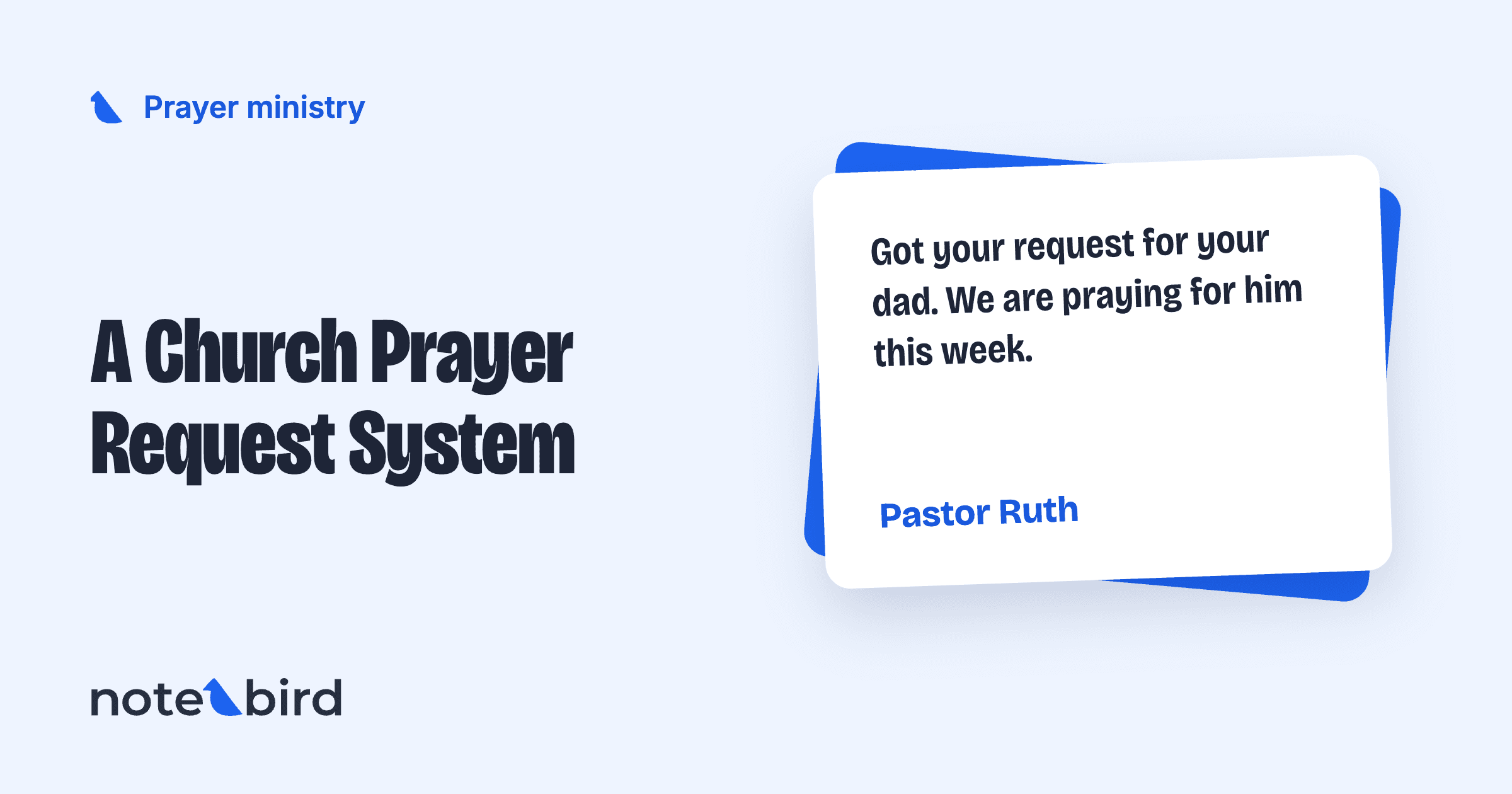
- A text the same day: "Got your request for your dad. We are praying for him this week. No need to reply."
- A call within a week for anything serious: "I have been praying for you. How is your mom doing today?"
- A card from the prayer team with a few signatures.
- A visit for a hospital stay, a death, or a long illness.
For words to use in the prayer itself, our guide to prayers for the sick has short prayers for the hospital, before surgery, and at the end of life.
5. Close the Loop
A request is not done when someone prays for it. It is done when someone checks back. Ask the person how things are now, write down what you heard, and decide together: keep it on the list, change it, or take it off.
When a prayer is answered in a way the person wants to share, ask if you may tell the prayer team. Few things encourage a prayer team more than hearing what happened next.
Privacy Levels for Prayer Requests
Use this table to sort requests. When a request fits two rows, use the more private one.
| Privacy level | Who sees it | Examples | Where it can go |
|---|---|---|---|
| Public | The whole church | A planned surgery the person announced, a new job search, a family move, a birth | Bulletin, church email, prayer chain, Sunday prayers |
| Staff and care team only | Pastors, staff, and the care team | A new diagnosis not yet shared, a hospital stay, a job loss, a child in trouble | Care team log, staff meeting |
| Pastor only | One or two pastors | Mental health, addiction, abuse, marriage trouble, legal problems, anything said in confidence | The pastor's restricted notes |
| Not for any list | Nobody else | Details about another person who did not share them, or anything heard second-hand | Pray privately. The person who asked can share their own part ("please pray for my brother"), not his story. |
A good test: would the person be glad or upset to hear their request read aloud by someone they barely know? If you are not sure, it is not public.
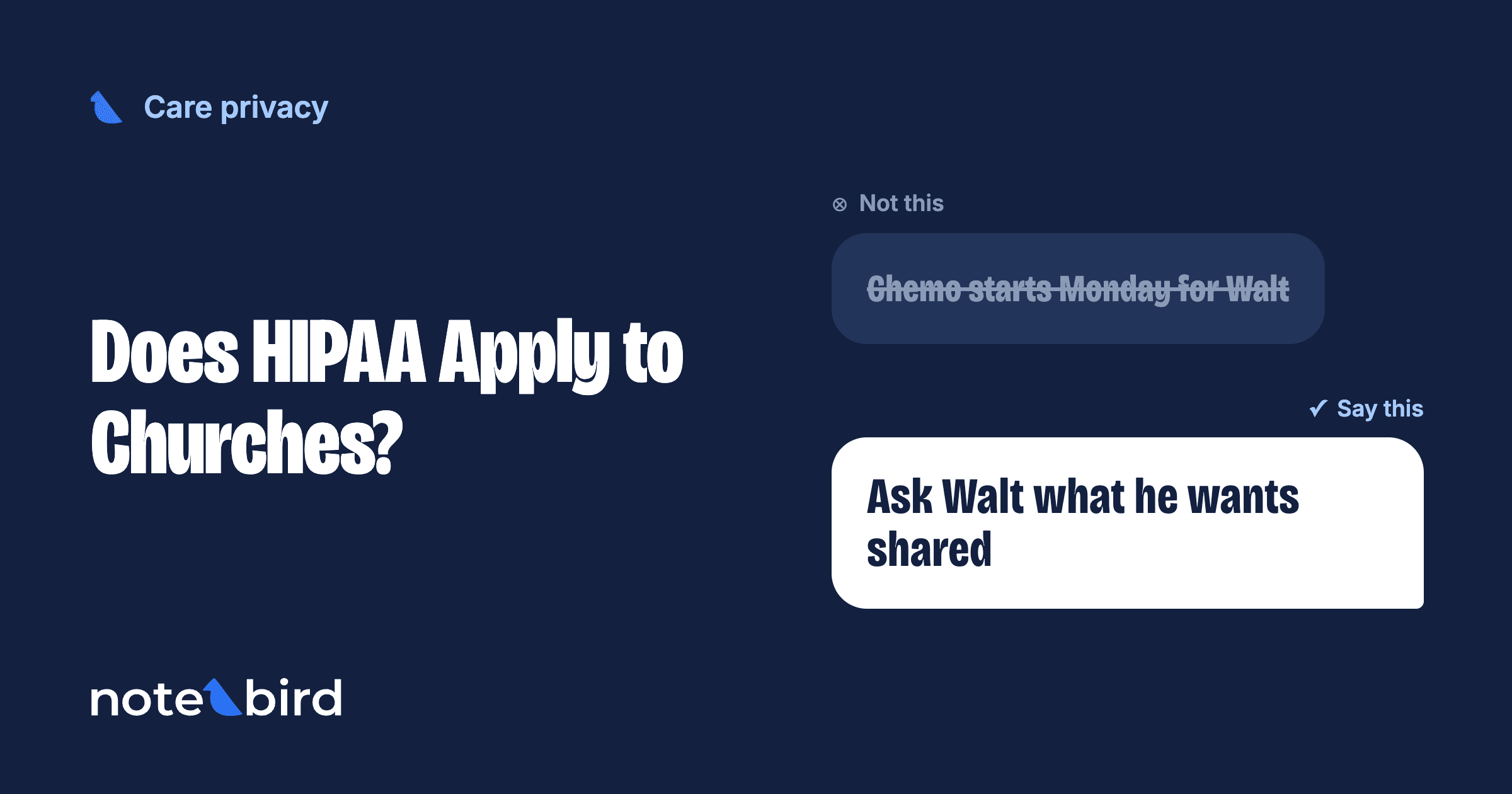
Health details need extra care. For more on who should see care notes, read does HIPAA apply to churches.
What to Put on a Prayer Card or Prayer Request Form
A paper card in the pew and an online form should ask the same things. Keep it short enough to fill out in under a minute, with a pen that half works, while the offering plate comes down the row.
- Your name (or "anonymous").
- How to reach you: phone or email.
- Who is this prayer for? "Me," or a first name and relationship ("my brother, Sam").
- Your request, in a few lines.
- Who may know about this?
- Share with the whole church.
- Share with the pastors and care team only.
- Keep it with the pastor only.
- Would you like a call or a visit? Yes or no.
- May we share an update later? Yes or no.
Put one line at the bottom of the card: "We keep your request private unless you tell us we may share it." That one sentence can make people more willing to ask for prayer about the hard things.
If you use Planning Center, its help center shows how to build a prayer request form that adds each response to the person's profile. It also shows how to add a yes or no question about confidentiality, and how to send sensitive requests to a smaller group of staff. A paper card works too, as long as someone collects the cards each Sunday and logs them by Monday.
How to Run a Prayer Chain Without Gossip
A prayer chain is a list of people who agree to pray when a request comes in. It used to be a phone tree. Now it is often a group text, an email list, or a GroupMe. The speed is a gift. It is also how a private hurt can reach fifty phones in ten minutes.
Matthew Mitchell, writing for CCEF, gives a simple test for keeping gossip out of prayer requests: "Before you pass on a request, make sure to check your facts, check your role, check your audience, and check your heart."
Rules that keep a prayer chain safe:
- Only the person may make a request public. A friend, a spouse, or a neighbor cannot give permission for someone else.
- Send the request, not the story. "Please pray for Linda, who has surgery on Thursday" is enough. The reason for the surgery is hers to share.
- Use the words the person approved. Do not add details you heard elsewhere.
- One sender. One coordinator sends every request to the chain. Members pray. They do not forward.
- No reply-all updates. Updates come from the coordinator, with the person's permission.
- Keep the chain small. Invite people who have shown they can keep a confidence. Ask each one to agree to these rules each year.
- Private requests never go on the chain. Staff-only and pastor-only requests stay with the care team.
- Use a separate group for prayer. Do not post requests in the church's general group chat, where new people and visitors may read them.
A sample message the coordinator can send:
"Prayer request from Linda Ortiz, shared with her permission: Please pray for Linda as she has surgery Thursday morning. Pray for her doctors and for peace for her family. Please do not forward this message. Thank you for praying."
How Long to Keep a Request on the Prayer List
Lists that never shrink stop being read. A long list of old names also makes people wonder if anyone is paying attention. Set a rule and keep it.
| Type of request | How long on the public list | Then |
|---|---|---|
| Short-term (a surgery, a trip, a test result) | 2 weeks | Check back, then remove or update |
| Hospital stay | Until discharge, plus 1 week | Move to a check-in call at home |
| Death in the family | 4 weeks | Move to the care team's grief follow-up |
| Long illness or ongoing need | 1 month at a time | Ask each month if they want to stay on the list |
| Military deployment, missionaries | The length of service | Review each quarter |
| Any request nobody can confirm | Remove now | Ask the person before you add it back |
For a death, the public list is the start, not the end. Grief care lasts a year or more. Our grief care calendar for churches shows what to do in each month after the funeral.
A Weekly Prayer Request Rhythm
A system works when it runs on the same days each week. Here is a simple rhythm a church of almost any size can use.
| When | What to do | Who |
|---|---|---|
| Sunday | Collect cards from the box and the plate. Note requests shared after the service. | Usher or care team member on duty |
| Monday morning | Log every request from cards, texts, forms, and voicemail in one place. Sort each one by privacy level. | Church office or care coordinator |
| Monday | Give each follow-up an owner and a date. Send public requests to the prayer chain. | Care coordinator |
| Tuesday to Thursday | Make follow-up calls and texts. Send cards. Visit anyone in the hospital. | Assigned care team members, pastor |
| Wednesday | Prayer team prays through the public list. Pastor prays through the private list. | Prayer team, pastor |
| Friday | Check that each follow-up is done. Move anything left to the next week with a new date. | Care coordinator |
| Each month | Check back on long-term requests. Remove old ones. Share answered prayers, with permission. | Care coordinator, pastor |
How to Track Prayer Requests in Notebird
Notebird is pastoral care software, so prayer requests fit into the same care history as visits and calls. Here is how churches use it for this process.
Collect on your own form. Notebird has no public prayer request form. Churches collect requests on the tools they already have: a Planning Center Church Center form, a form on the church website, a paper card, or a text to the pastor. The care team then logs each request in Notebird.
Log each request as an update on the person. Use the prayer request update type, or make your own. Add the date, the request, and any notes from the follow-up. One update can cover several people, such as a whole household. The request now sits next to the visits, calls, and cards for that person, so the next caregiver knows the full story.
Restrict the private ones. Mark a staff-only or pastor-only request as restricted. Only the Organization Owner, Organization Admins, and Care Admins can read restricted updates. In most churches that is the pastors and the care director, which fits a pastor-only request. If a matter must stay with one person alone, such as something said in confidence, that pastor can keep it out of shared records altogether.
Give the follow-up an owner. Add a task with a name and a due date. The task stays on that person's open list until it is done. Use @mentions to bring a pastor into the conversation on an update.
Close the loop. When you check back, add a comment or a new update with what you heard. Later, anyone with access can search for the person and see how the request went.
If your church uses Planning Center, the people sync both ways, and care notes stay in Notebird. See how this fits together in our guide on pastoral care in Planning Center.
Common Mistakes With Prayer Requests
- Reading private details from the pulpit. Once a detail is said aloud, nobody can take it back.
- No owner for the follow-up. "The prayer team will pray" is good. "Someone should call her" means nobody will.
- Lists that never change. Review the list every month.
- Requests that stay in one person's phone. If the pastor is the only one who knows, care stops when the pastor is sick, on vacation, or gone.
- Asking for details the person did not offer. Pray for what they asked. Let them share more if they want to.
- Forgetting the person who asked for someone else. When a woman asks prayer for her son, she is carrying something too. Ask her how she is doing.
Keep Prayer and Care Together
A prayer request is often the first sign that someone needs care. When every request lands in one place, has the right privacy, and has a name on the follow-up, nobody who asks for prayer is left wondering if anyone heard.
Notebird keeps each request in the person's care history, with private notes restricted and follow-ups assigned. See how churches use it for church follow-up, or see pricing. Every feature is on every plan, and the 14-day free trial needs no credit card.