Product Updates: Comments, Mentions, and Your New Inbox
Comments, emoji reactions, @mentions, and a brand-new notification Inbox are live in Notebird. Care for people together, without another group text.
Published
Hey friends,
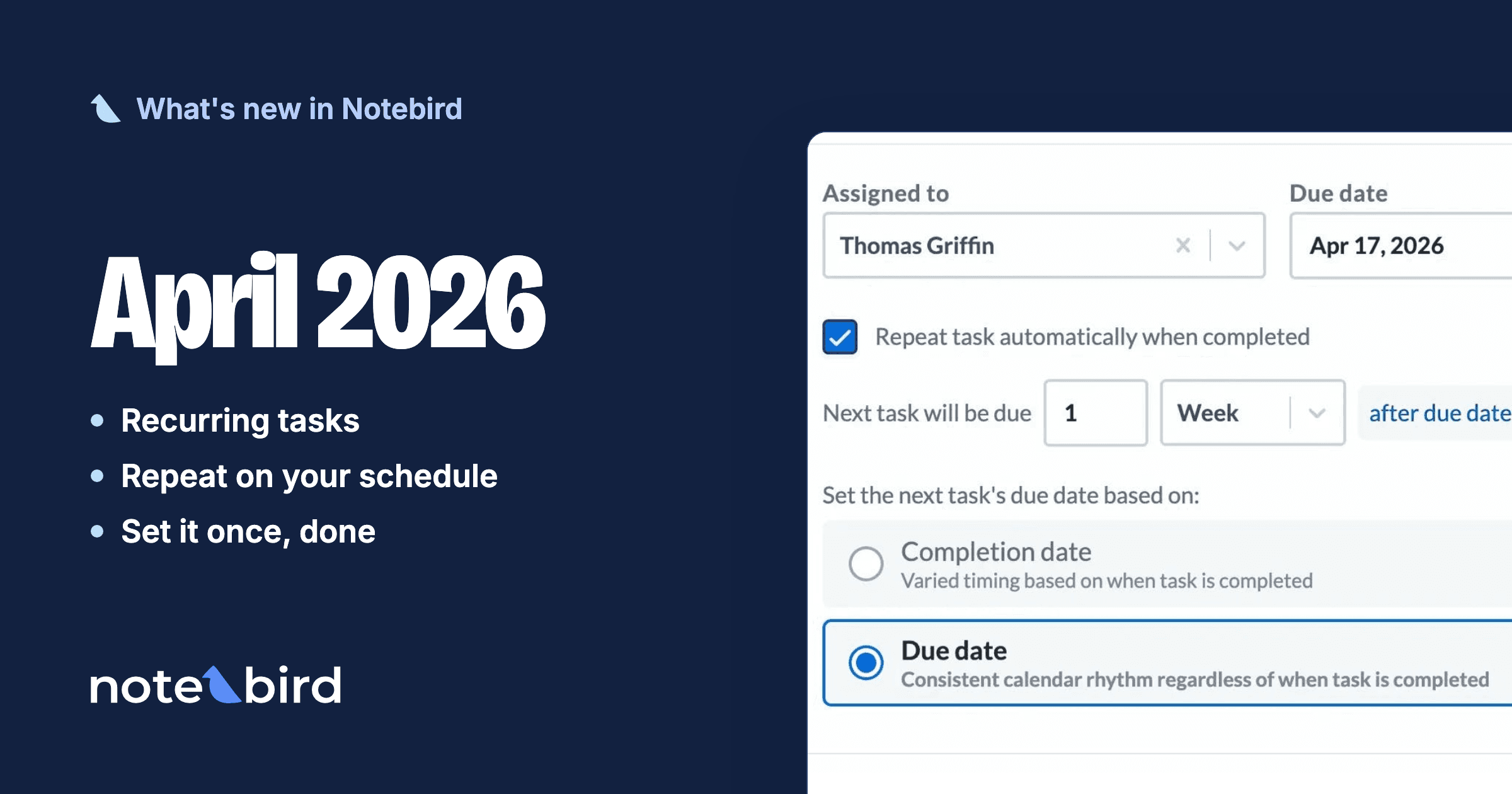
Back in April, we ended our Recurring Tasks announcement with a promise: comments and reactions were coming next. Today we get to tell you the rest of the story.
Comments and reactions shipped earlier this summer. And while your teams started using them, we were building the layer that ties it all together: @mentions, smarter notifications, and a brand-new Inbox right inside Notebird.
This is the largest set of updates we have ever shipped between two announcements. Let's walk through it.
💬 Comments & Reactions
Care is a team sport, but until now the conversation about care happened somewhere else: a group text, a reply-all email, a hallway chat that half the team missed.
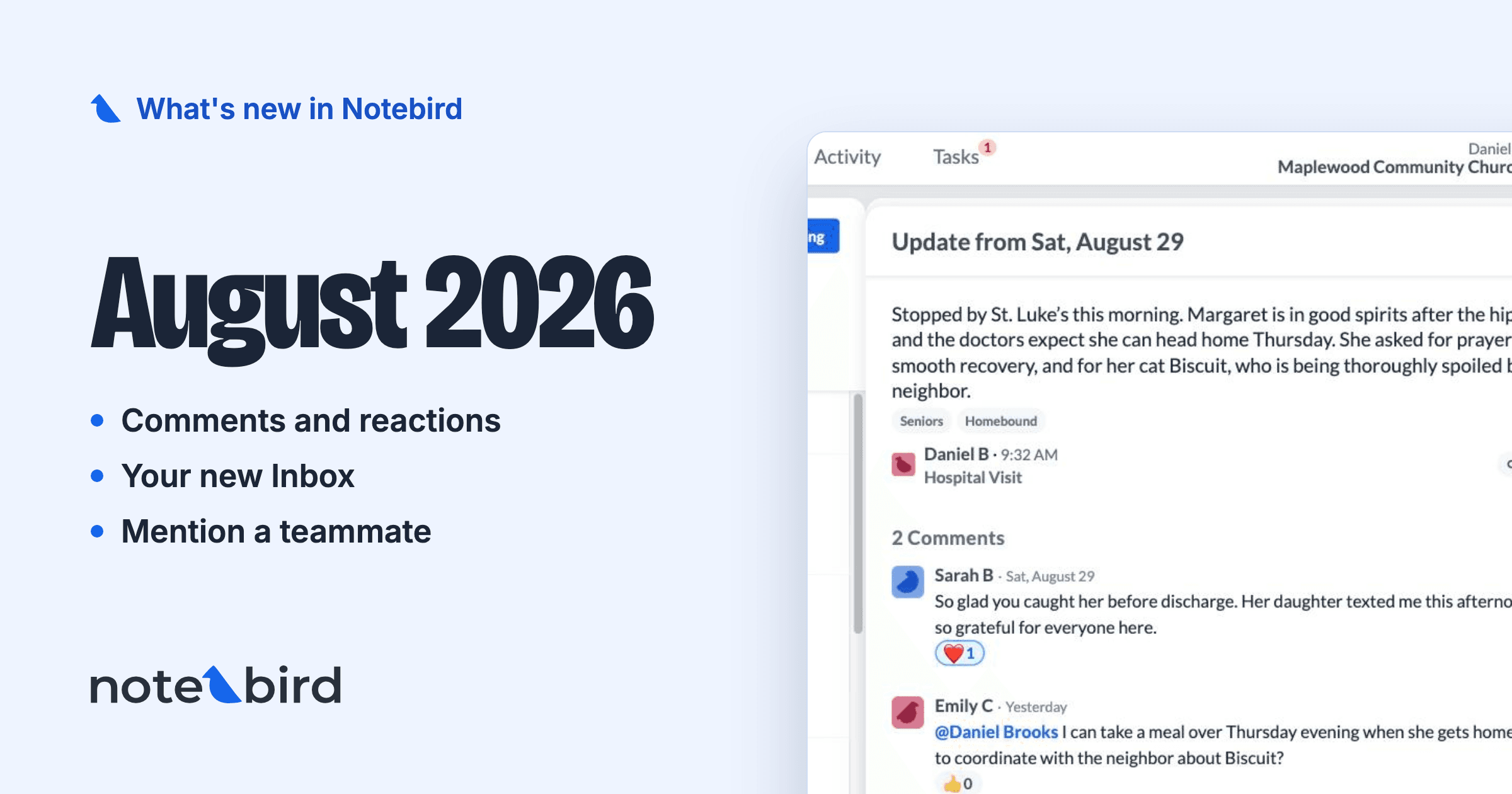
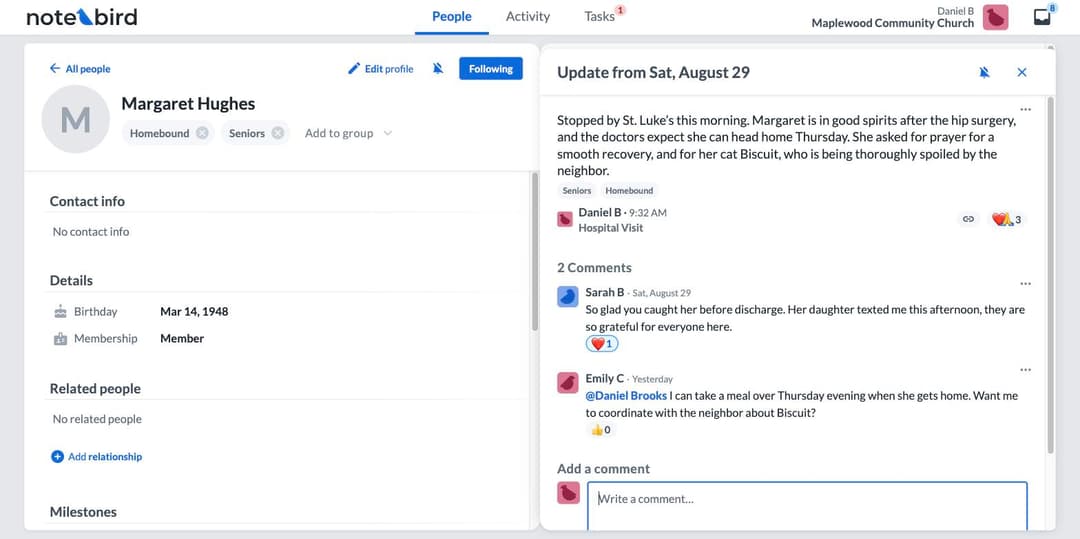
Now your team can talk right where the care is recorded. Leave a comment on any update or task. Ask a clarifying question. Add what you learned on your own visit. Confirm that the follow-up happened.
And when a comment is enough said, say it with a reaction. Tap 👍 ❤️ 😂 😮 😢 or 🙏 on any update, task, or comment. Someone logs a hard hospital visit? A 🙏 from three teammates says "we see it, and we're praying" without a single notification chain.
Two details we sweated for you:
- Private stays private. Comments on a restricted update are visible only to the people who can see that update.
- The comment box grew up. Formatting, an emoji picker, and editing are all built in.
📥 Meet Your New Inbox
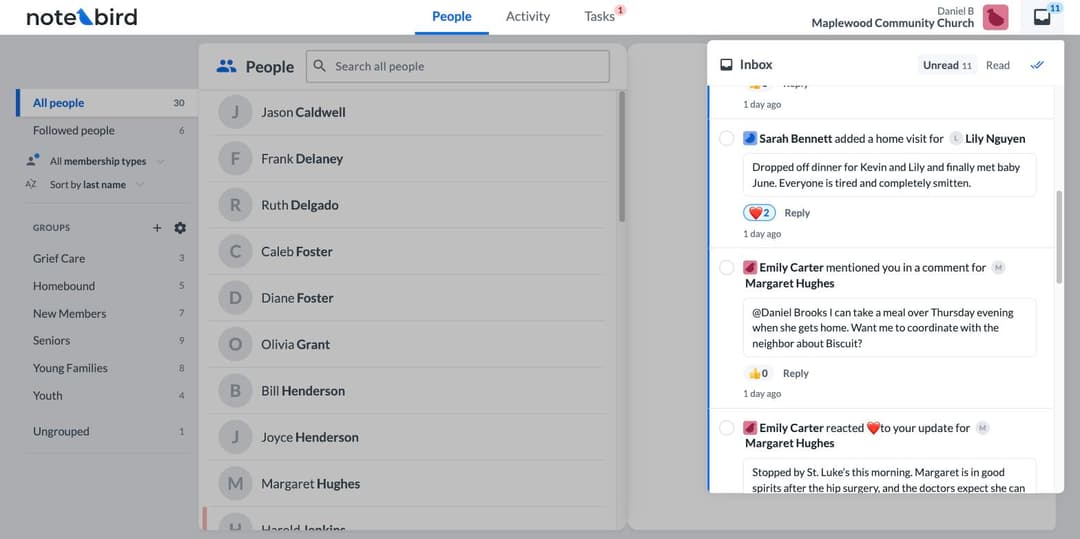
Look for the new inbox tray icon at the top of Notebird. That's your Inbox, and it is the one place where everything that needs your attention lands: a task assigned to you, a comment on your update, a mention, a reaction, new milestones and updates from the people you follow.
The Inbox was designed to respect your time:
- Reply without leaving. Someone commented on your update? Write your reply right from the Inbox row.
- React without leaving. A quick ❤️ from the Inbox works exactly like one on the page.
- It knows what you've seen. Open an item anywhere, from an email, from the feed, from a person's page, and the notification marks itself read.
- Mark all read. One click, clean slate.
Every notification links straight to the task, update, comment, or person it's about, so you're always one tap from the real thing.
👋 Pull Someone Into the Conversation With @Mentions
Sometimes a comment is really a question for one person. Now you can ask them by name.
Type @ in any comment and pick a teammate. They get a notification, they join the conversation, and they see the full context: the person, the update, the whole thread. No forwarding, no "see below," no copy-paste into a text message.
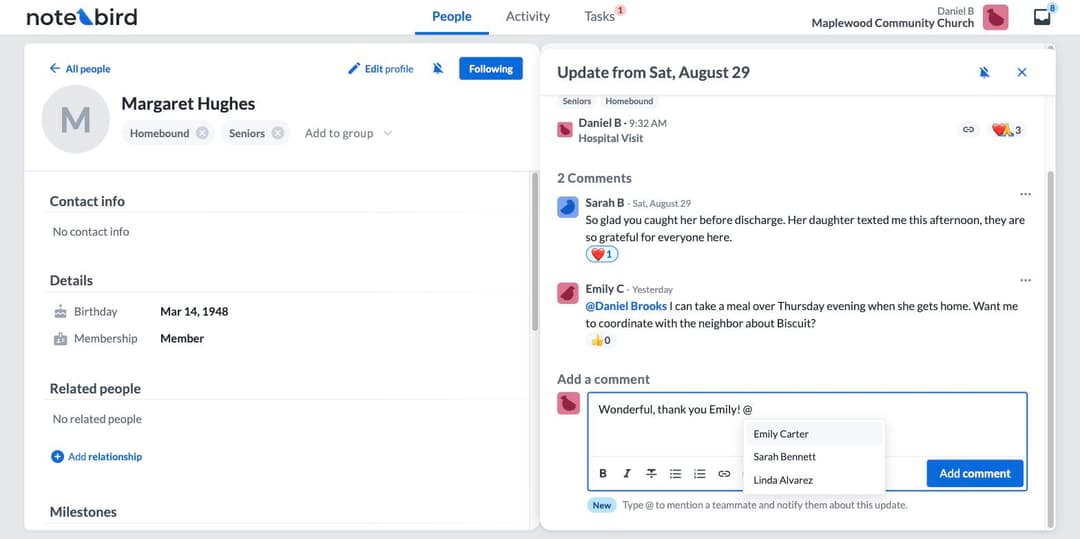
And mentions always get through. Even if a teammate has muted a busy conversation, a direct @mention still reaches them. When someone asks for you by name, you'll know.
🎛️ You Decide What You Hear About
More activity in Notebird should not mean more noise. So notifications now come with a real control panel, in your profile settings:
- Choose what to hear about. New updates, new tasks, completed tasks, new milestones, new comments. Each one on or off.
- Choose how wide to listen. All activity across your location, only the people and groups you follow, or no activity at all.
- Choose where it lands. Every notification type has its own Inbox and Email toggles. Inbox-only, email-only, both, or neither.
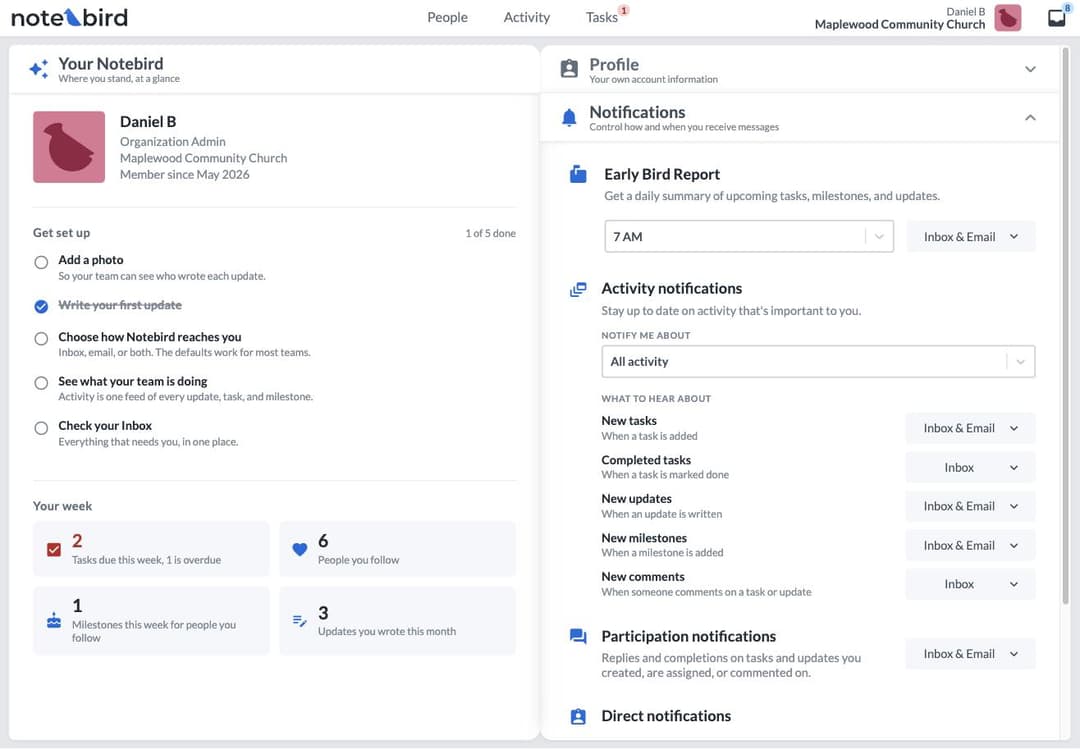
And one of our favorite parts, participation notifications: when you create a task, get assigned one, or comment on an update, you automatically follow that conversation. Replies and completions come to you without any setup. If a thread gets chatty, mute it. It's your Inbox.
🐦 The Early Bird, Delivered Your Way
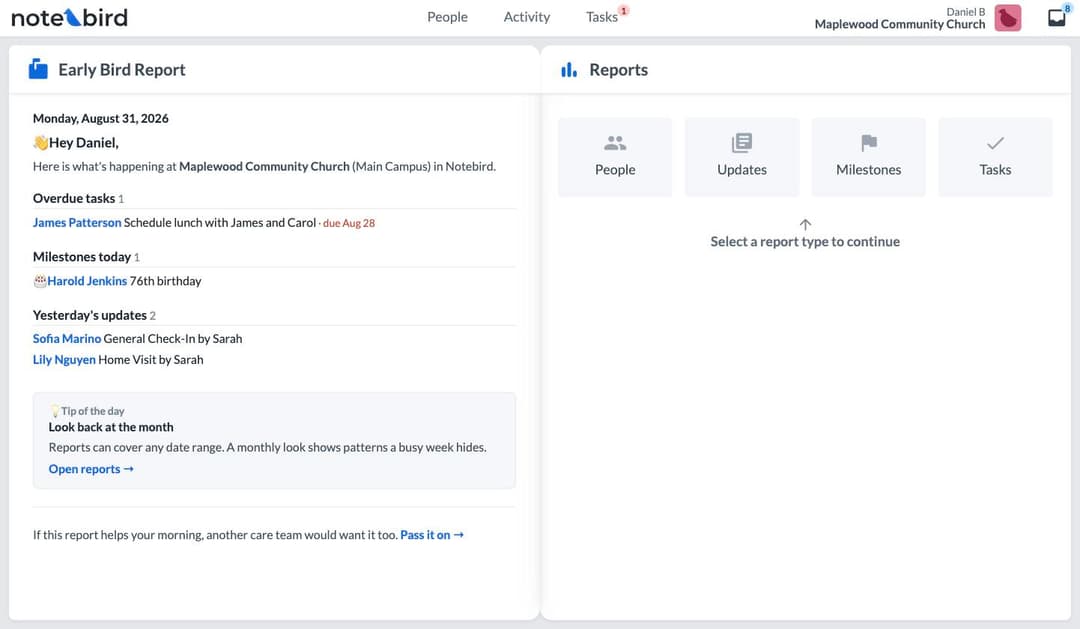
Your daily Early Bird Report now fits how you start the morning. For each of your locations, pick the delivery time and where it arrives: your Inbox, your email, or both. Every report now also lives on the Reports page, so you can pull it back up when the 7am version has scrolled away.
⚡ A Dozen Smaller Things You'll Feel Every Day
The big features get the headlines, but these might be the updates you notice most:
- Search your tasks. The Tasks page now has full search across open and completed tasks. "Who was handling that meal train?" is now a three-second question.
- The care pulse is on for everyone. That subtle colored bar in your People list now shows, by default, when someone has gone a while without a touchpoint. And completing a task now counts as care, not only updates. The thresholds are yours to customize.
- Overdue and due-today tasks always show up. Teams with long task lists could previously miss due-soon tasks in the overview. Fixed.
- Notebird updates itself quietly. No more "refresh to update" prompts. You're always on the newest version, updates wait for a calm moment, and anything you're in the middle of typing or saving stays right where you left it.
- Trial teams can invite teammates. Bring your whole care team into your trial from day one.
- Imports are now smarter. Re-importing a spreadsheet can now merge into your existing data instead of overwriting it, and name matching is much smarter.
- Multi-campus flexibility. Remove a user from one location while keeping them active at the others.
- Longer profile notes, proper dark mode for comments and reactions, and dozens of little touch-ups throughout.
We also spent real time below the waterline: the Early Bird Report, Planning Center sync, recurring tasks, and role management all got reliability improvements.
❤️ Know Someone Who Needs This?
Most churches find Notebird because a pastor down the road mentioned it. So we made mentioning it easier.
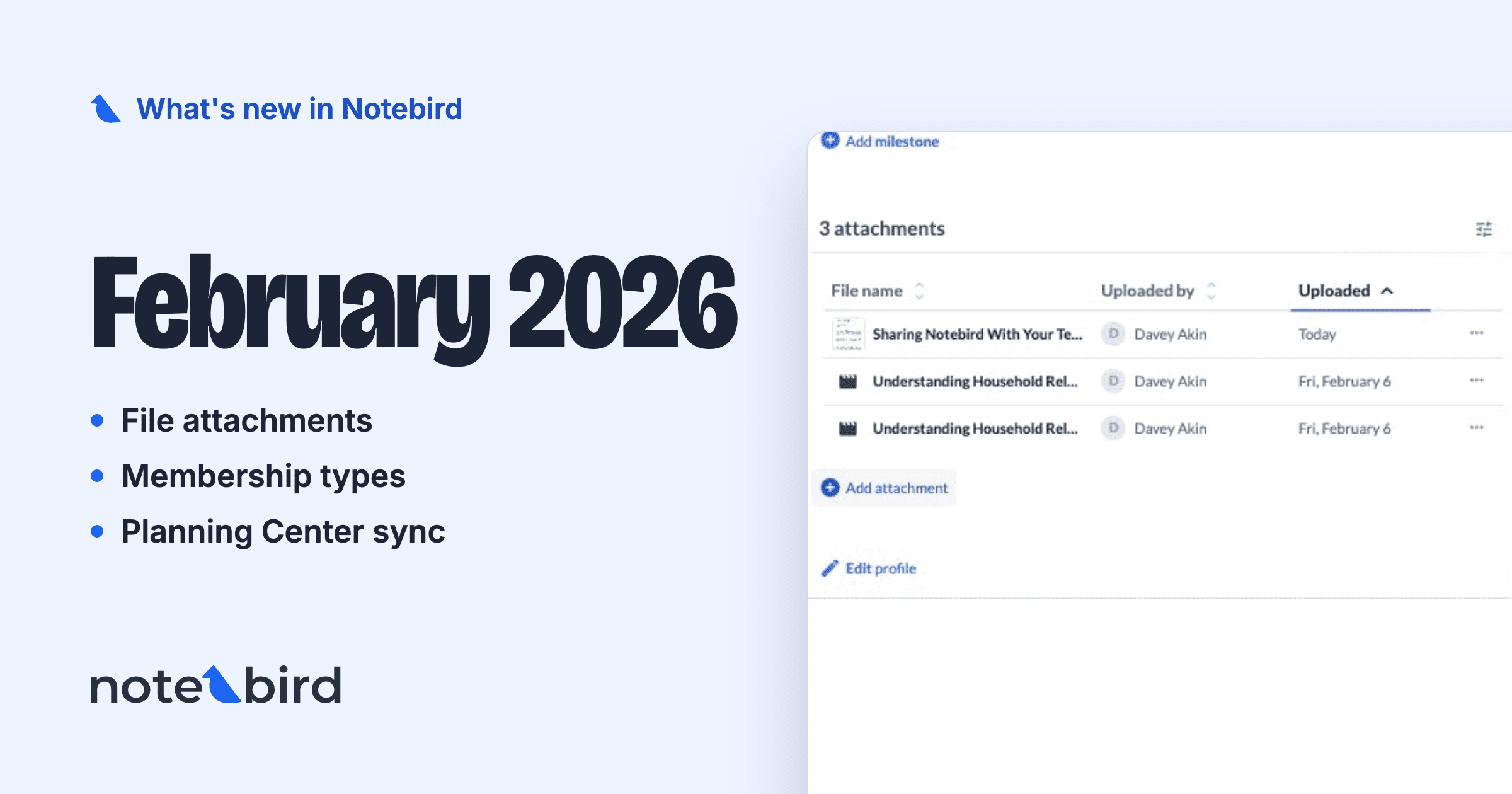
Open your user menu and tap Share Notebird. You can send a colleague a personal email invitation, copy your own share link for a text or a Facebook group, or share directly to the places your pastor friends already are. If Notebird has helped your team care well, we would love your help passing it on.
🔮 A Sneak Peek at What's Next
We're already building the next round, and it includes some things you've been asking about for a long time:
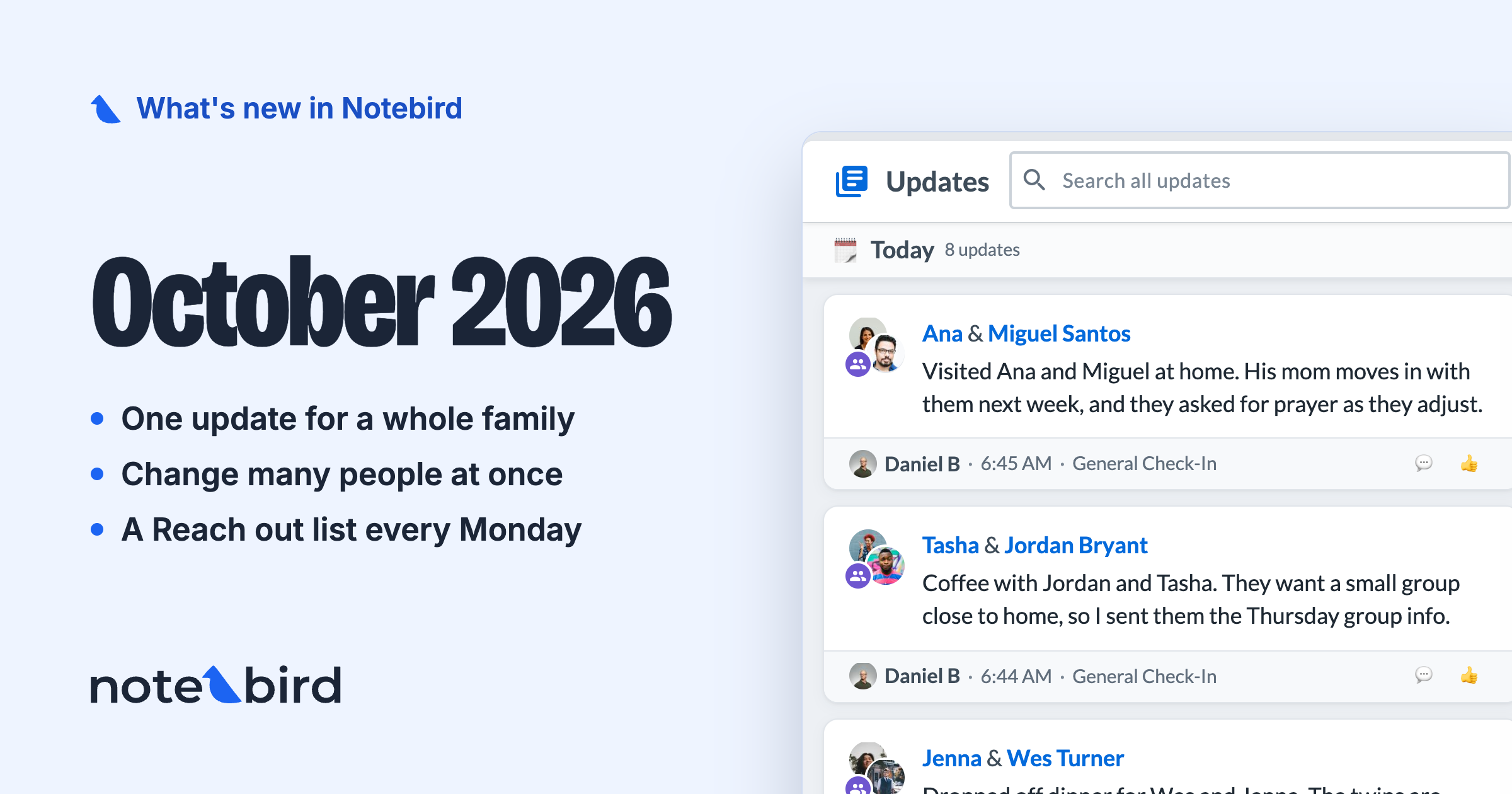
- Household updates, so one visit or call can be logged for a whole family at once
- A native mobile app for your phone
- Bulk operations, for when you need to make a change across many people at once
And more. We can't wait to show you.
🙌 Try It All Today
Everything above is live in every Notebird account, on every plan. Log in, open the new inbox tray at the top, and leave your first comment. We think the conversation will take it from there.
Not on Notebird yet? Start your free 14-day trial, no credit card required, and bring your team with you: https://my.notebird.app/signup
Tried Notebird a while back? A lot has changed. Email us or start a chat in the app and we'll reset your trial so you can see it all fresh.
💬 We're Listening
Almost everything in this release started as a message from someone like you. Comments, mentions, notification controls: you asked, in surveys, in support chats, and in hallway conversations at conferences. Your feedback is our roadmap.
So keep it coming. If there's a feature or a small tweak that would help your team care for people better, tell us. We read every message.
To caring well together,
Thomas & The Notebird Team